EVAUNIT02

弐 · Creation / Electronics

CreationElectronics

I'm working on building a breadboard general-purpose computer as an exercise in learning electronics.

All computers begin with a timer. So, this is my Texas Instruments LM555CN timer with a potentiometer to control the timing rate.

Astable 555 Timer

Here's the circuit diagram.
Astable timer circuit diagram
Astable timing circuit diagram.

I will also want to be able to step through instructions being executed; so, I have a second, monostable, 555 timer with a button to activate a clock tick.

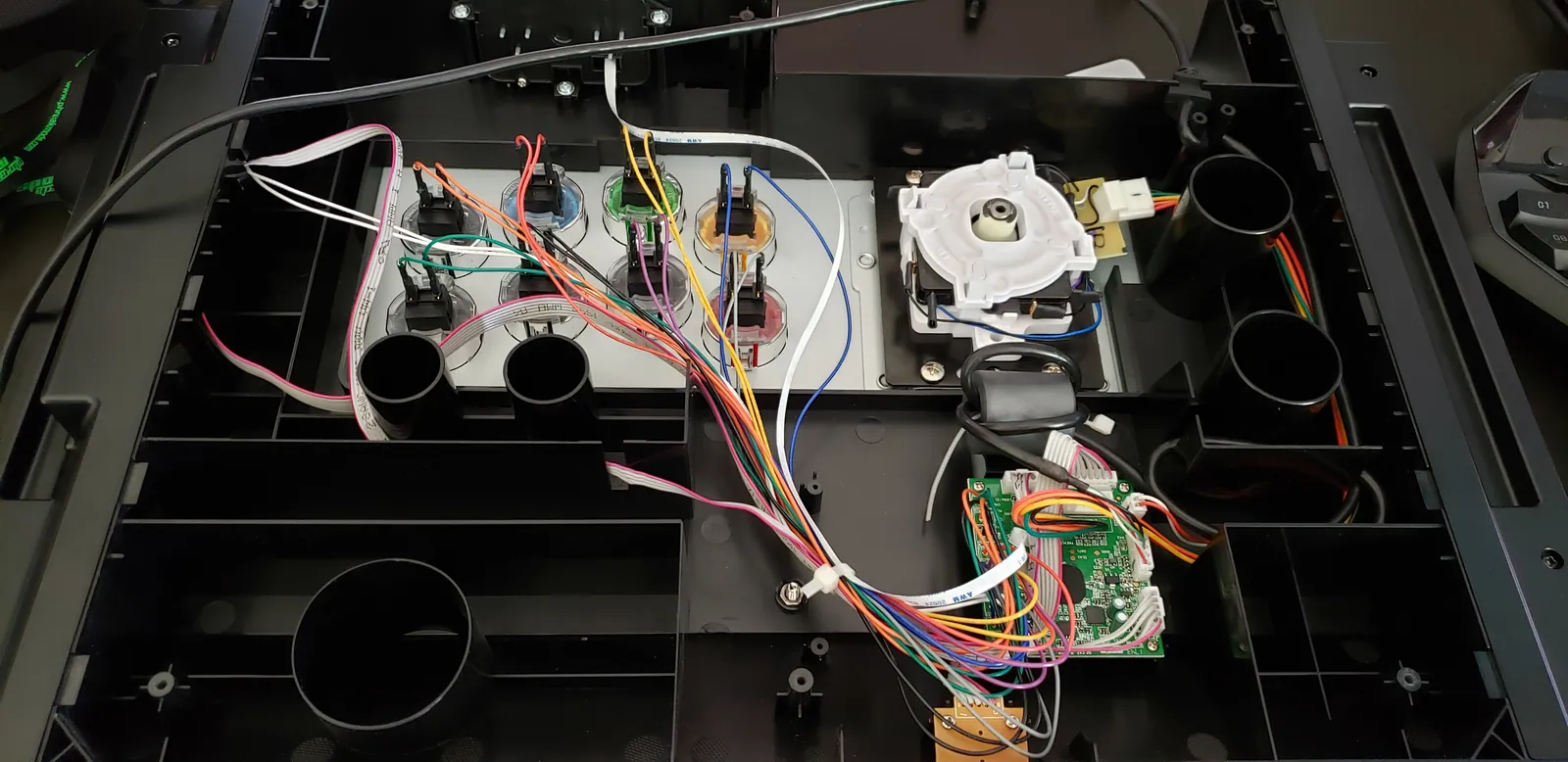
Monostable 555 timer

Here's the circuit diagram.
Monostable timer circuit diagram
Monostable timing circuit diagram.

In order to switch between the two timers, I have a third, bistable, 555 timer where I'm leveraging its flip-flop as a debounce circuit for a switch. This will ultimately connect the previous two timers and switch between them.

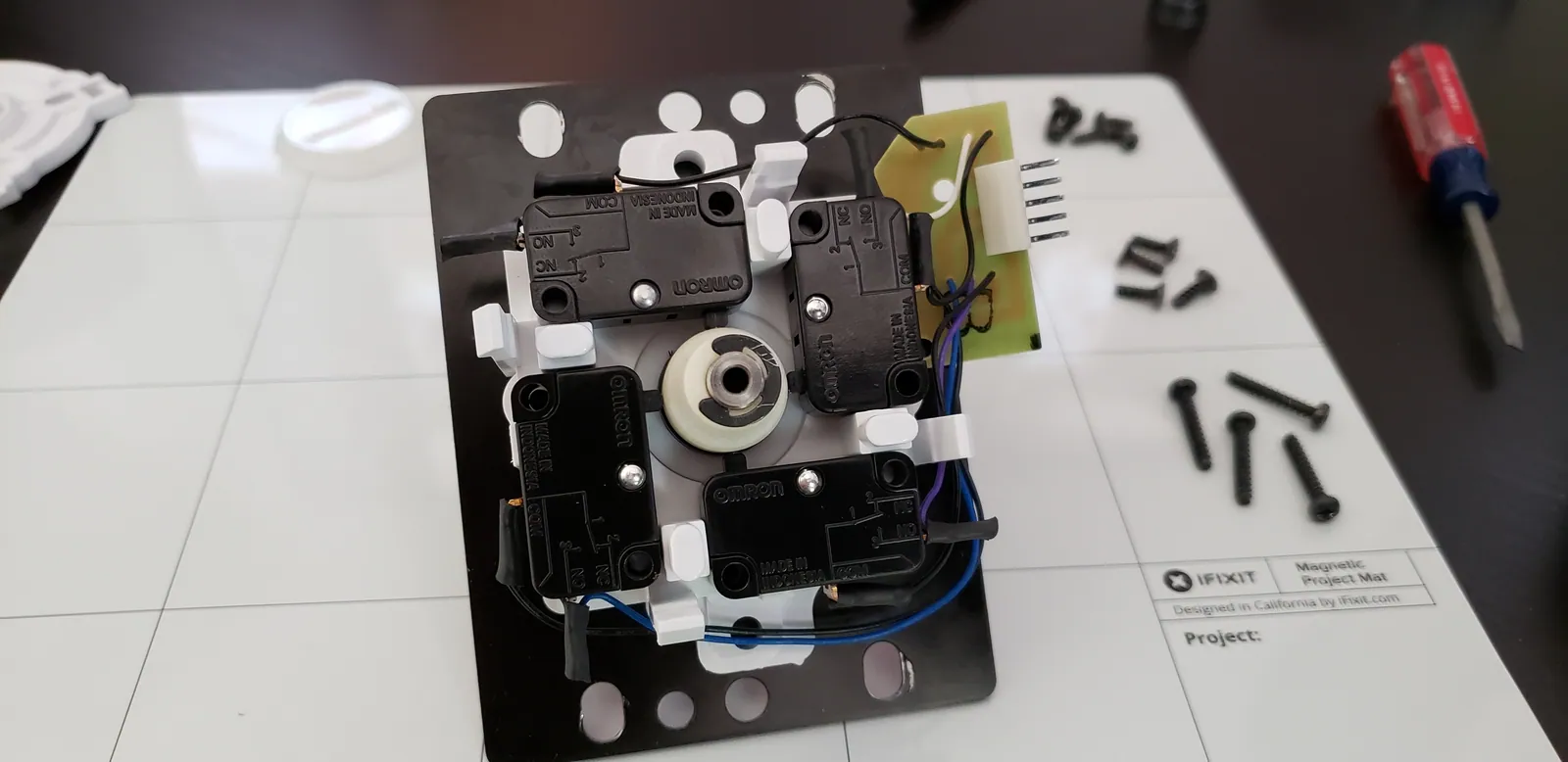
Bistable 555 timer

Here's the circuit diagram.
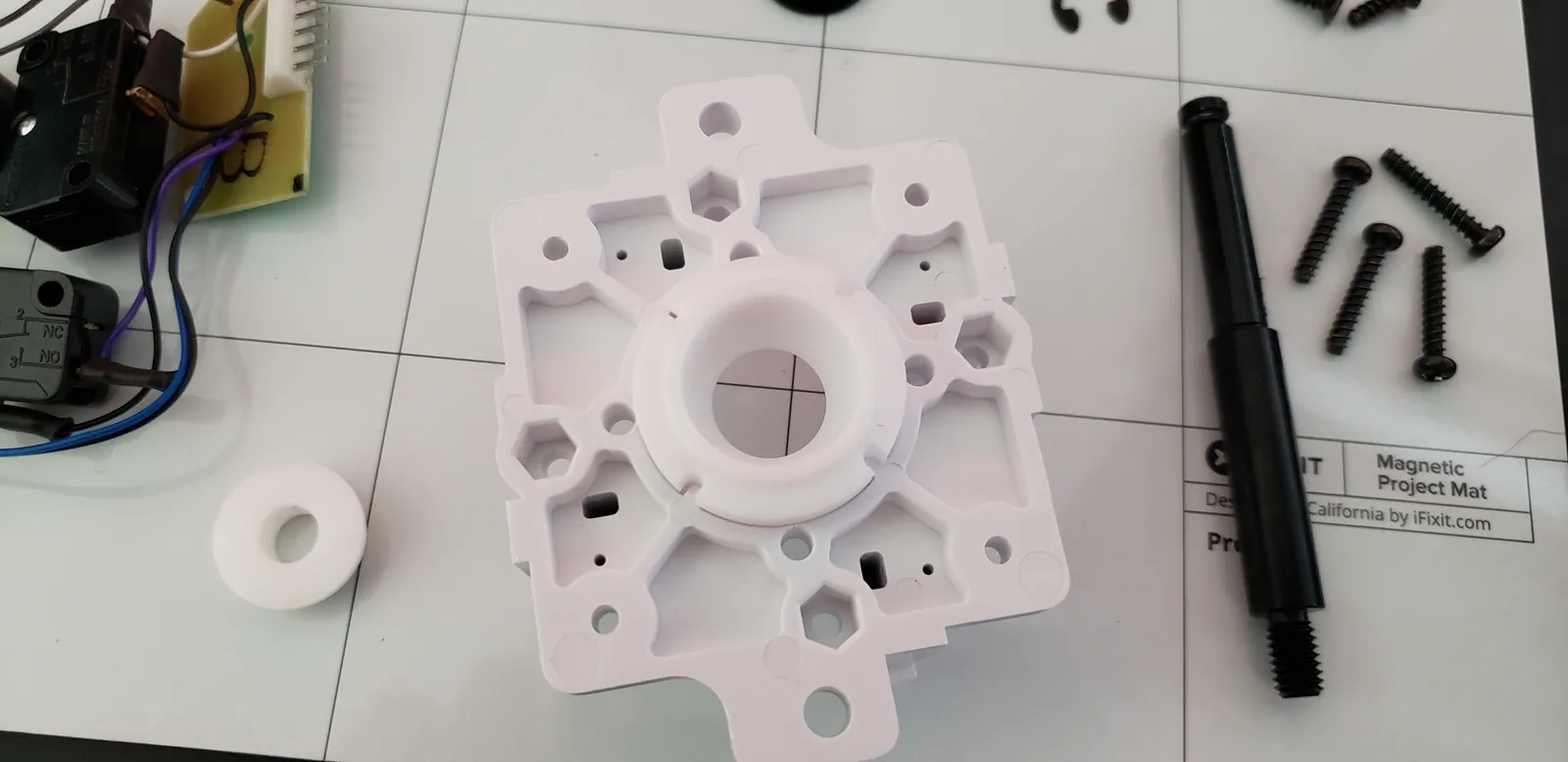
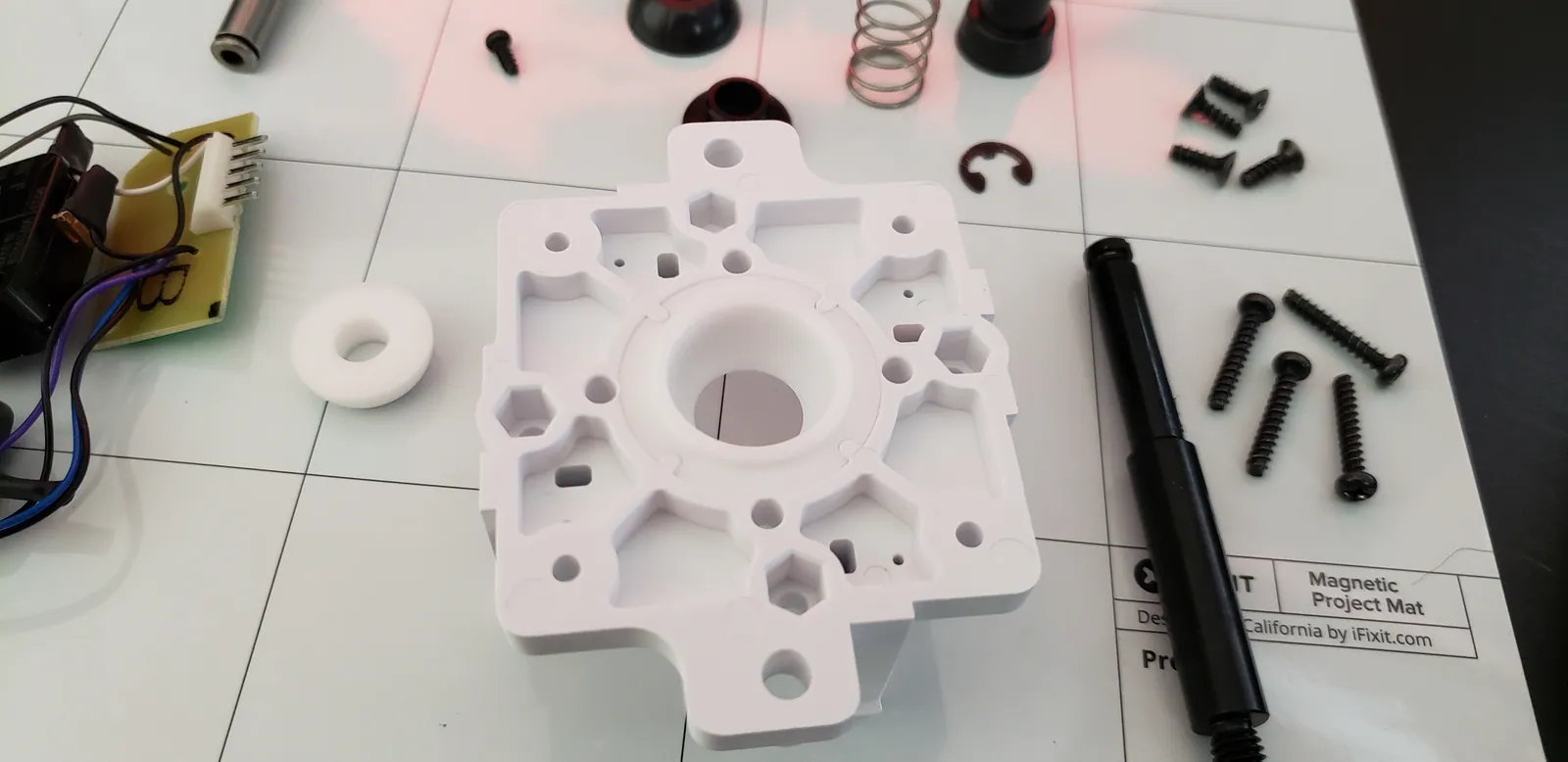
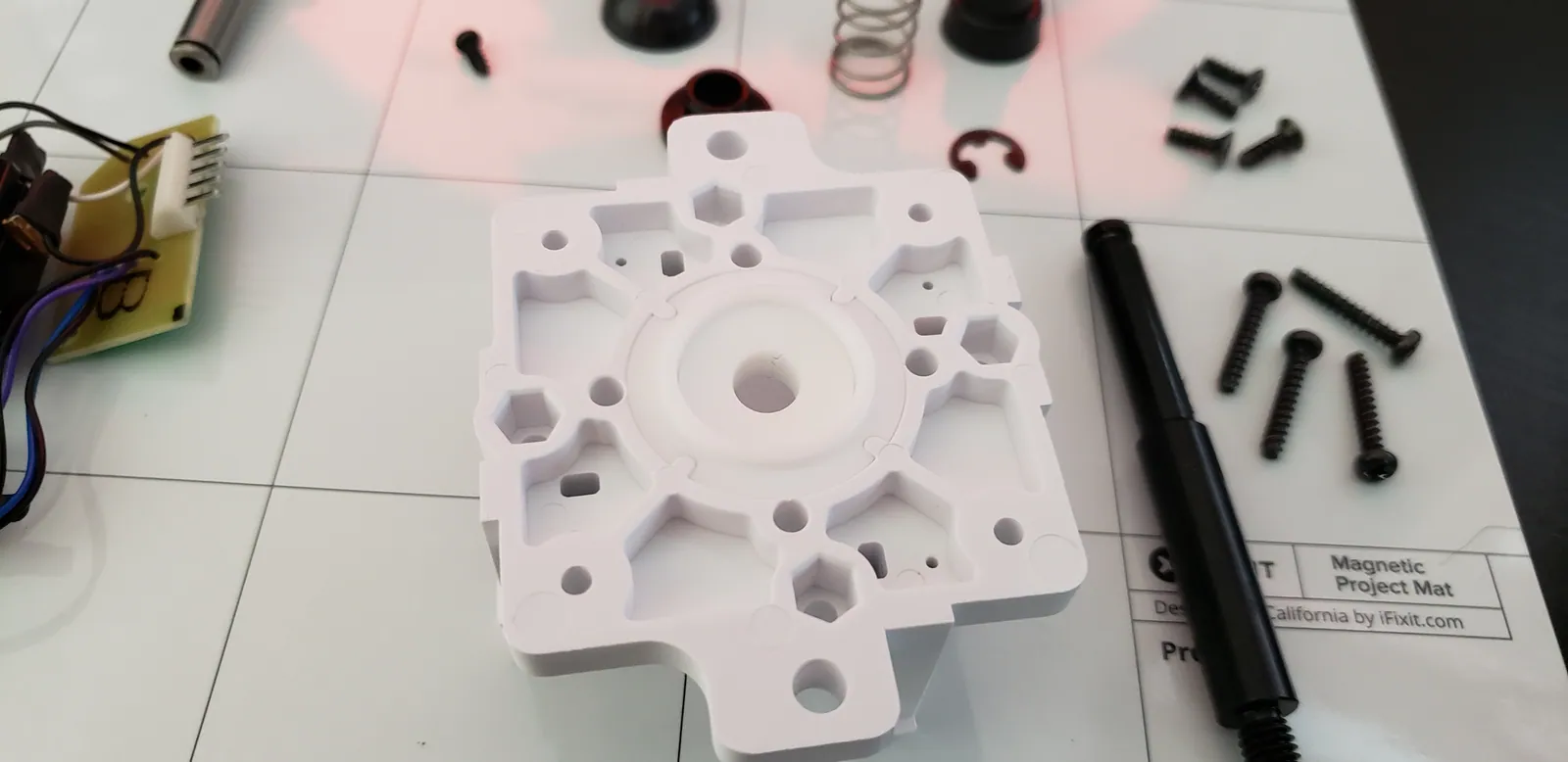
Bistable timer circuit diagram
Bistable timing circuit diagram.

Finally, I used three more TI packages for logic gates to hook it all up. The SN74LS04 is a package of inverters. The SN74LS08 is a package of AND gates. The SN74LS32 is a package of OR gates.

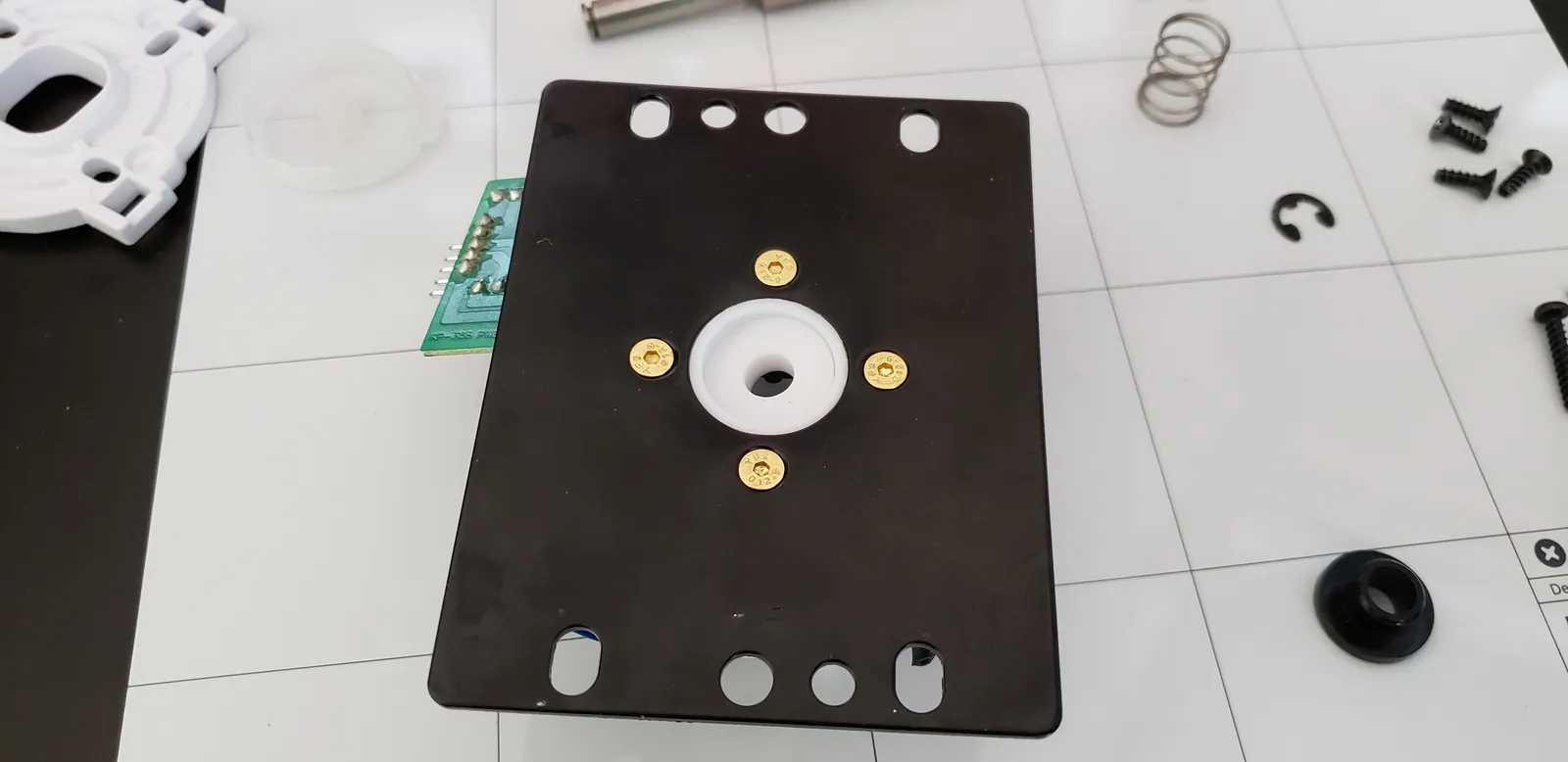
Now, the switch on the bistable circuit will switch between the astable clock and the monostable clock. So, I can run the computer like normal (astable) or step through code (monostable). There's also a halt line that will stop the clock altogether.

Completed clock

Here's the circuit diagram.
Bistable timer circuit diagram
Completed clock circuit diagram (obfuscating the 555 diagrams which are shown above)

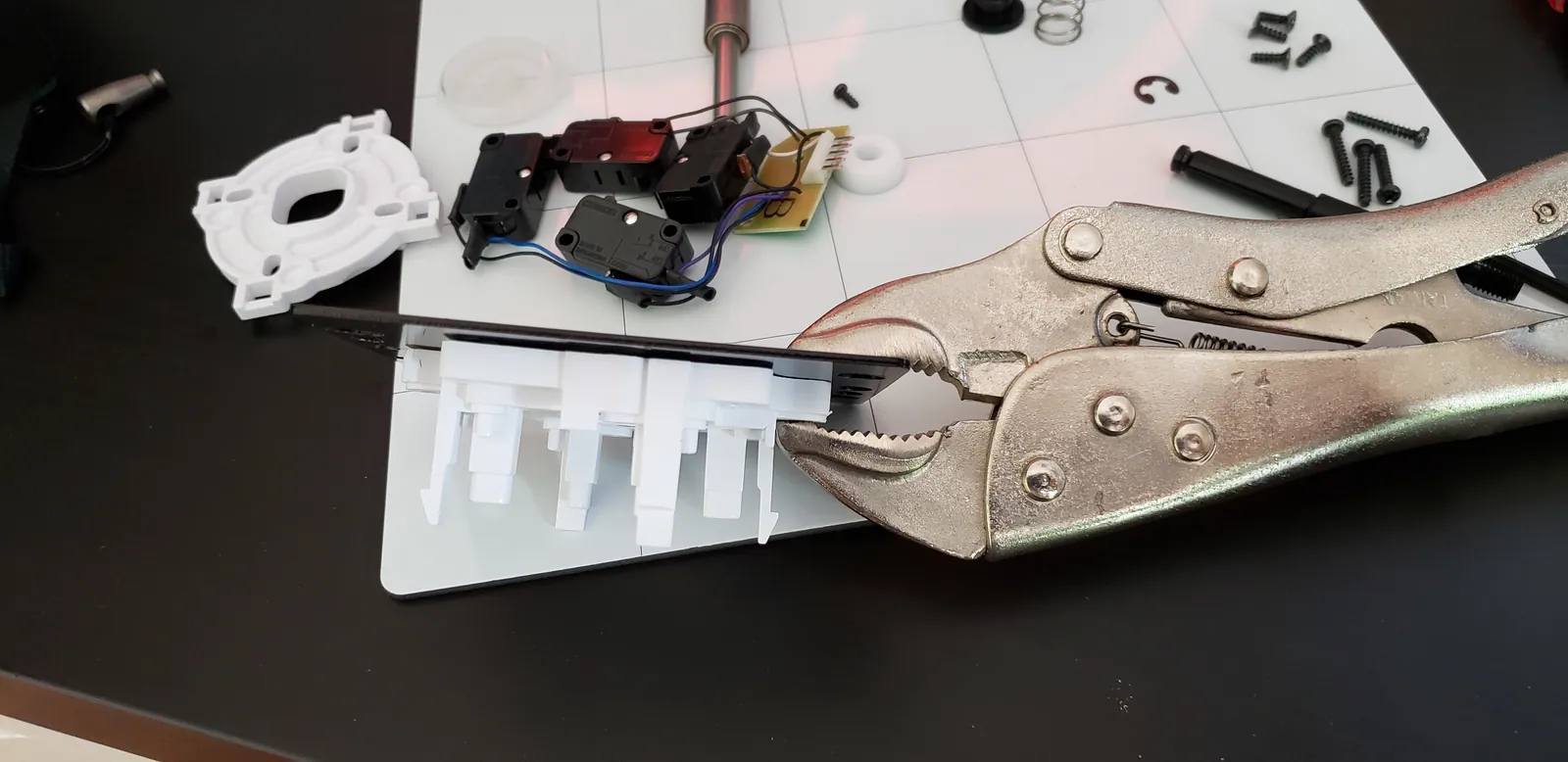
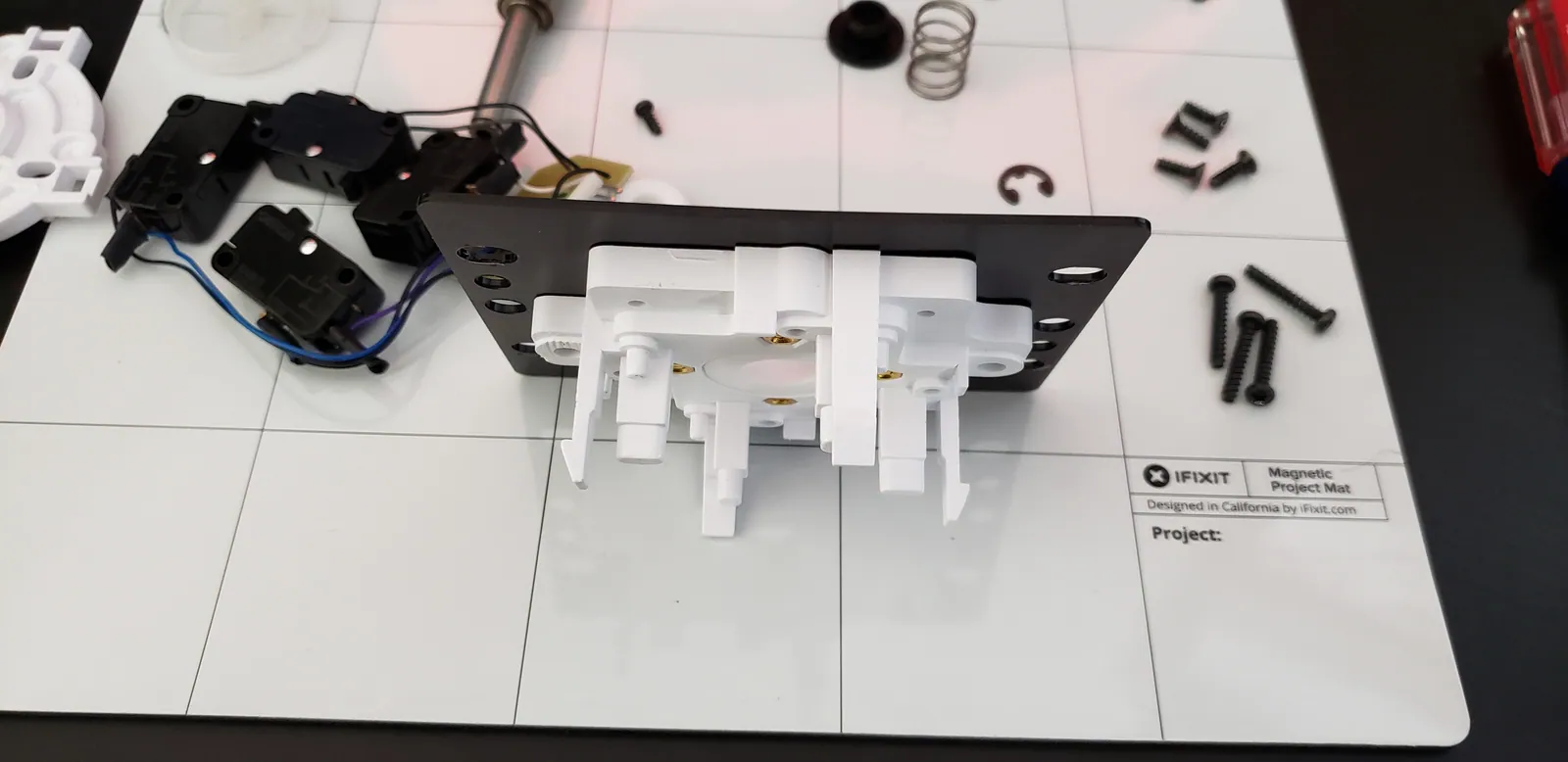
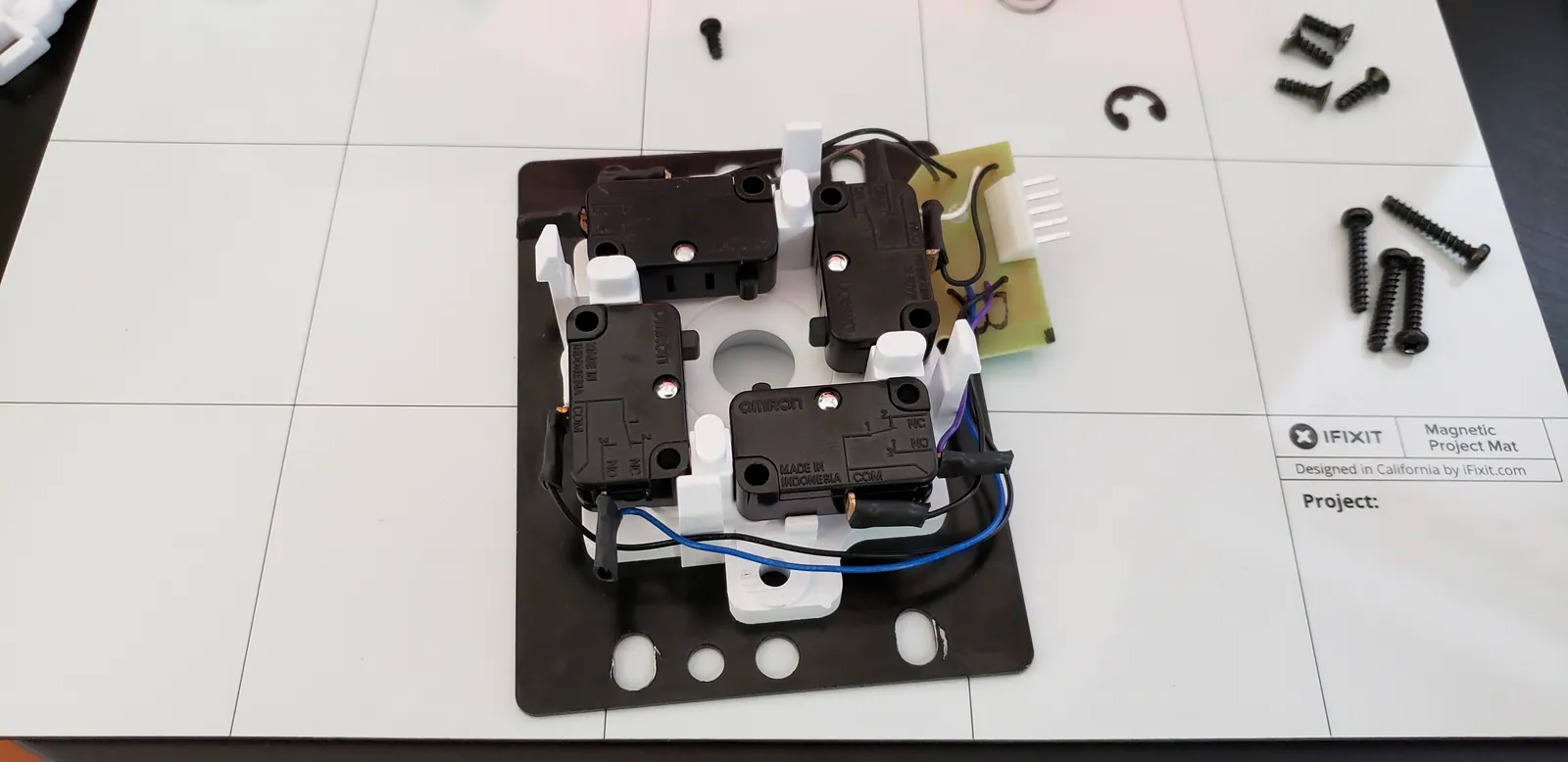
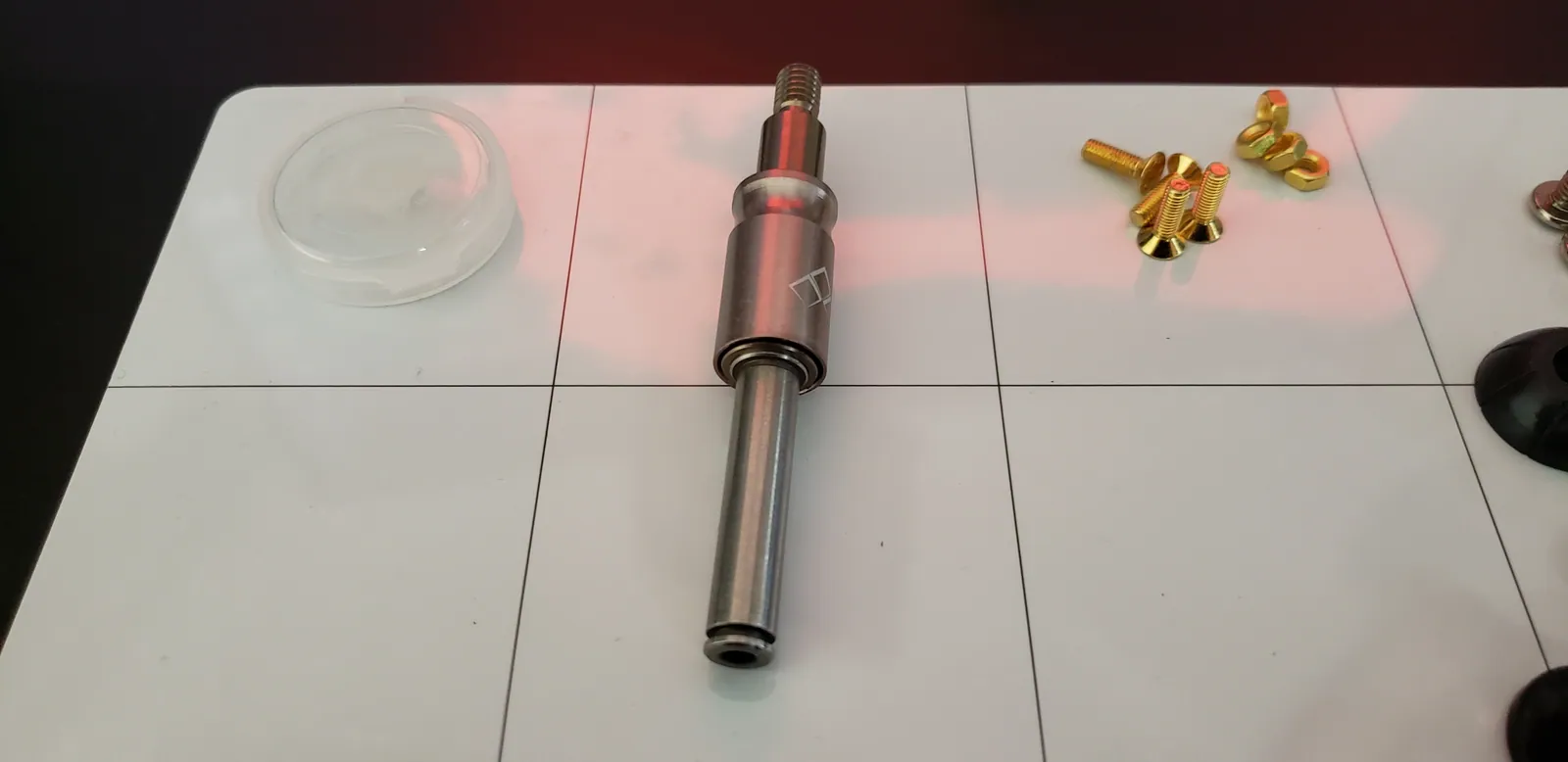
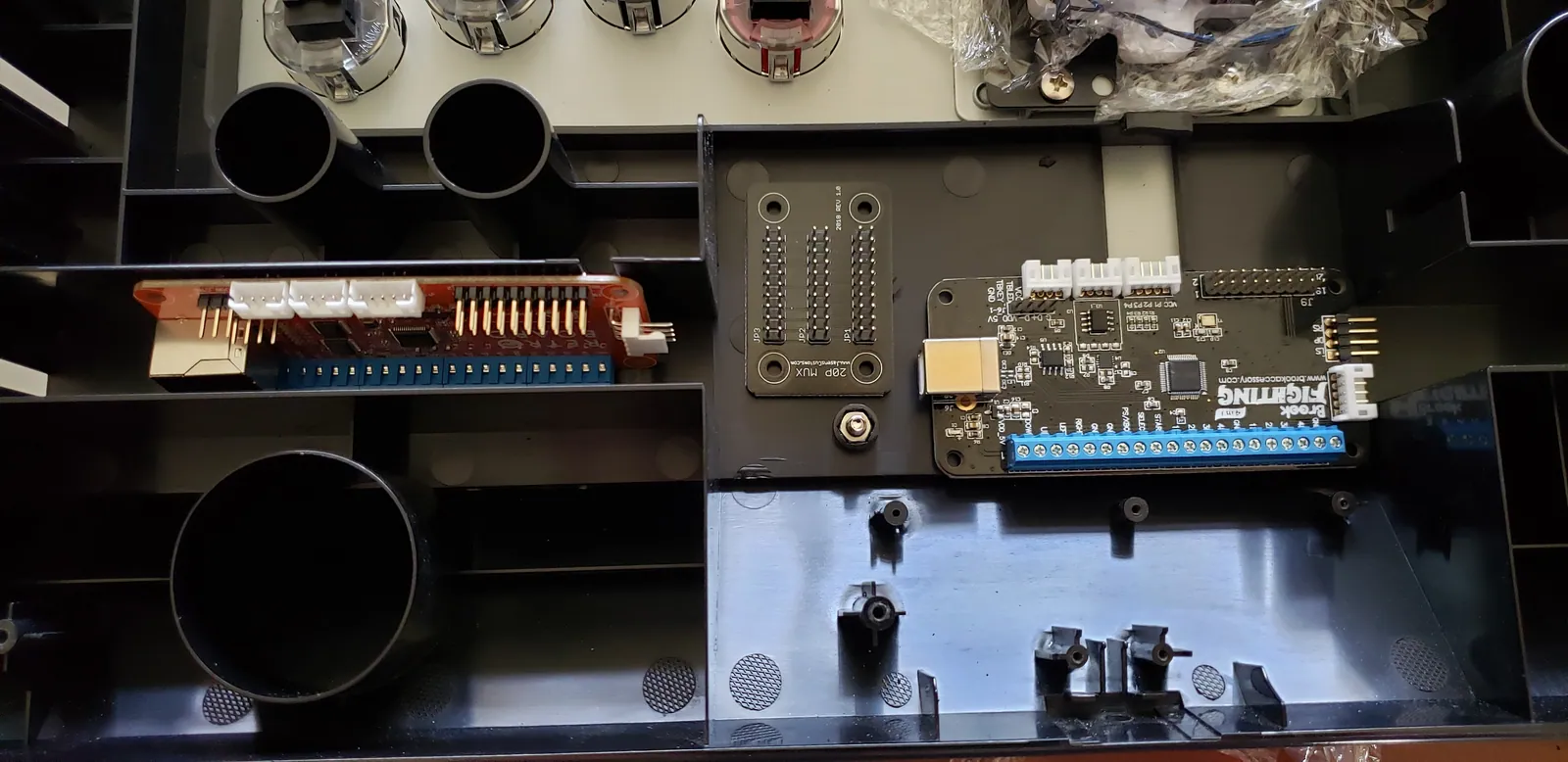
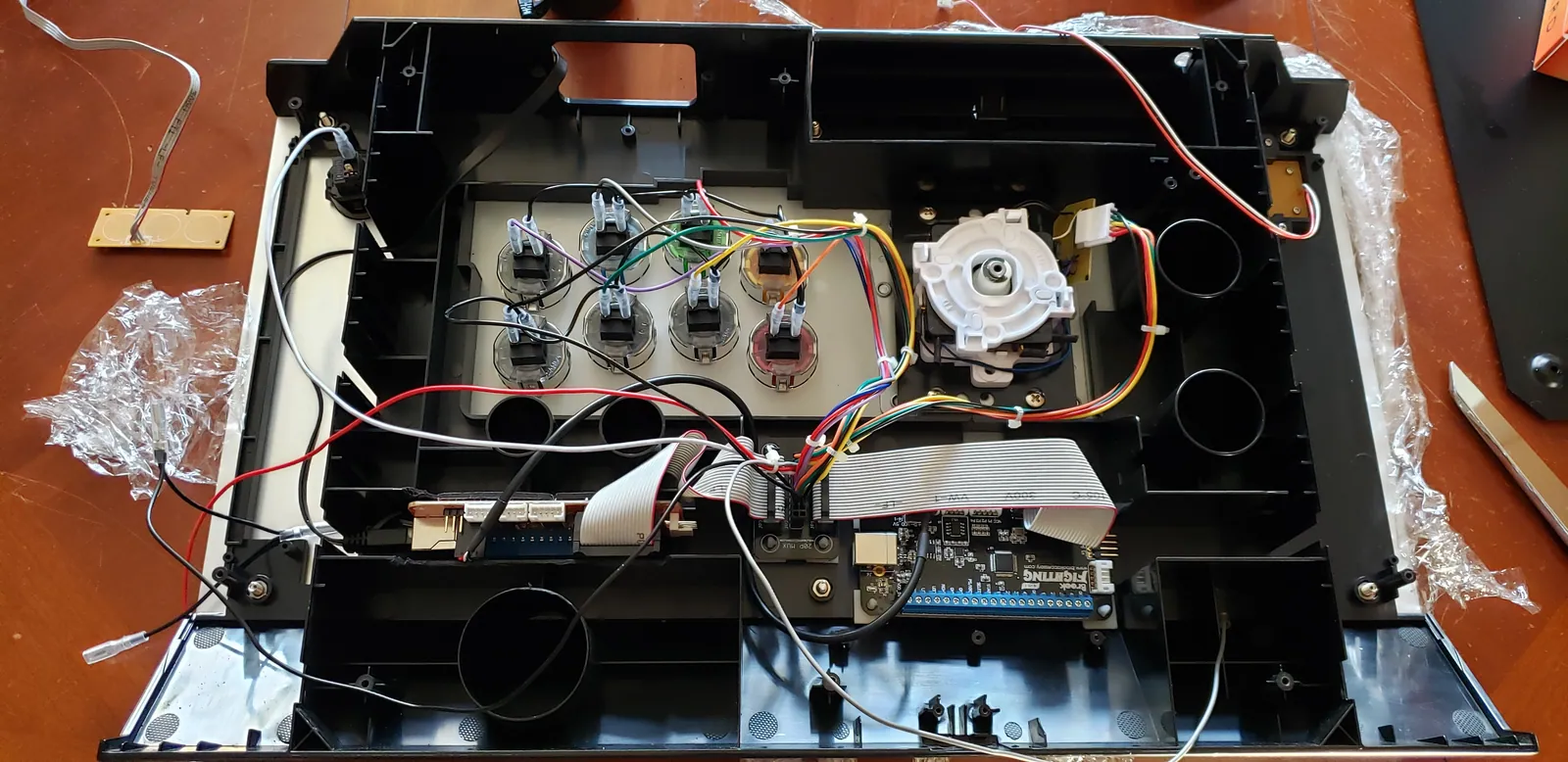
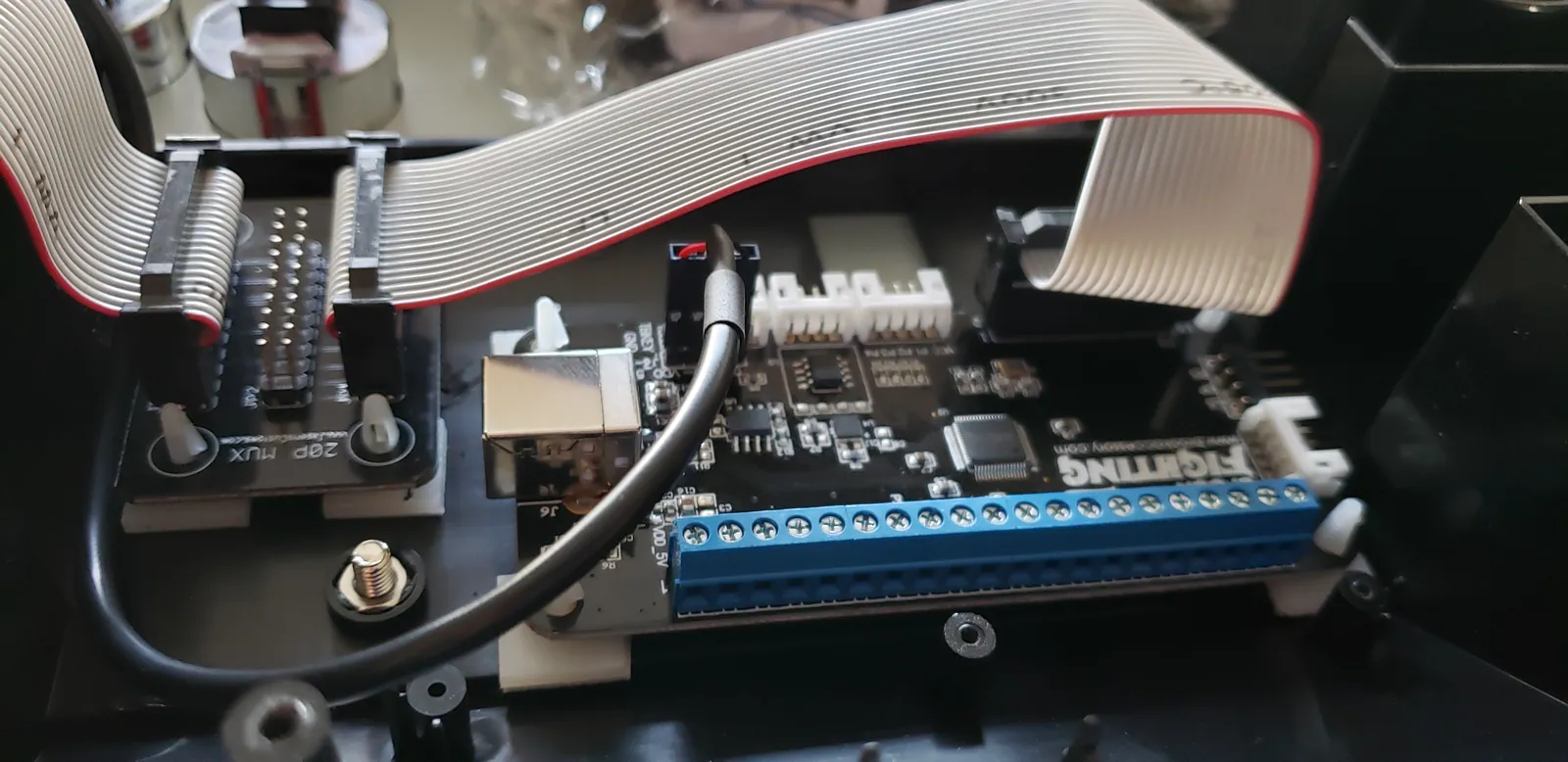
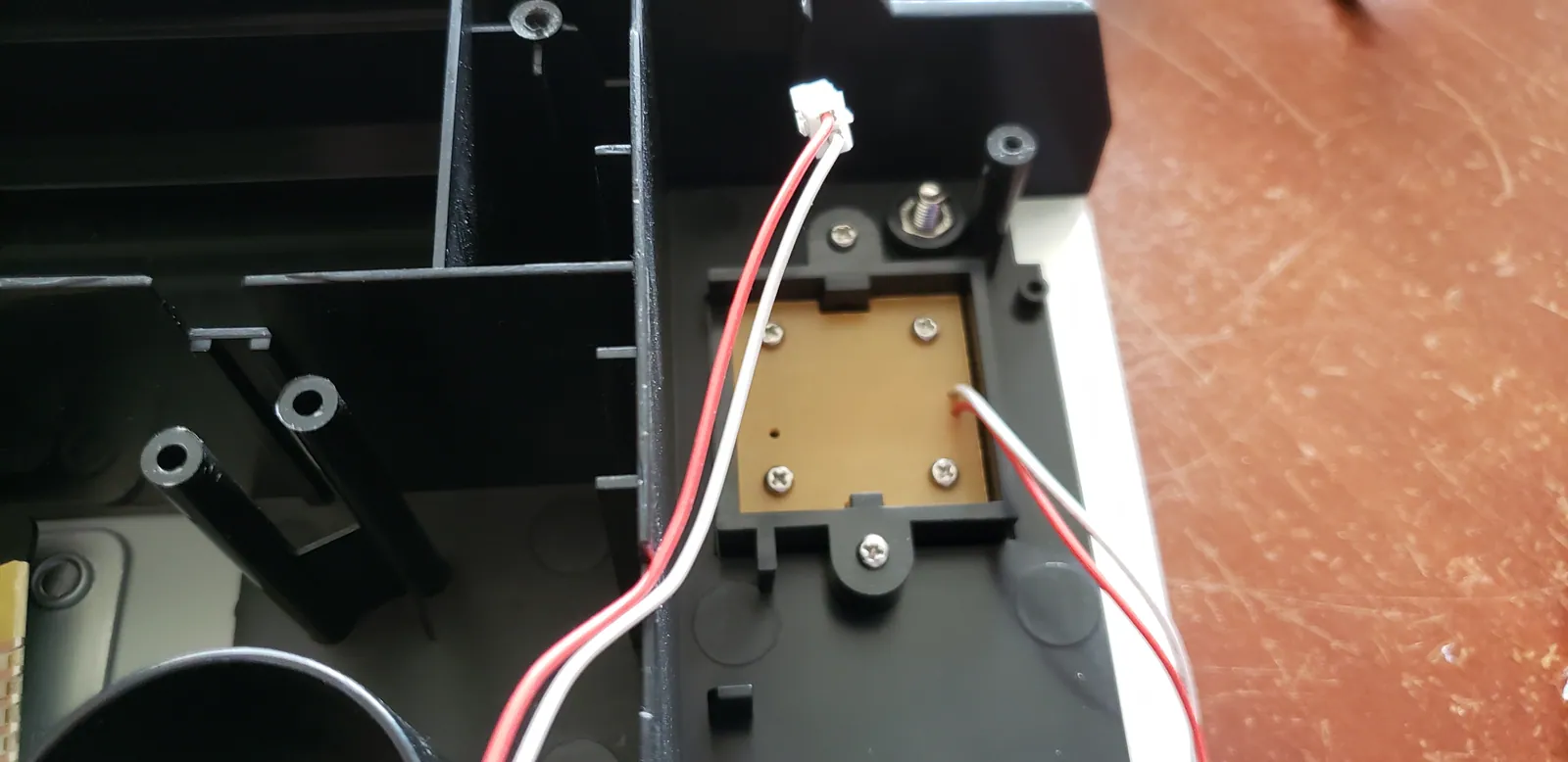
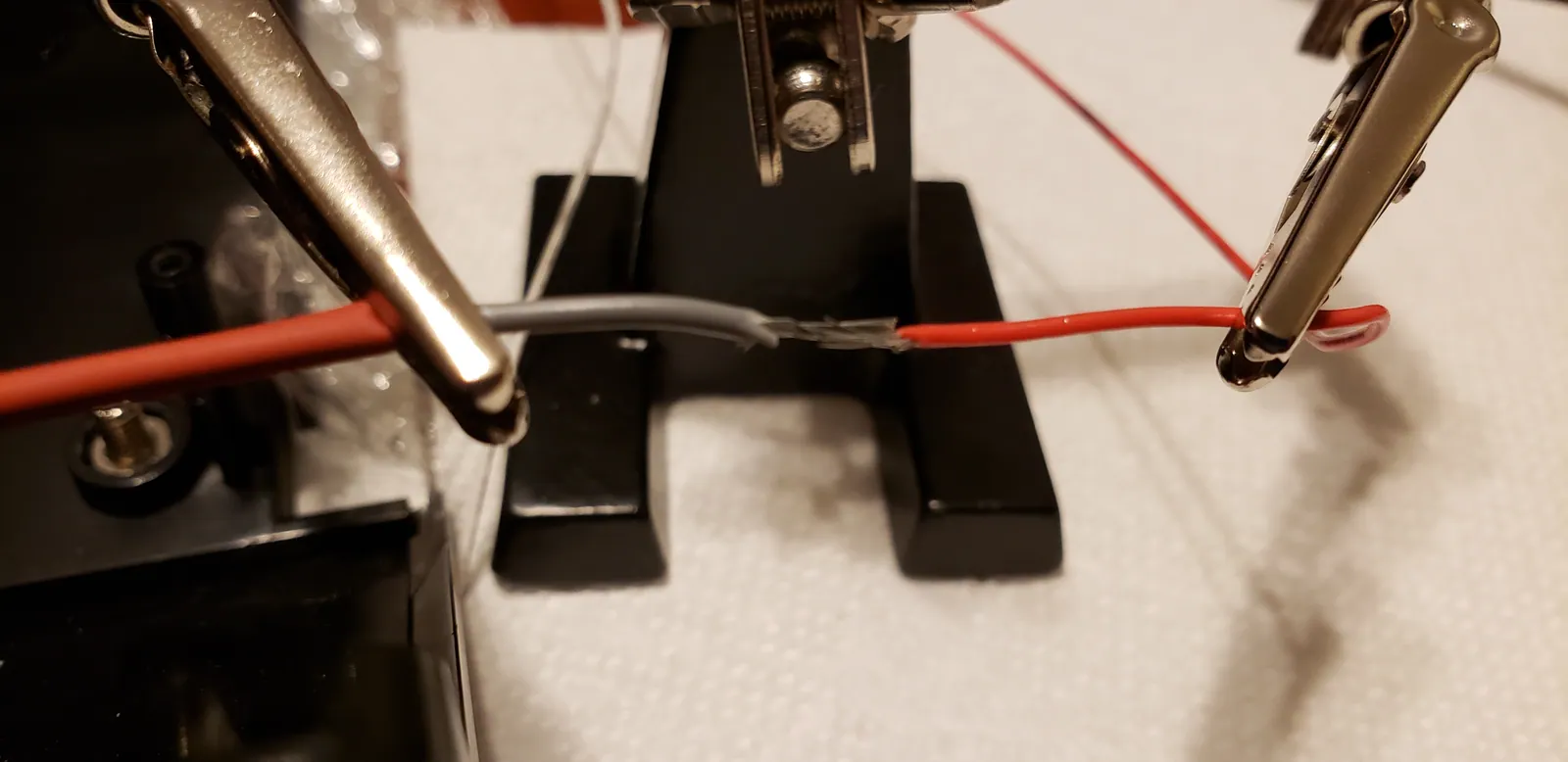
I've also modified my primary arcade stick with new components including two control boards. Here are the galleries of those modifications.

Hori Fighting Edge Mod

36 photos

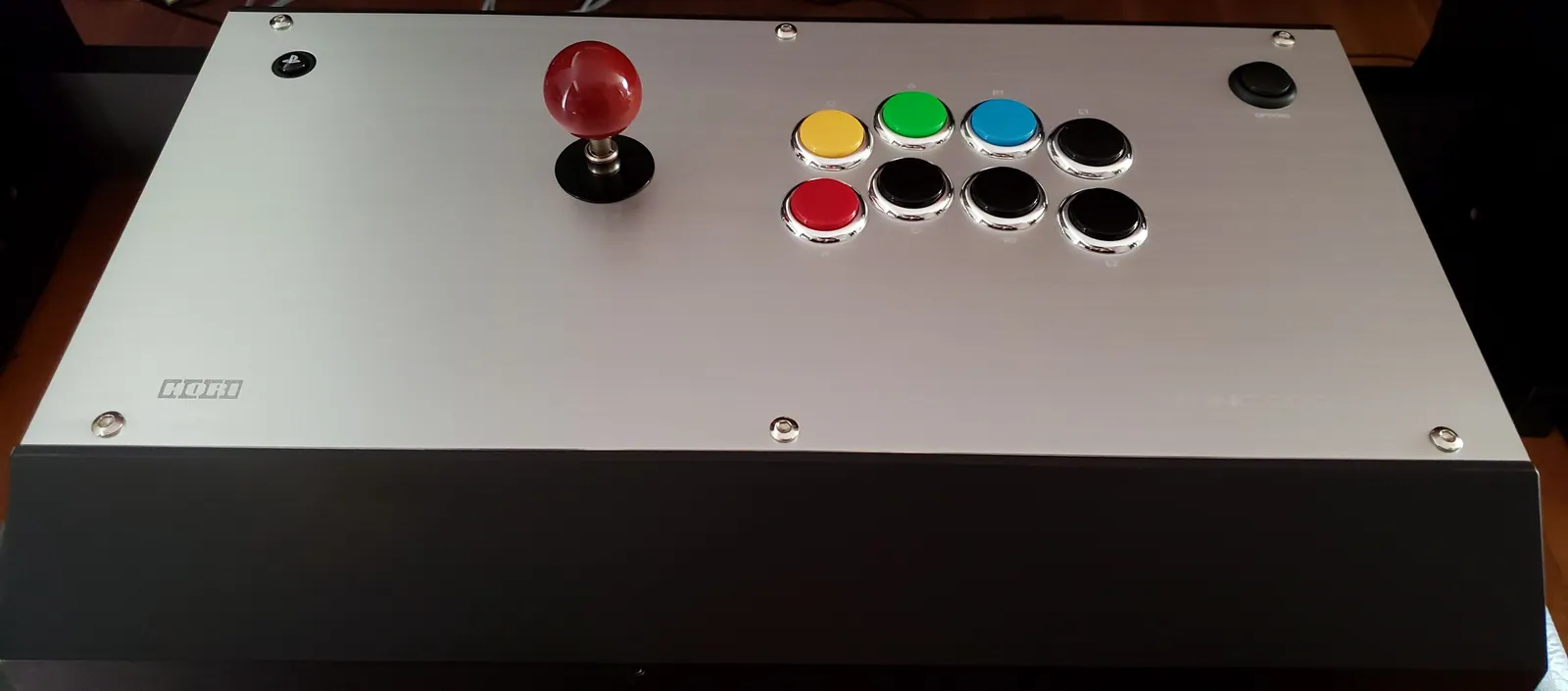
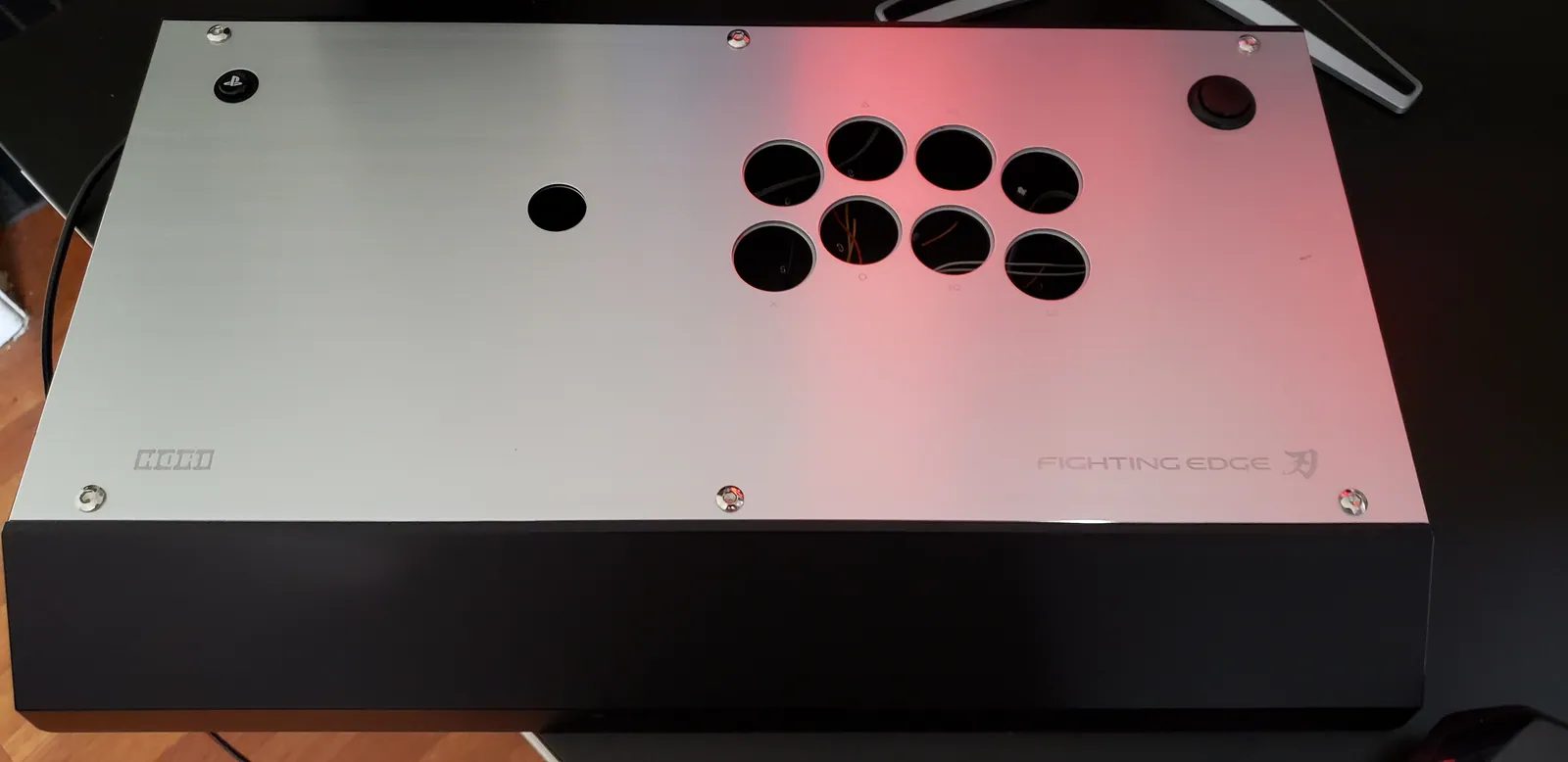
  1. I decided to mod my Hori Fighting Edge. I didn't really find any tutorials on how to mod a Hayabusa specifically; so,...
  2. I like the Hayabusa lever. The Hayabusa buttons are fine but I decided to swap them out with Sanwa OBSFs for two reas...
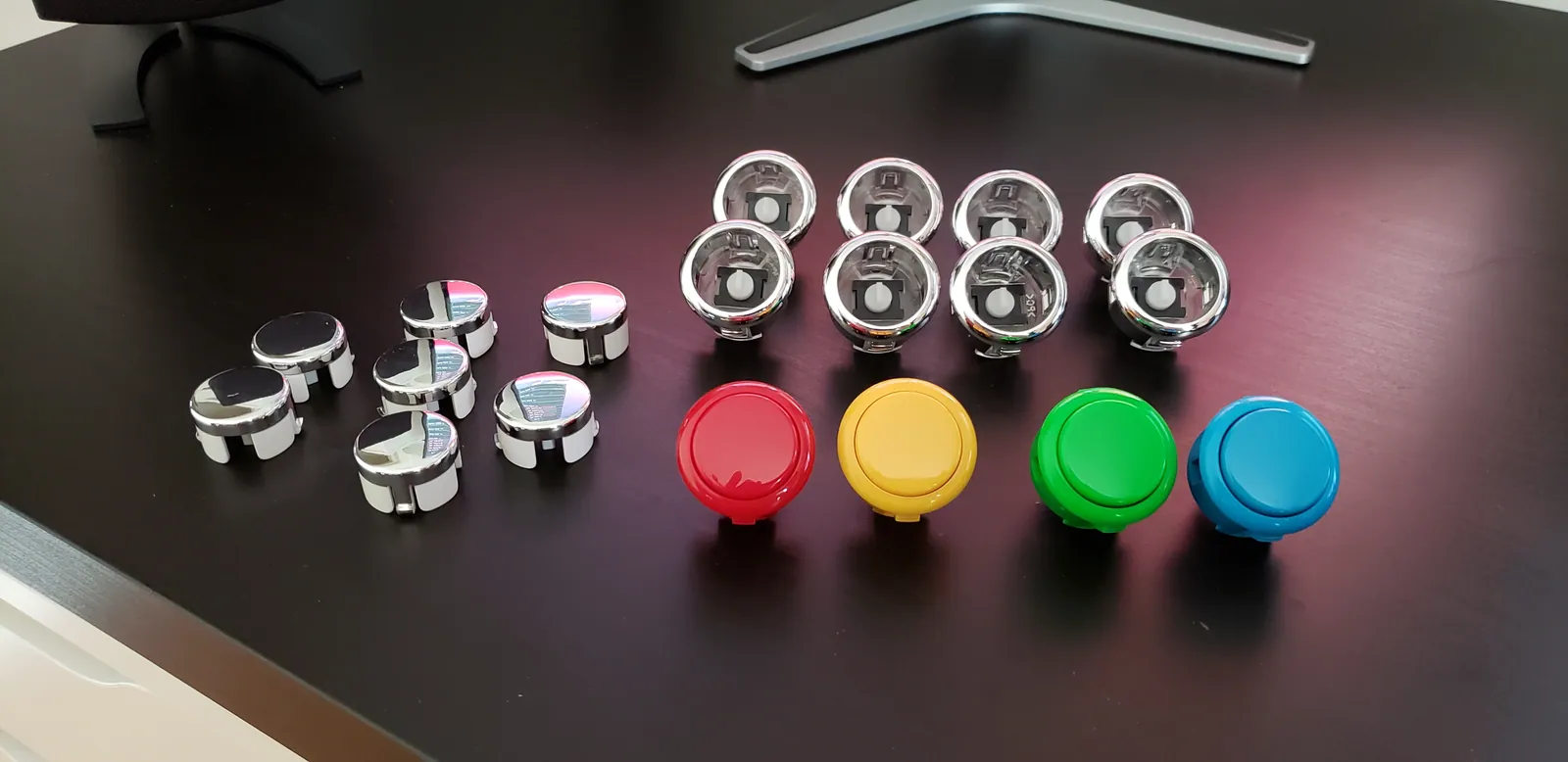
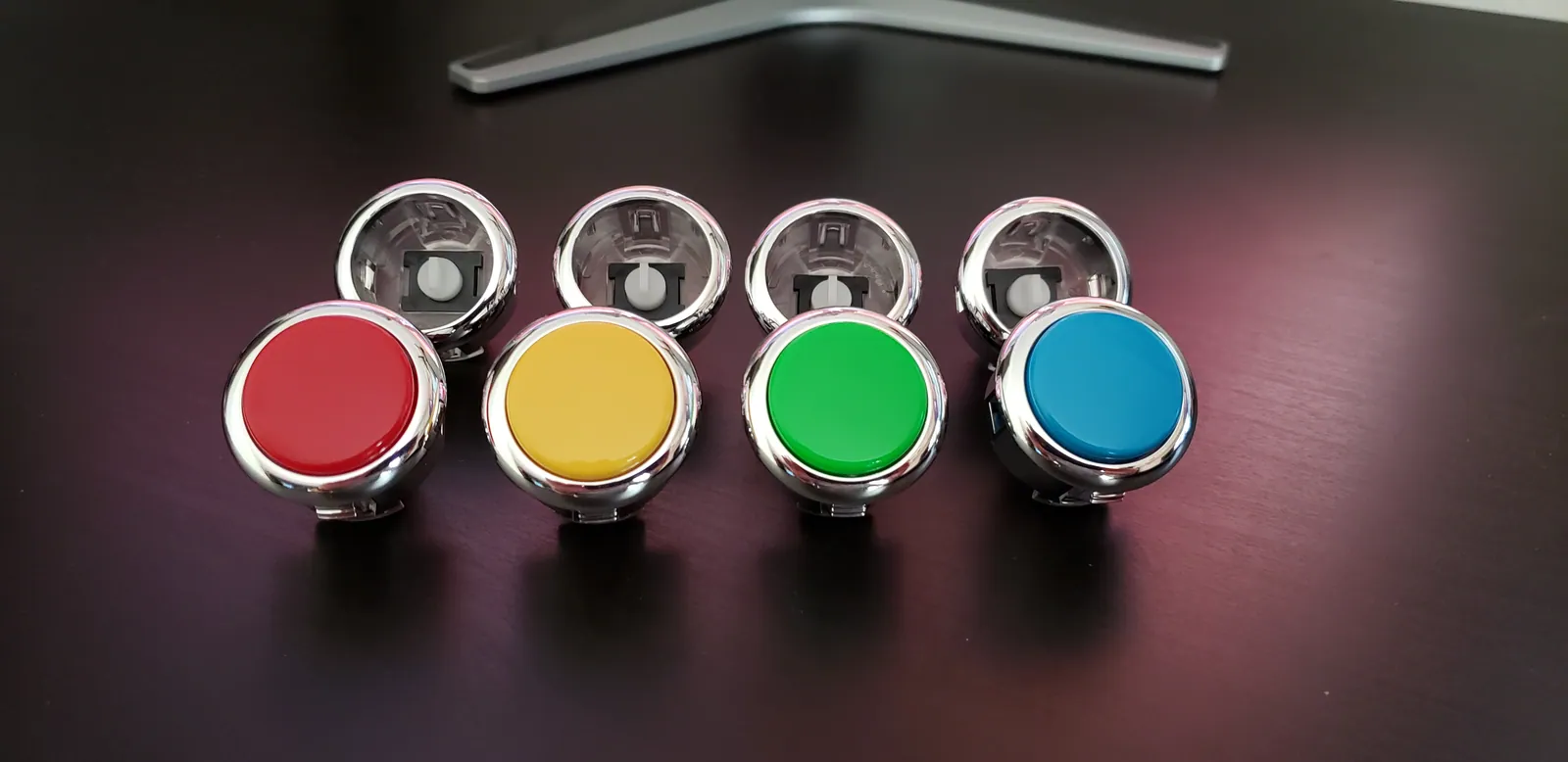
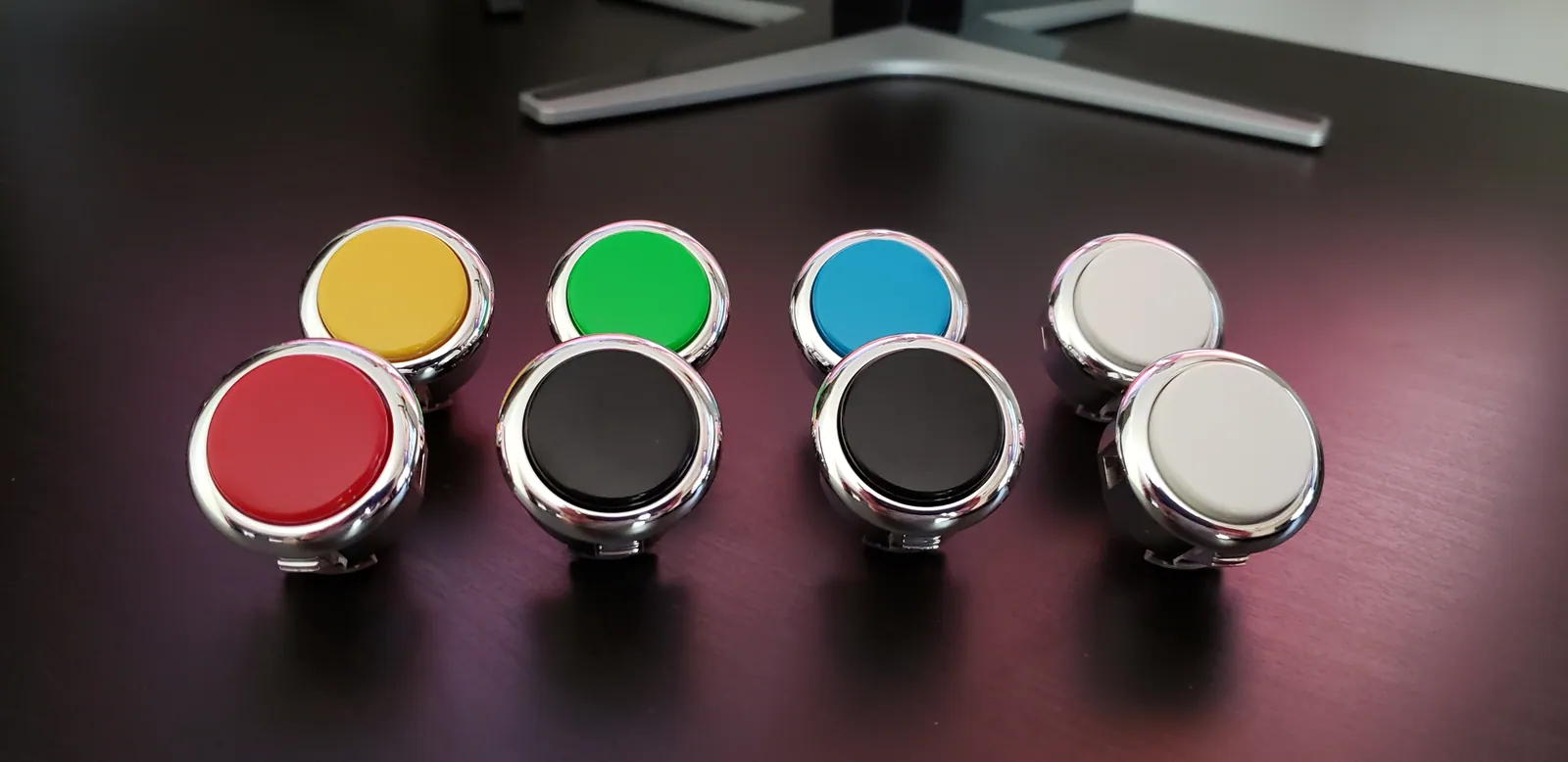
  3. I want an old-school Neo Geo arcade look so I'm going to replace four of the buttons with the original MVS arcade col...
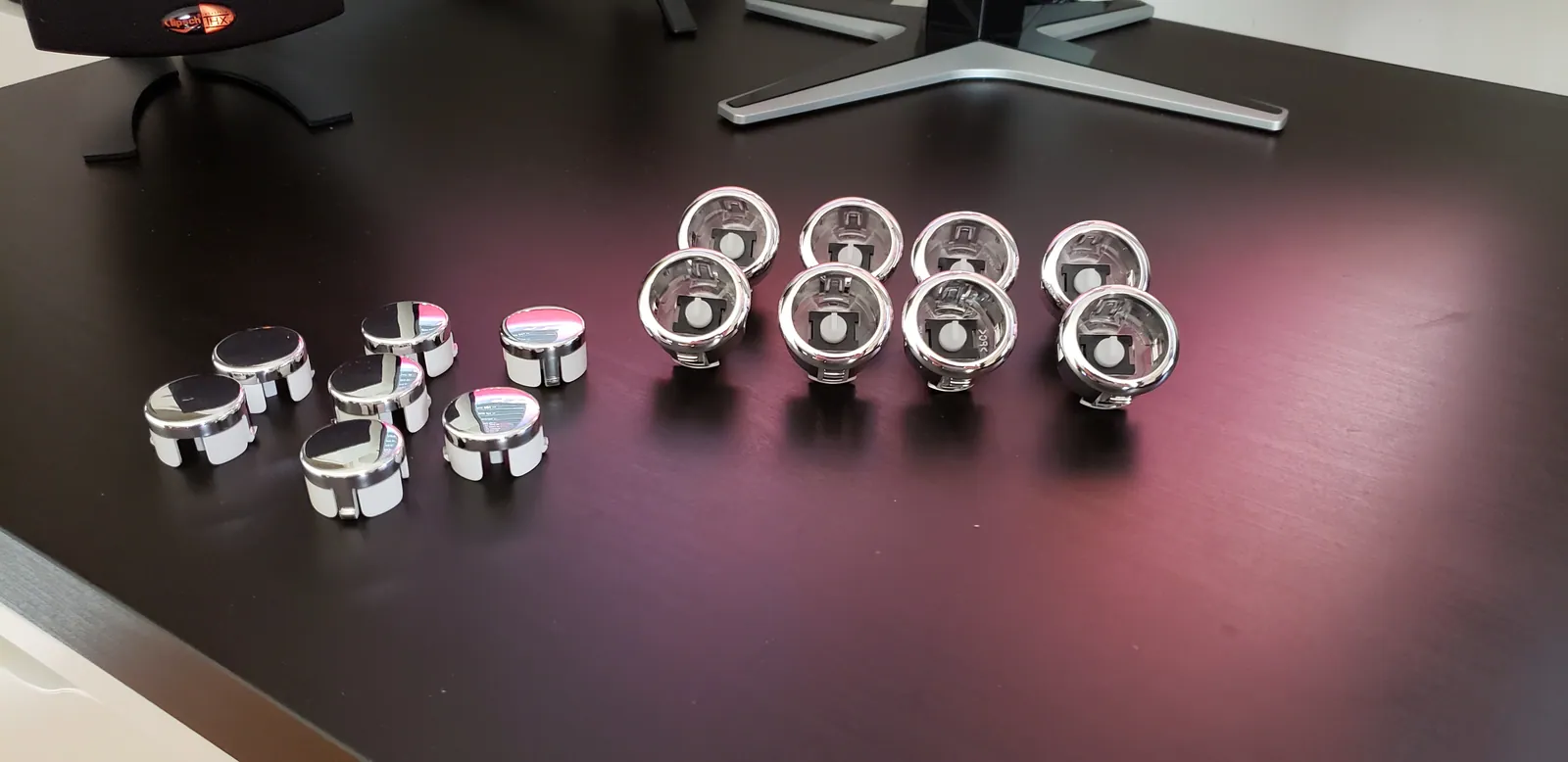
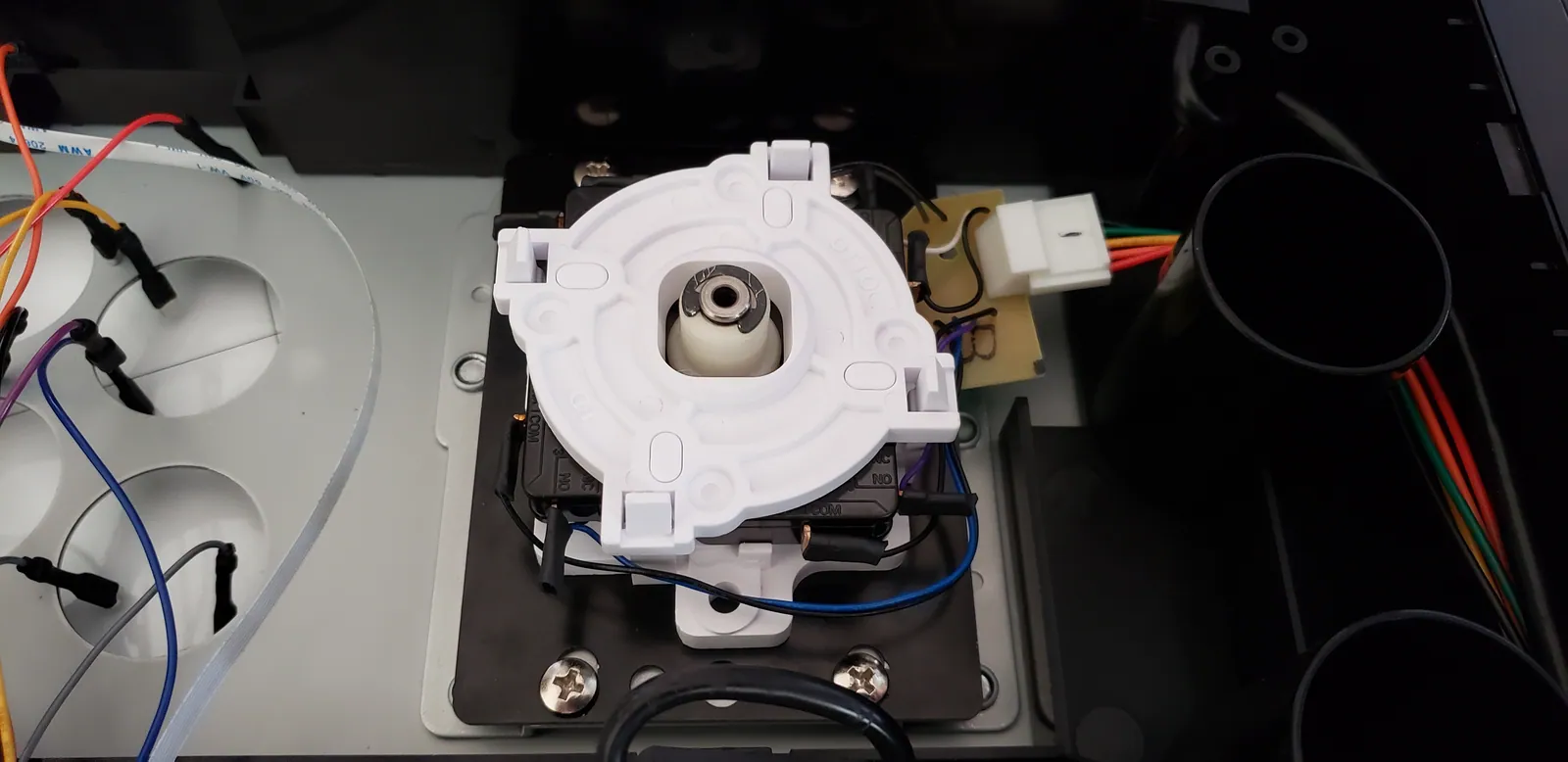
  4. However, I think they look cooler with chrome bodies.
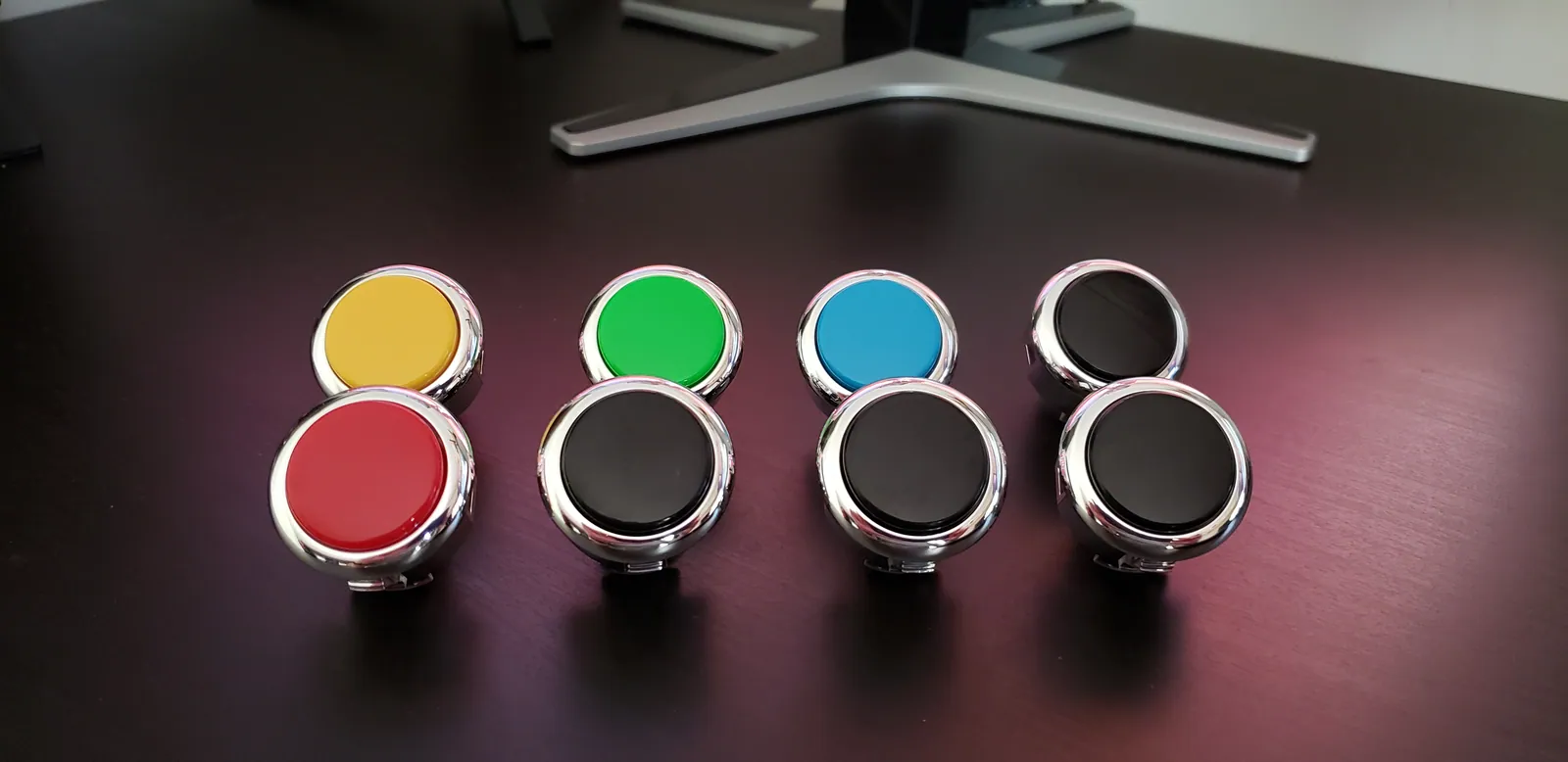
  5. I tried a few different color combinations for the remaining four buttons.
  6. I settled on all black.
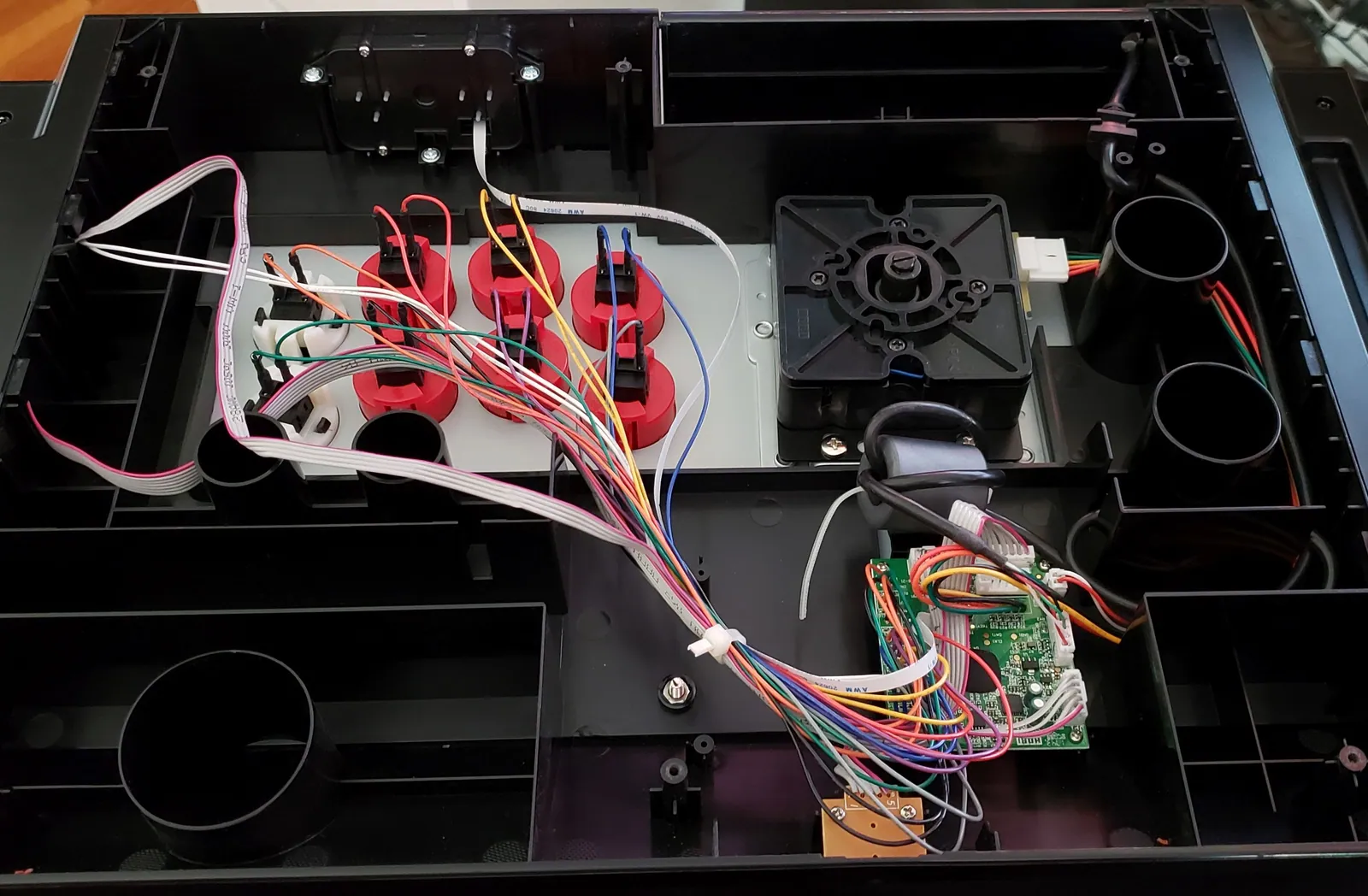
  7. Back plate removed. It's important to note which color wires go to which buttons. The buttons and the lever all unplu...
  8. Empty stick body.
  9. This is the Hayabusa lever. To the left from top to bottom are the shaft sleeve, the bottom dust cover, and the top d...
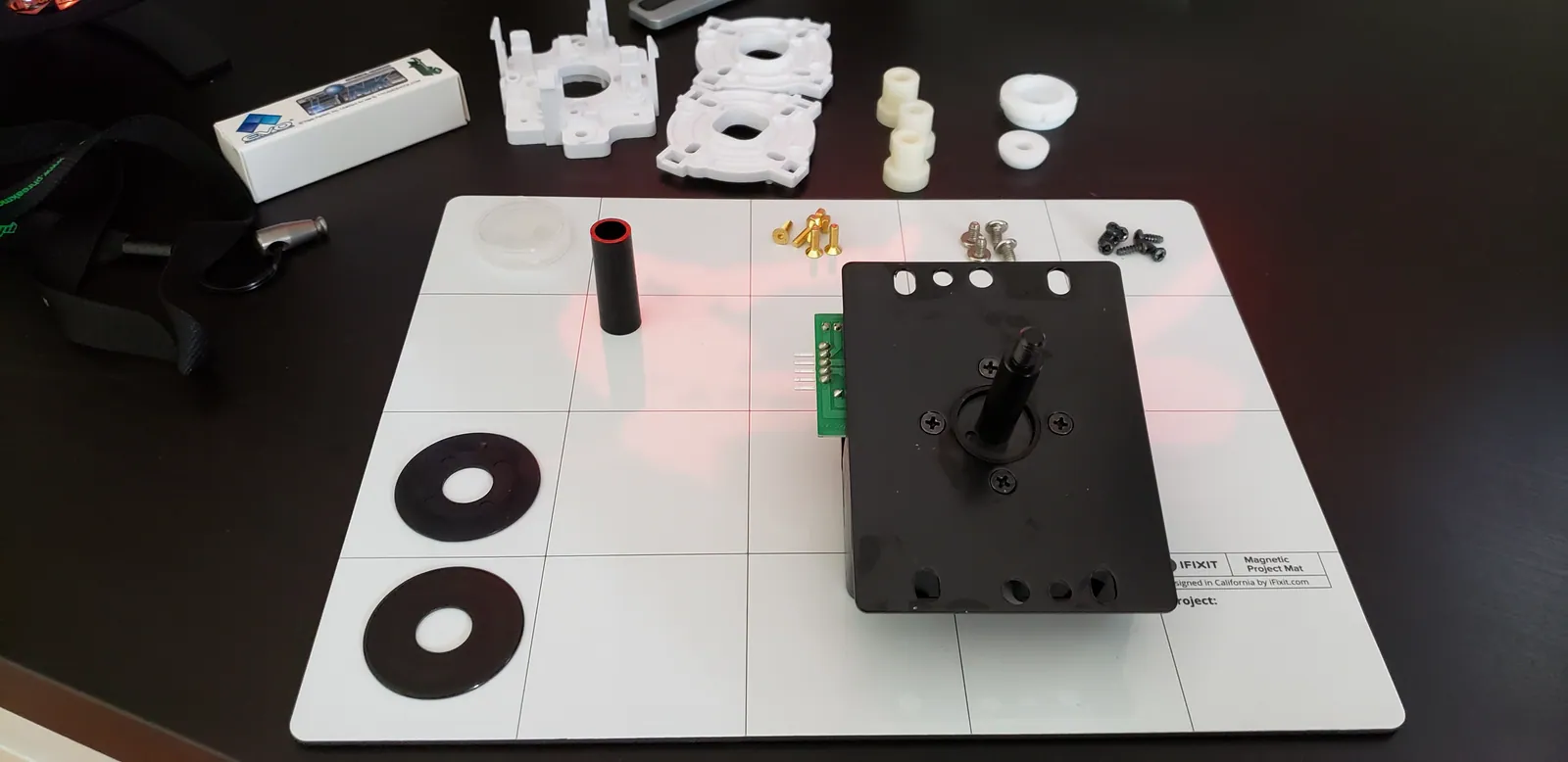
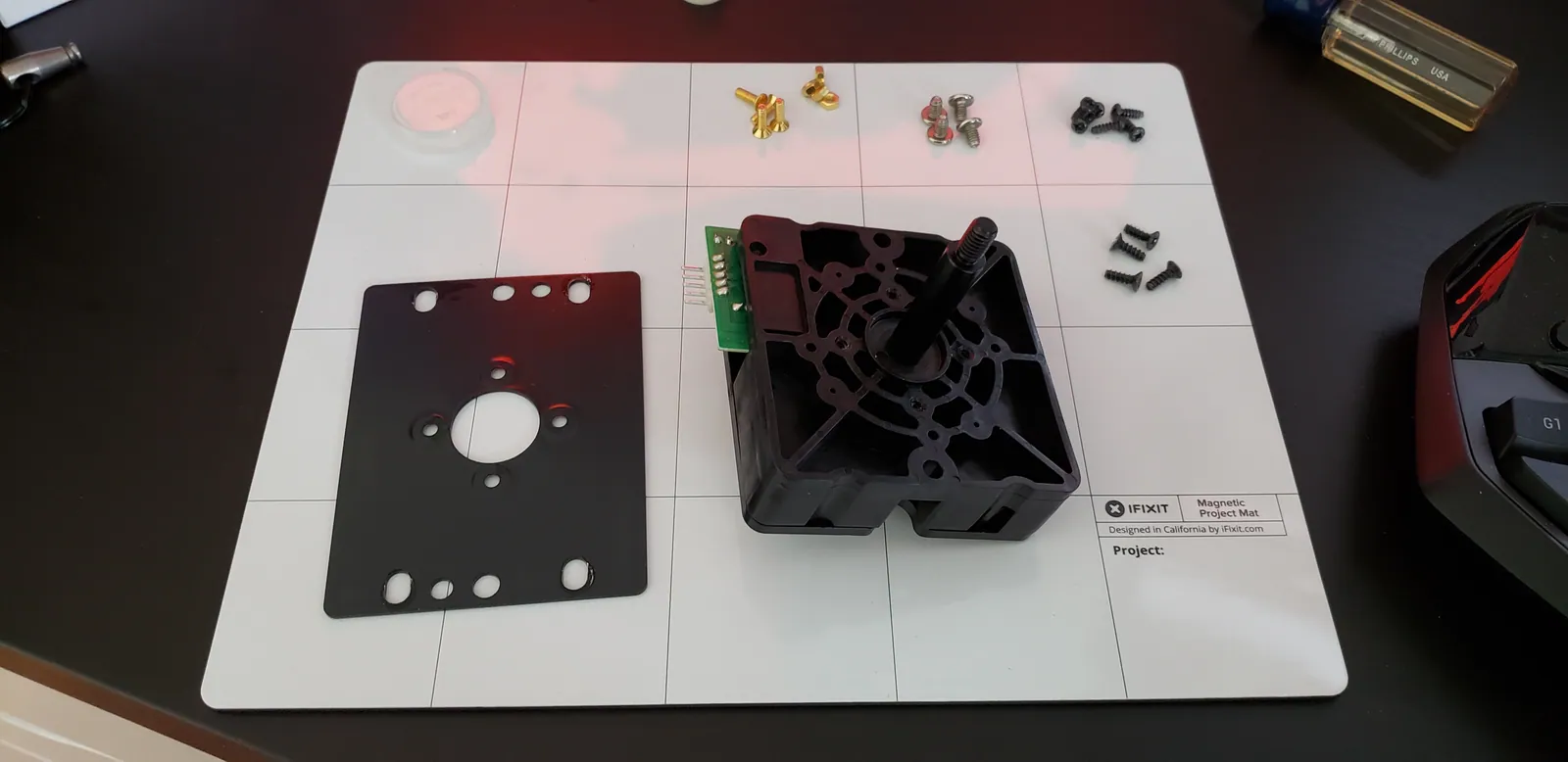
  10. Removing the mounting plate reveals the Hayabusa body.
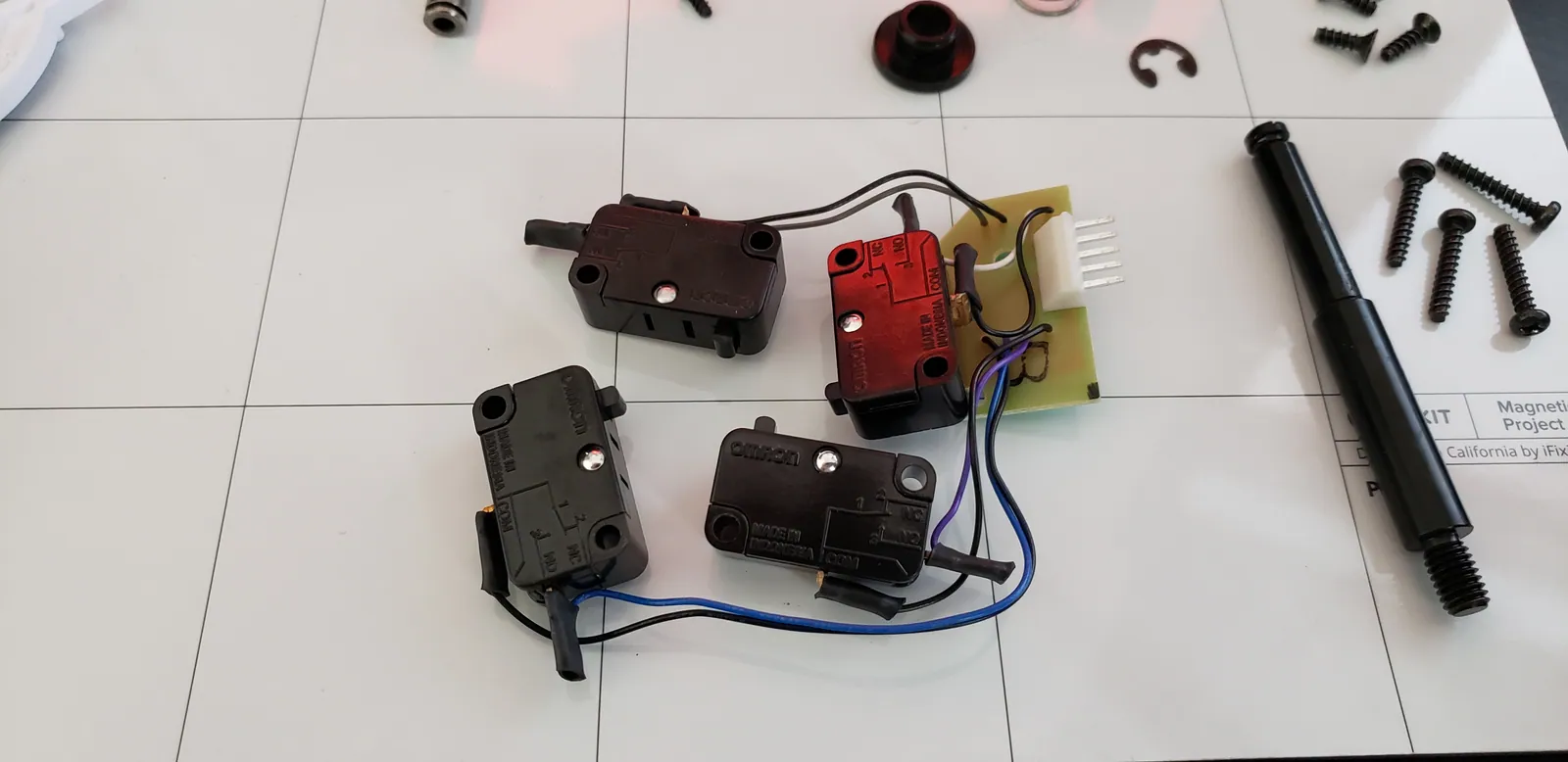
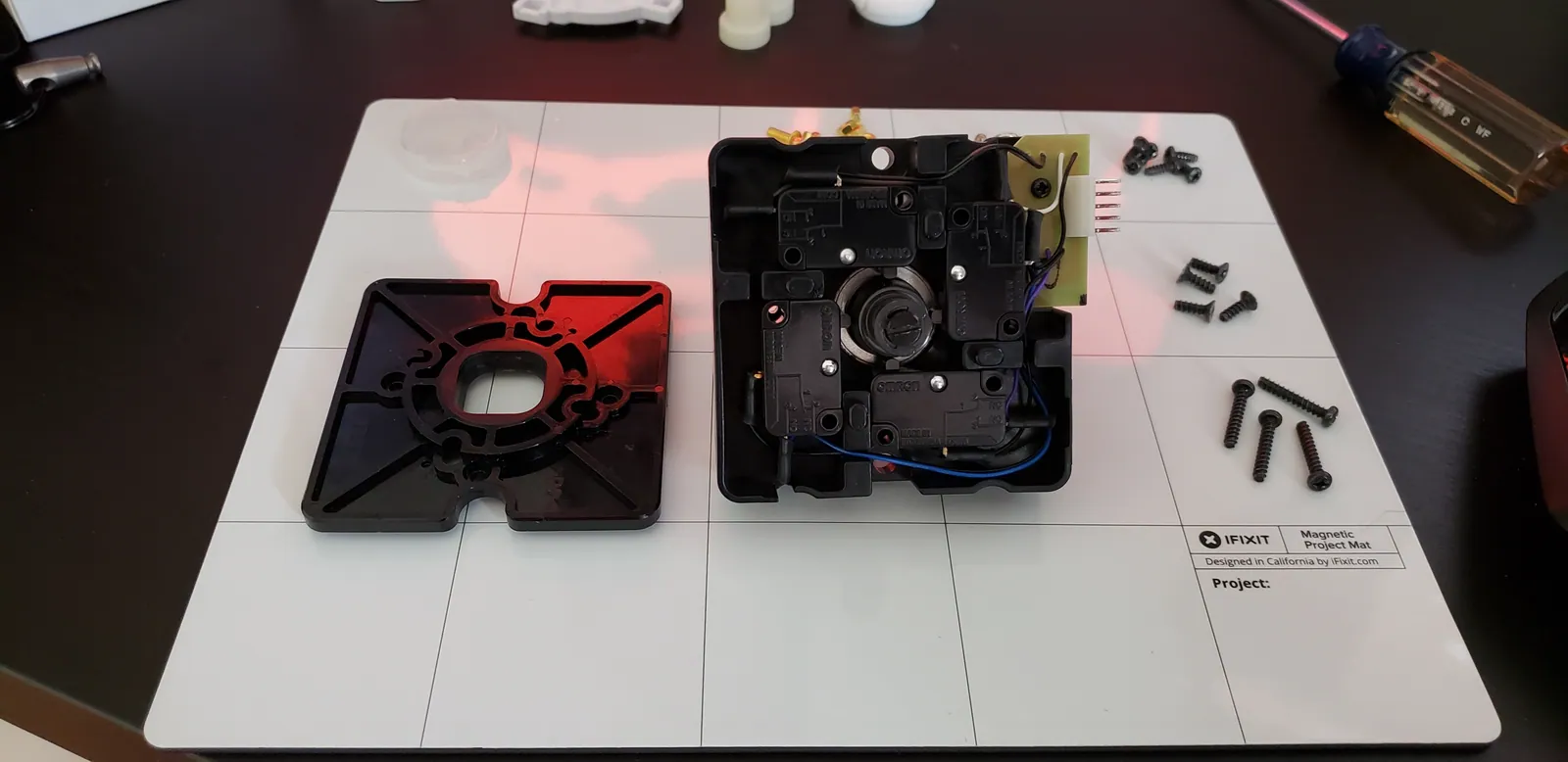
  11. Flipping over the body and removing the gate (to the left) reveals the four microswitches as well as the actuator and...
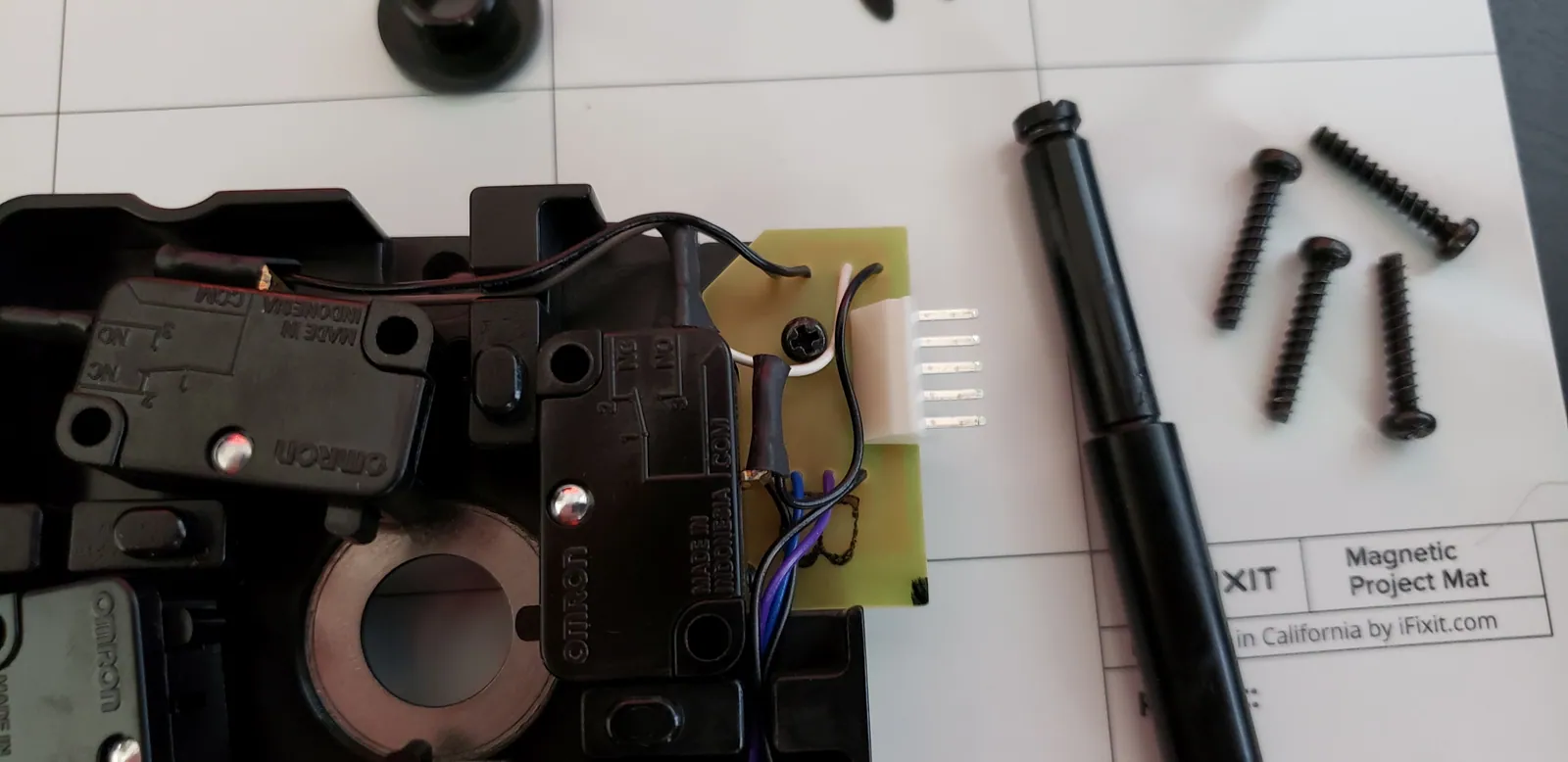
  12. I'm going to replace the Hayabusa body. To do so, there's a screw here for the harness board that needs to be removed.
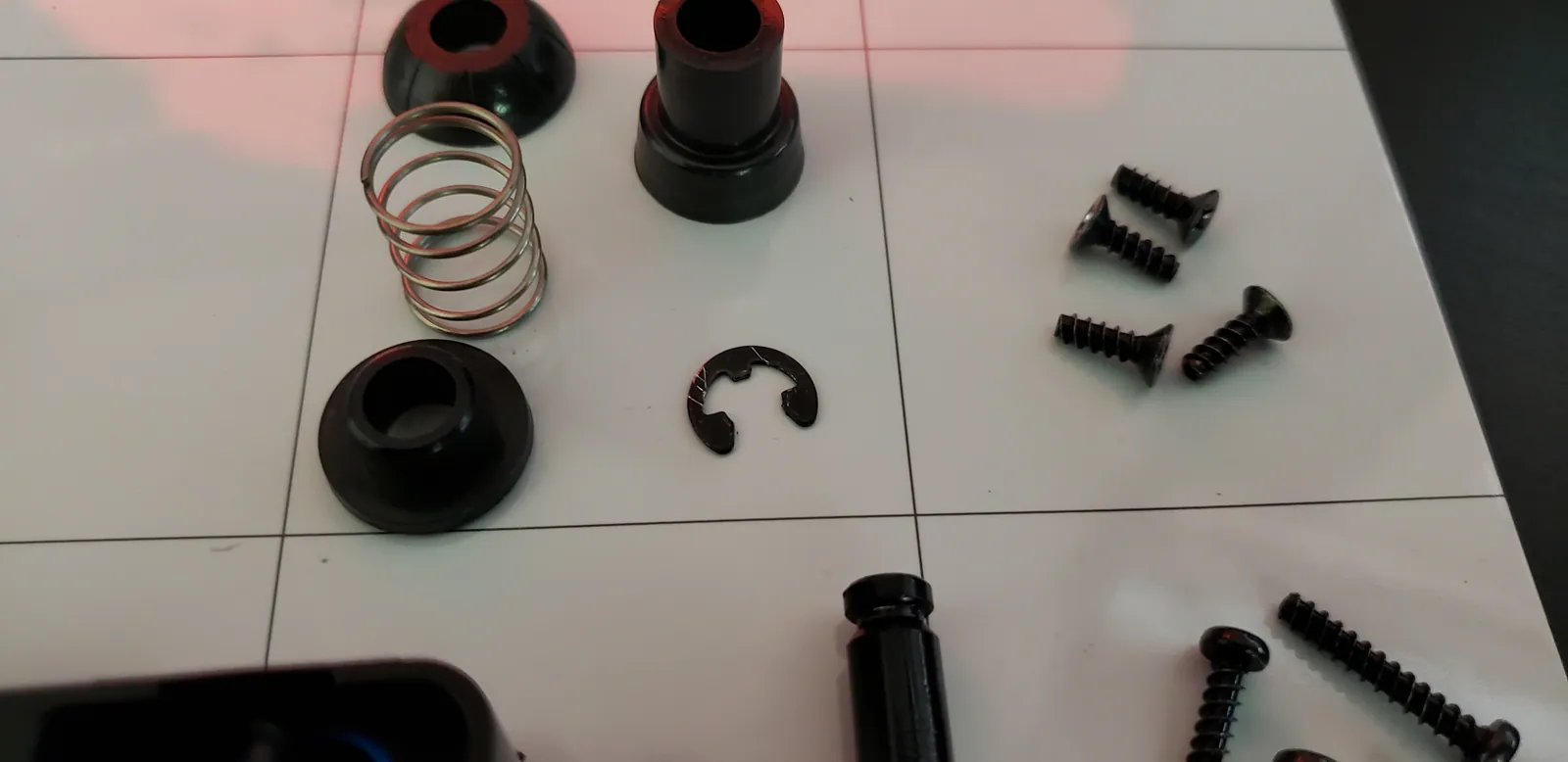
  13. Pop off the e-clip with a small flat-head screwdriver. Be careful that you don't launch the e-clip or the spring-load...
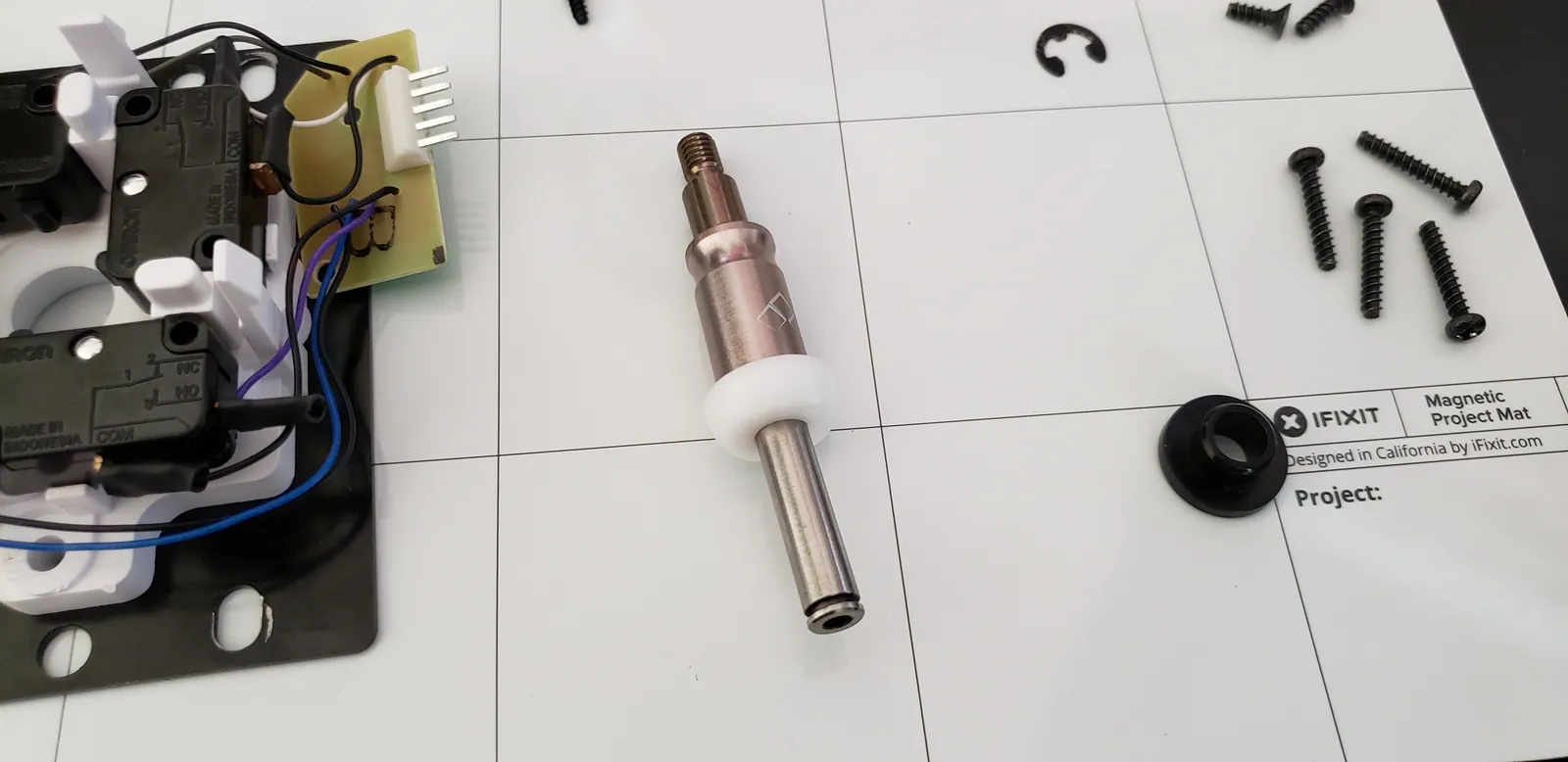
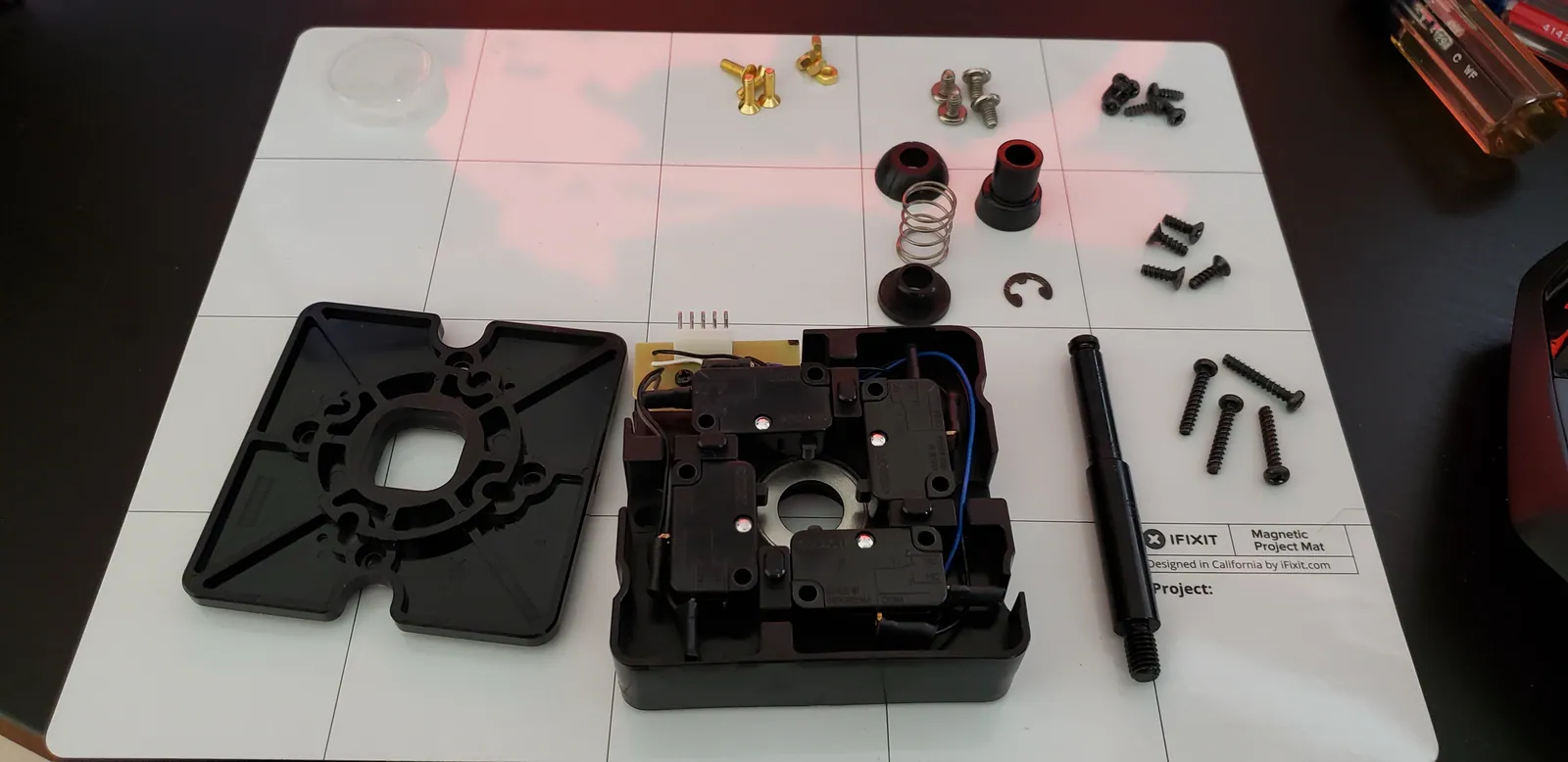
  14. To the left is the Hayabusa gate. To the right is the Hayabusa shaft. Just above the body is the pivot, the actuator,...
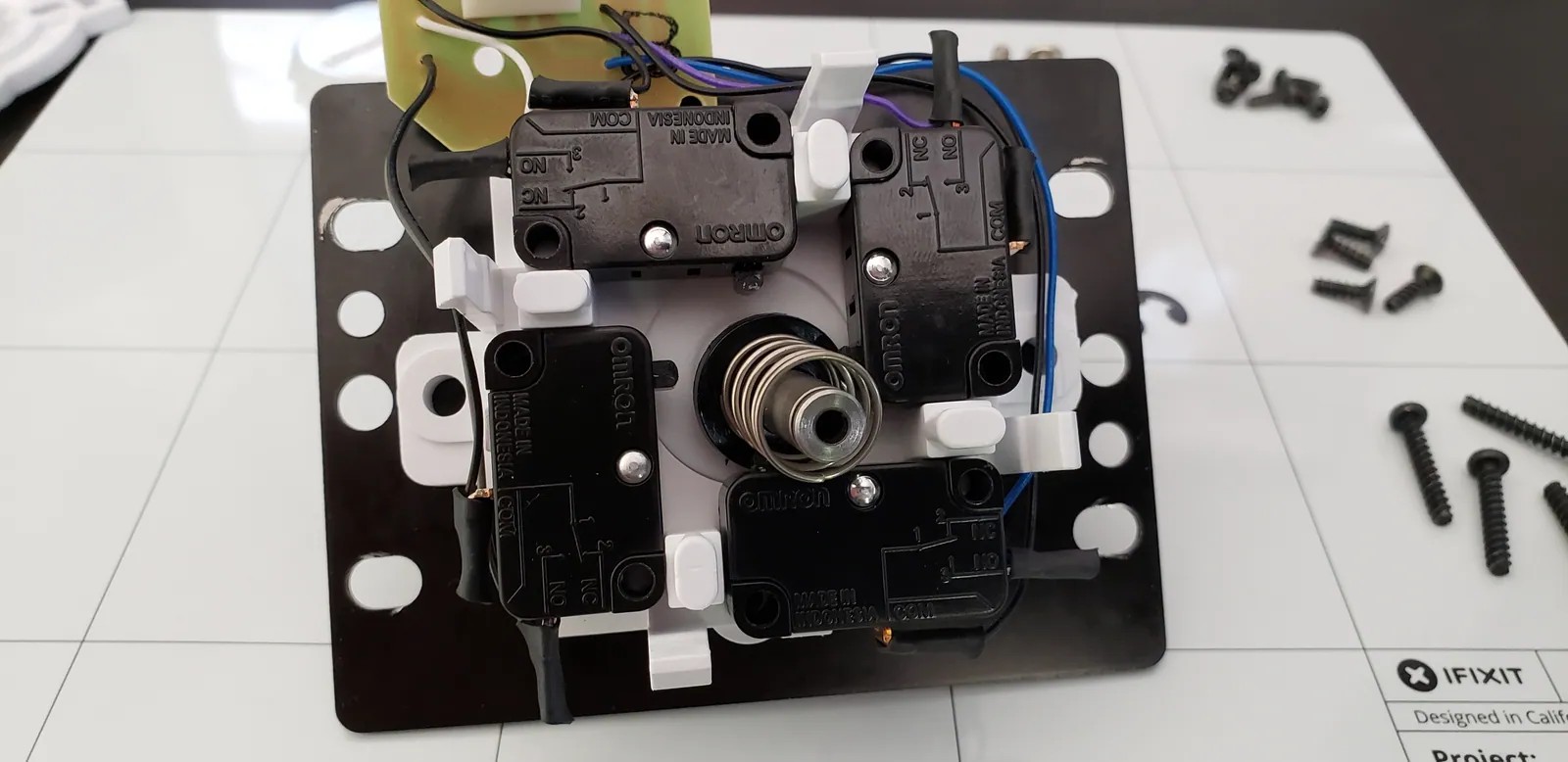
  15. This is it. This is what your stick amounts to when it comes down to it: four microswitches.
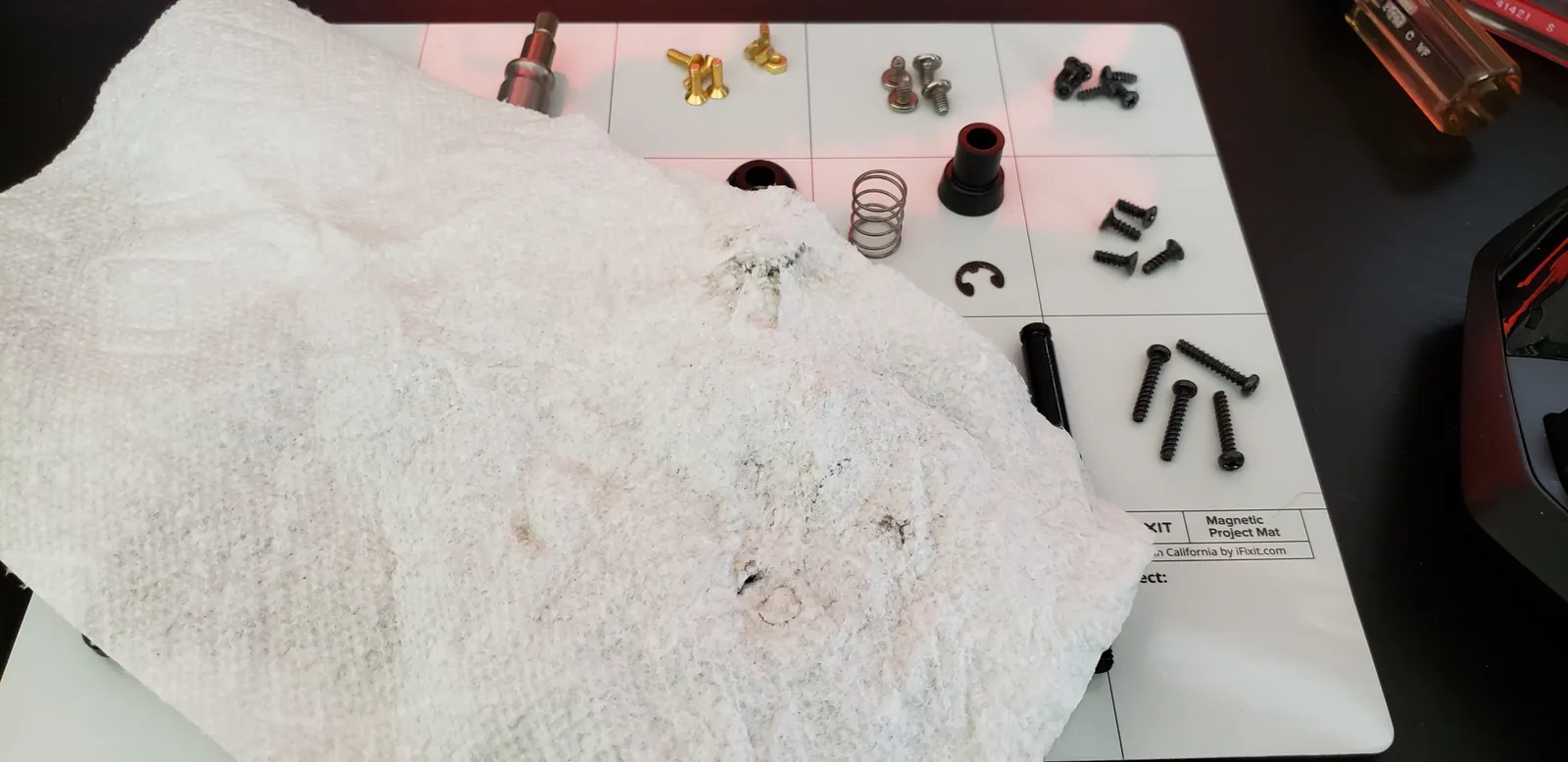
  16. Now that everything is broken down, clean off all of the old grease. It might not be noticeable on the parts but it's...
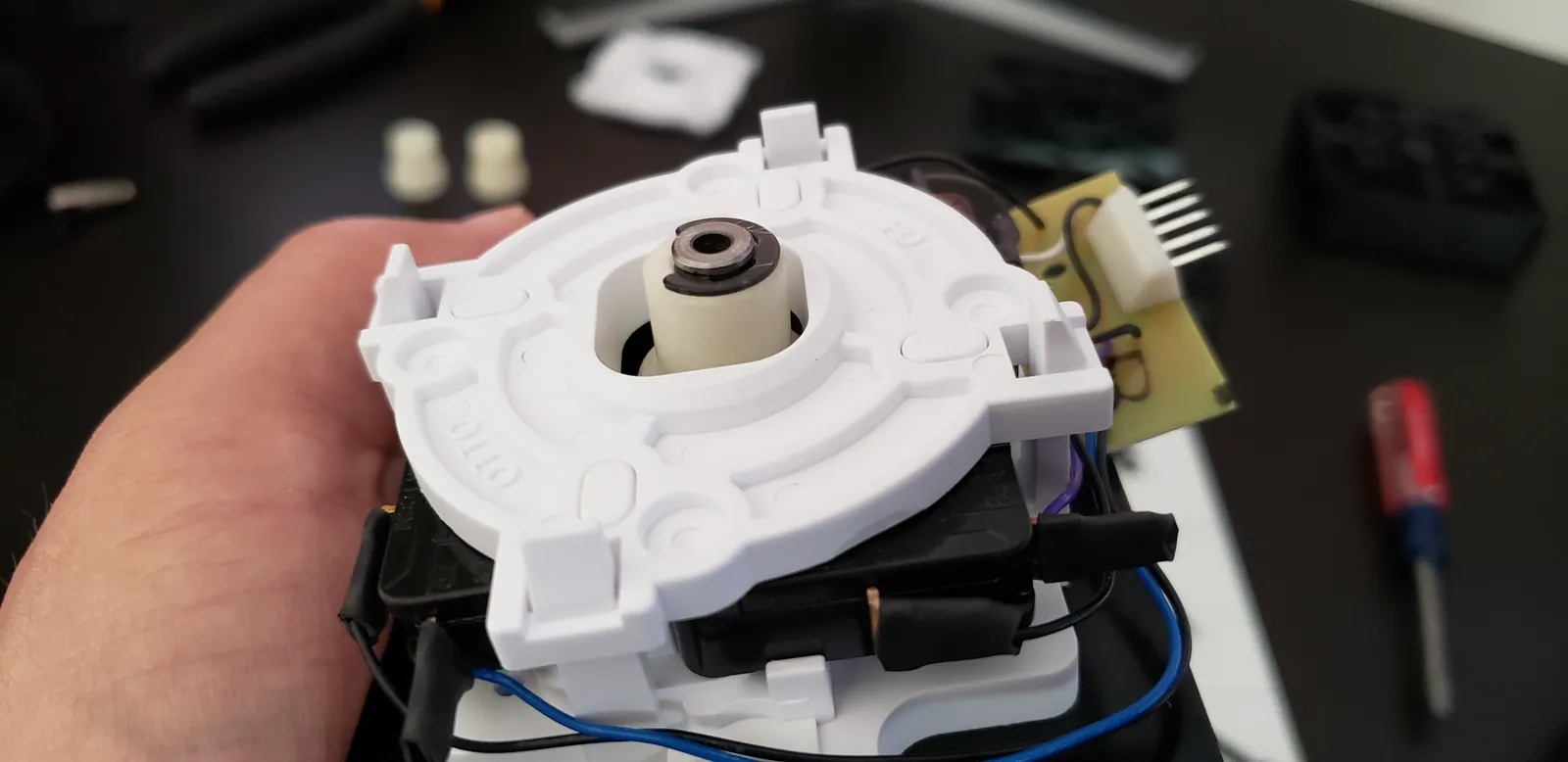
  17. This is the new body I will be using. This is part of Otto's V5 upgrade kit. This is a nylon body and comes in two pa...
  18. Snap the center piece in to place.
  19. Grease up the center piece ever so slightly. Teflon is already super, super smooth. The grease that comes in the Otto...
  20. Screw the Hayabusa mounting plate in to the Otto base. The Otto V5 kit comes with brass screws & nuts which are a gre...
  21. My mounting plate was slightly bent. What's more, the slot on the base for the pivot was a touch too wide. I ended up...
  22. Hayabusa mounting plate + Otto base.
  23. The Hayabusa switches easily slot in to the Otto base.
  24. This is the new shaft I will be using: the Phreakmods Link. It's cool because it detaches so you can stow your stick ...
  25. The Link slides in to the teflon pivot. It's a snug fit so you'll have to give it some force.
  26. This is the stock top hat. Grease the bottom of it (the shallow side) a little bit.
  27. Here's another angle to show which end is which.
  28. Slide the shaft in through the top of the lever body. On the bottom of the body, slide the top hat on, bottom up. The...
  29. Next, add the nylon actuator. This is the piece that physically hits the microswitches. You can use thicker actuators...
  30. Connect the gate. This plate restricts and determines the shape of the stick's movement. The Otto V5 kit comes with t...
  31. Screw the lever back in to the stick body and reconnect the harness. Note that the harness board no longer has a plac...
  32. Pop all of the new buttons back in and reconnect them. The button tops might want to pop out when you reconnect the w...
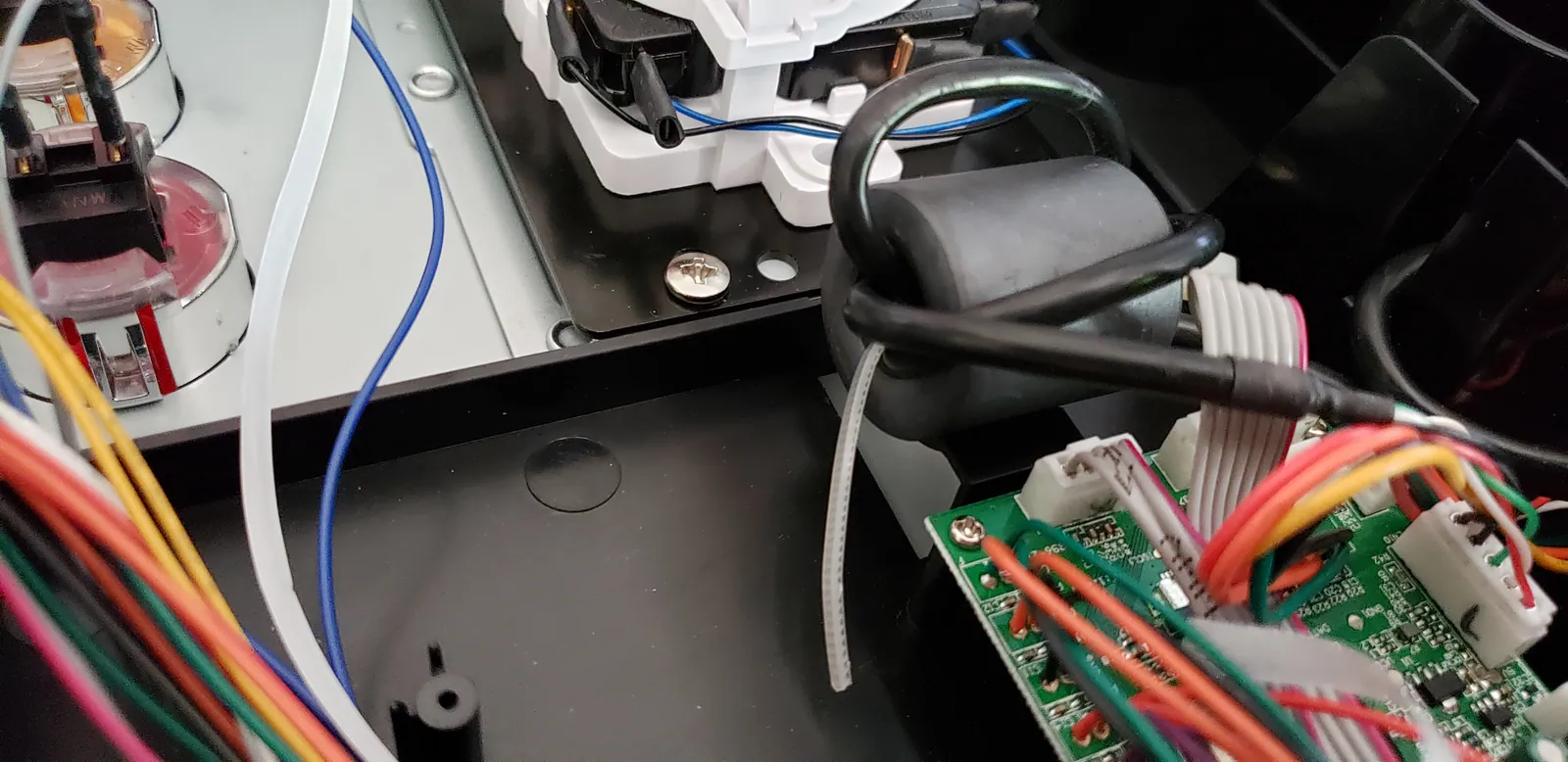
  33. Be sure to route all of the wiring through the routing slots provided. Pay special attention to the ferrite bead, sho...
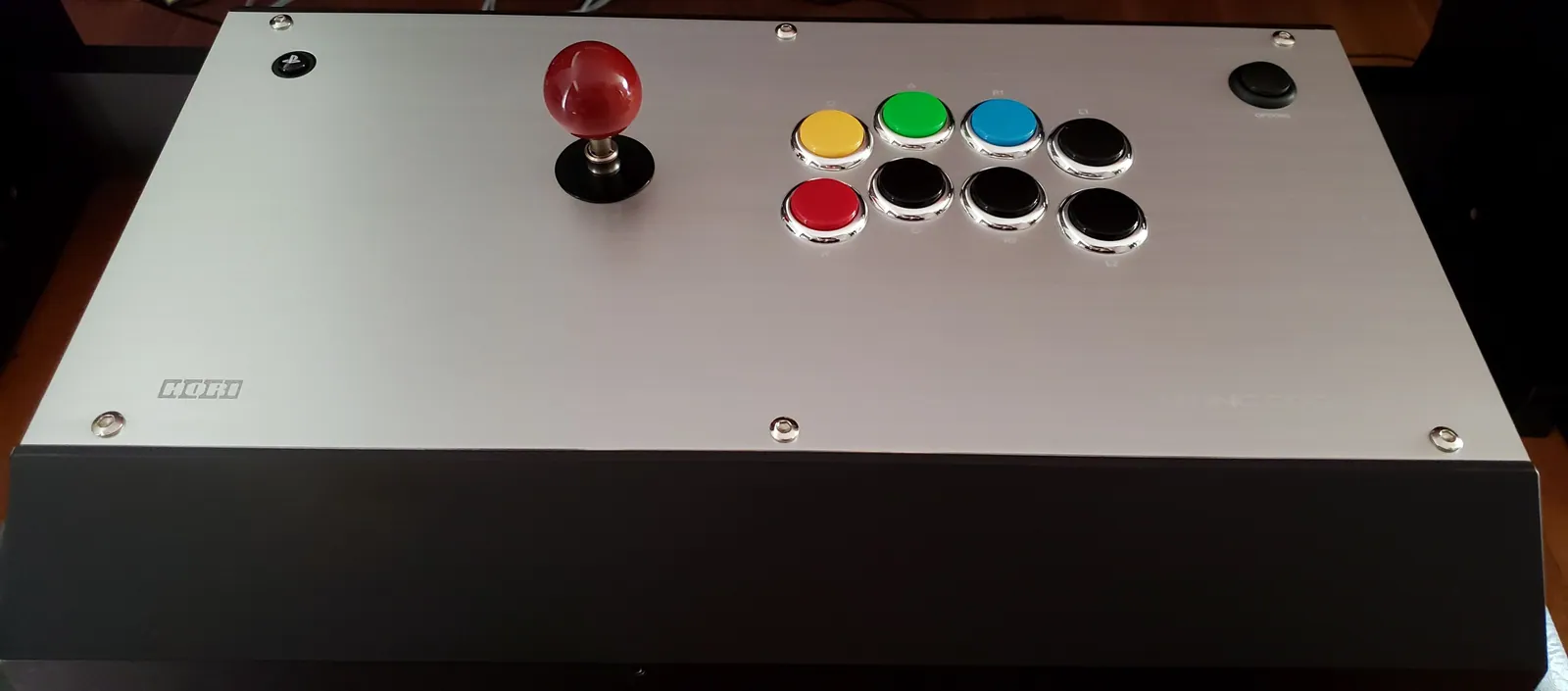
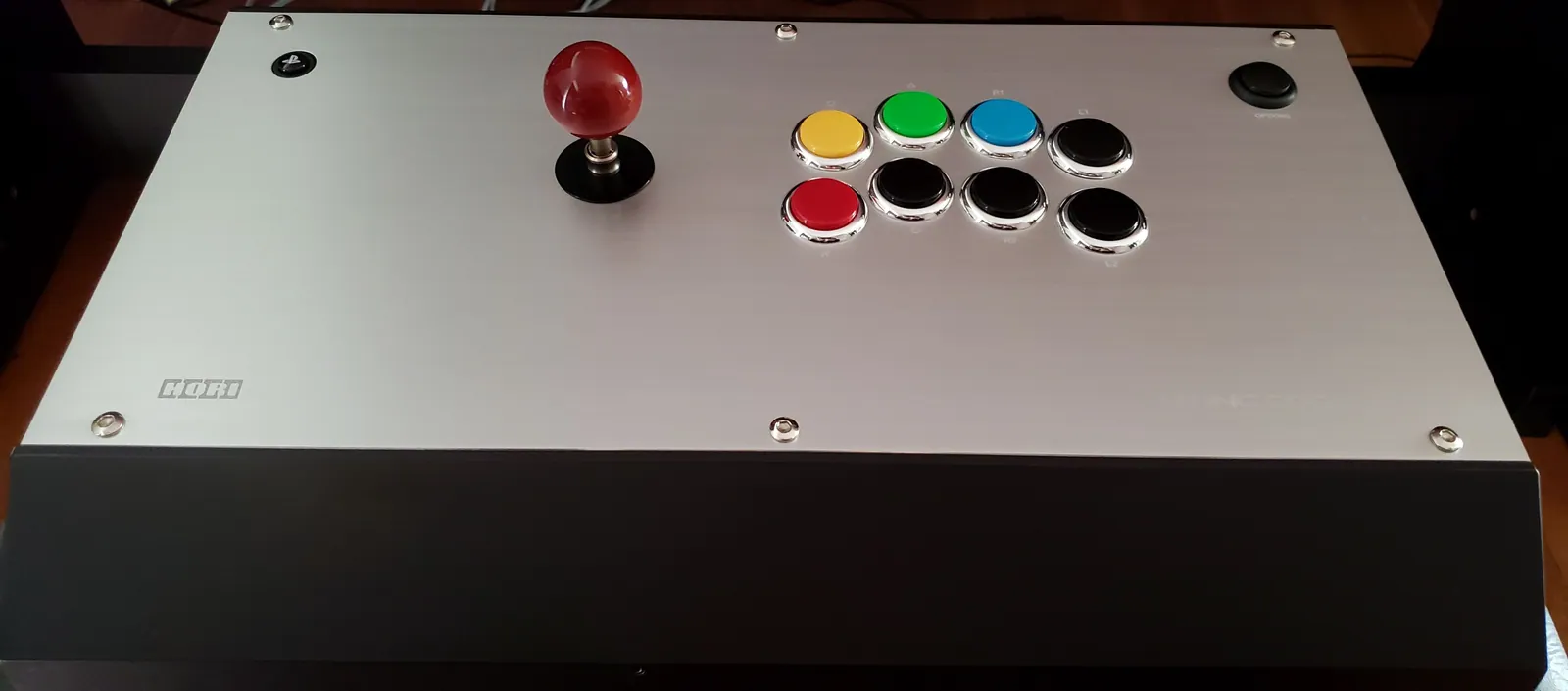
  34. The finished product! I added a maple ball top because I think it's hot.
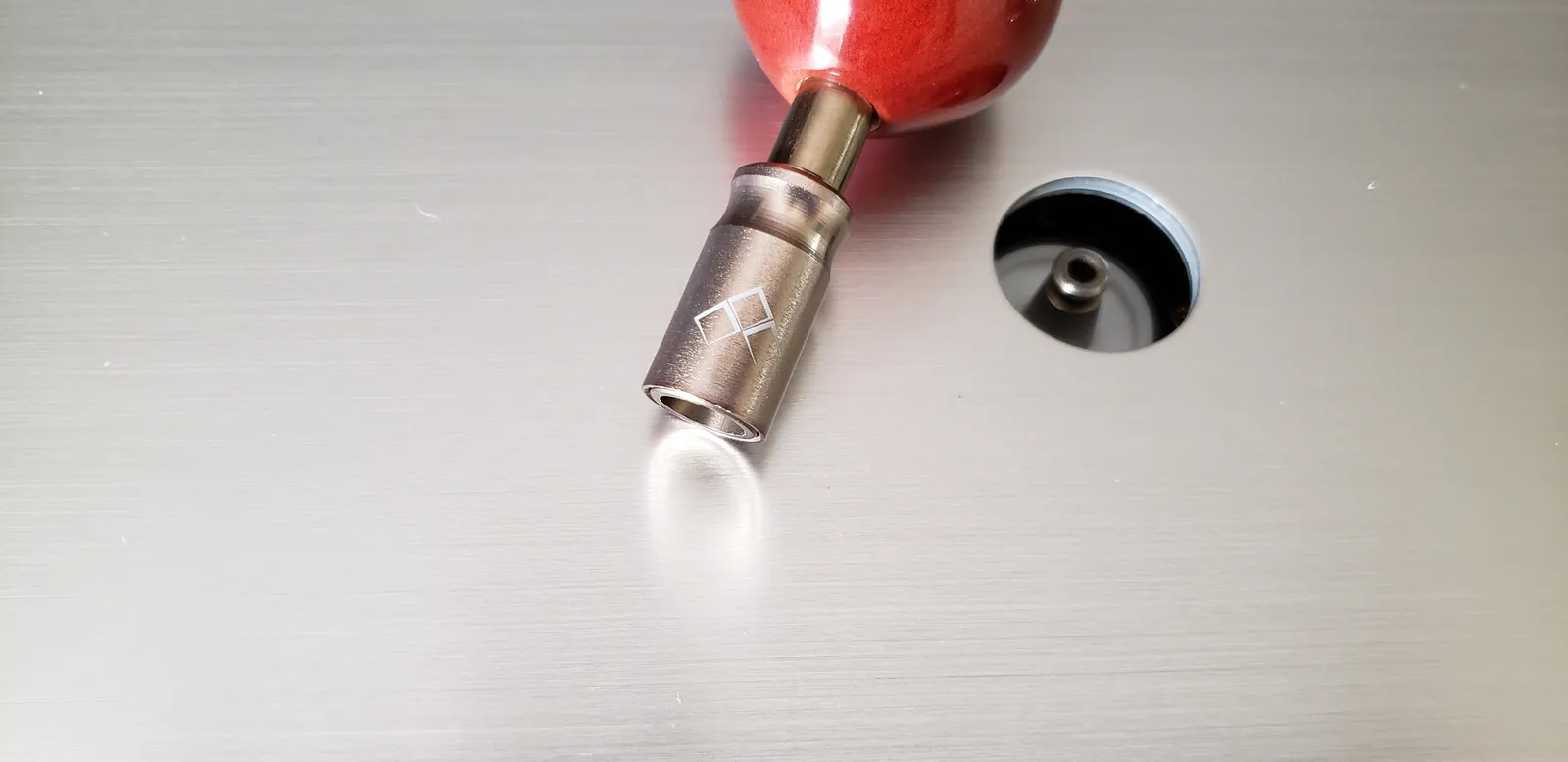
  35. The shaft pops right off so the stick can be stored flat, such as in a backpack.
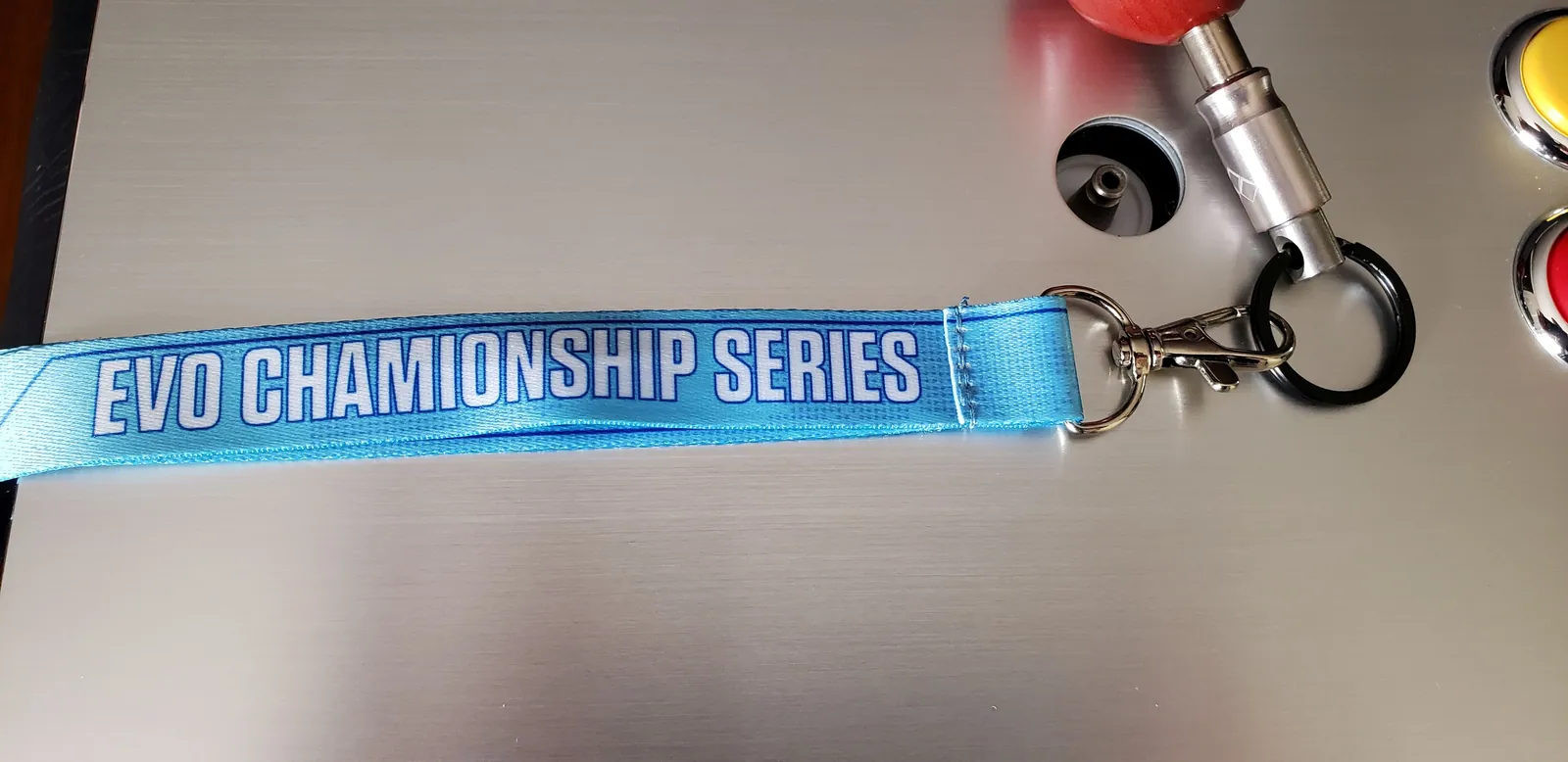
  36. Phreakmods also offers a lanyard to store the stick when it's detached, so that you don't lose it. Seeing as the shaf...

Hori Fighting Edge RB+UFB Mod

41 photos

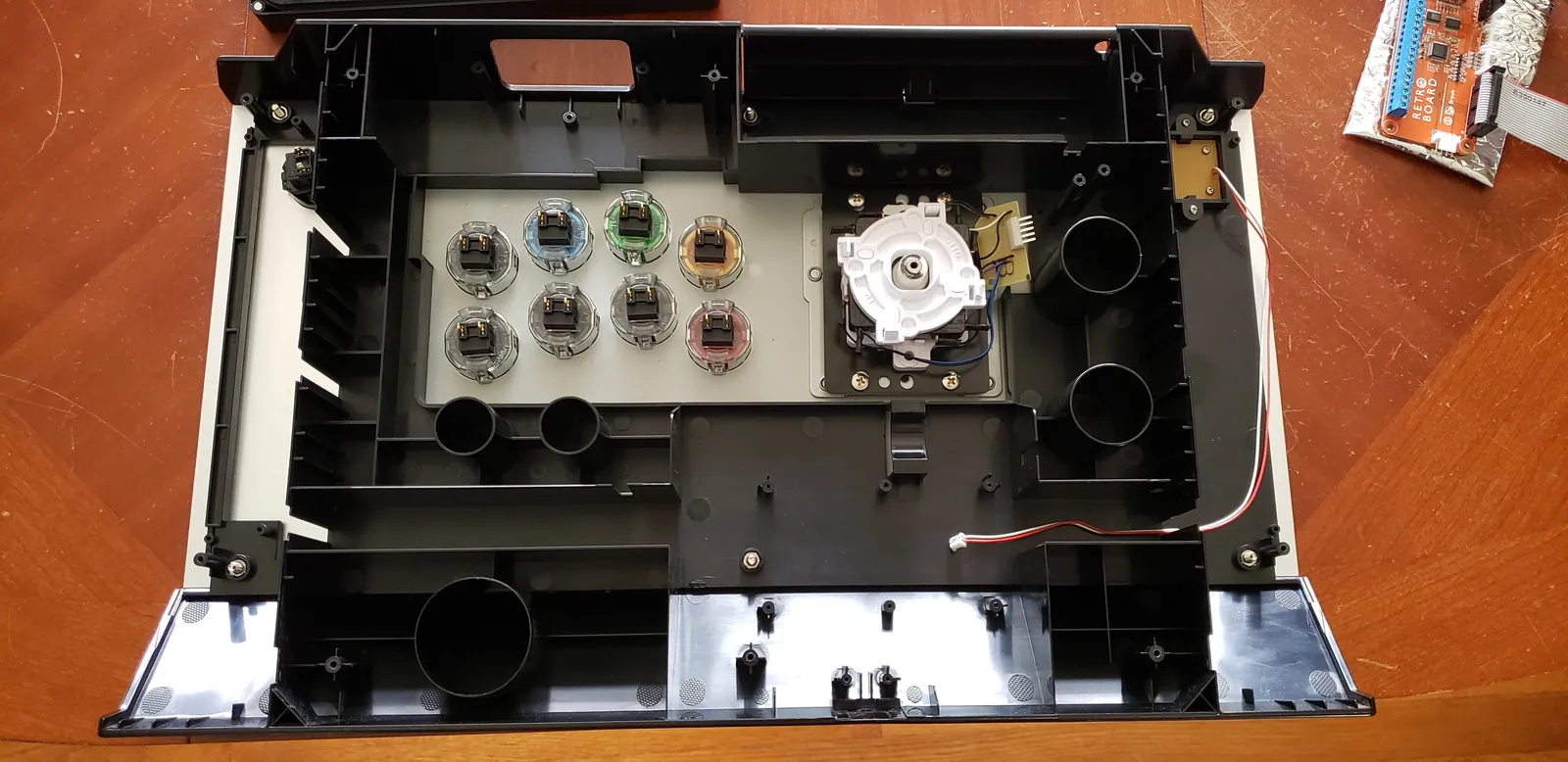
  1. I had modified my lever and replaced my face buttons in a previous post (https://imgur.com/a/Ww3dGBc) Now, I'm going ...
  2. I'm going to be grinding out some plastic with a rotary tool. The hot plastic will melt and smoke and I don't want to...
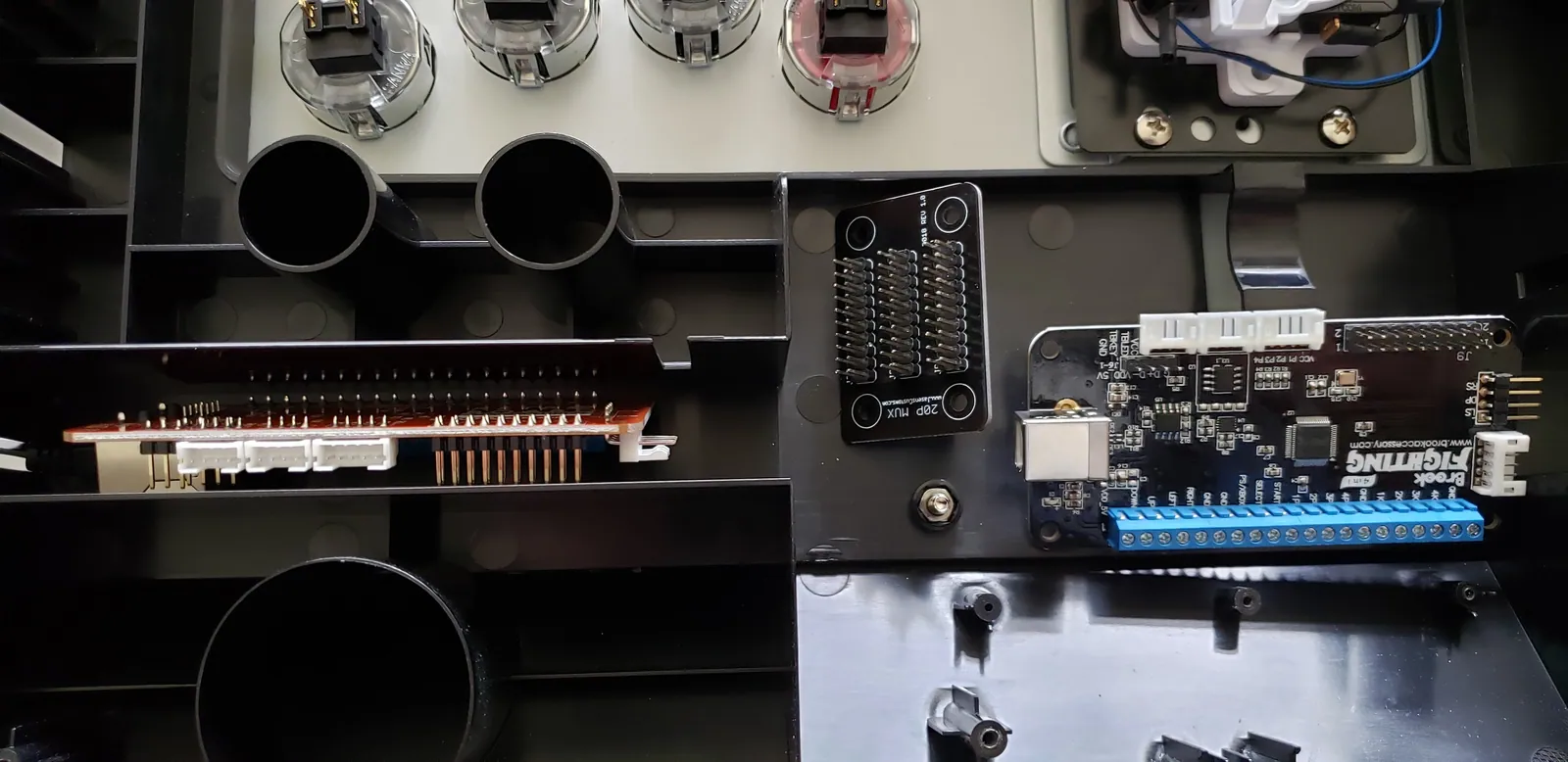
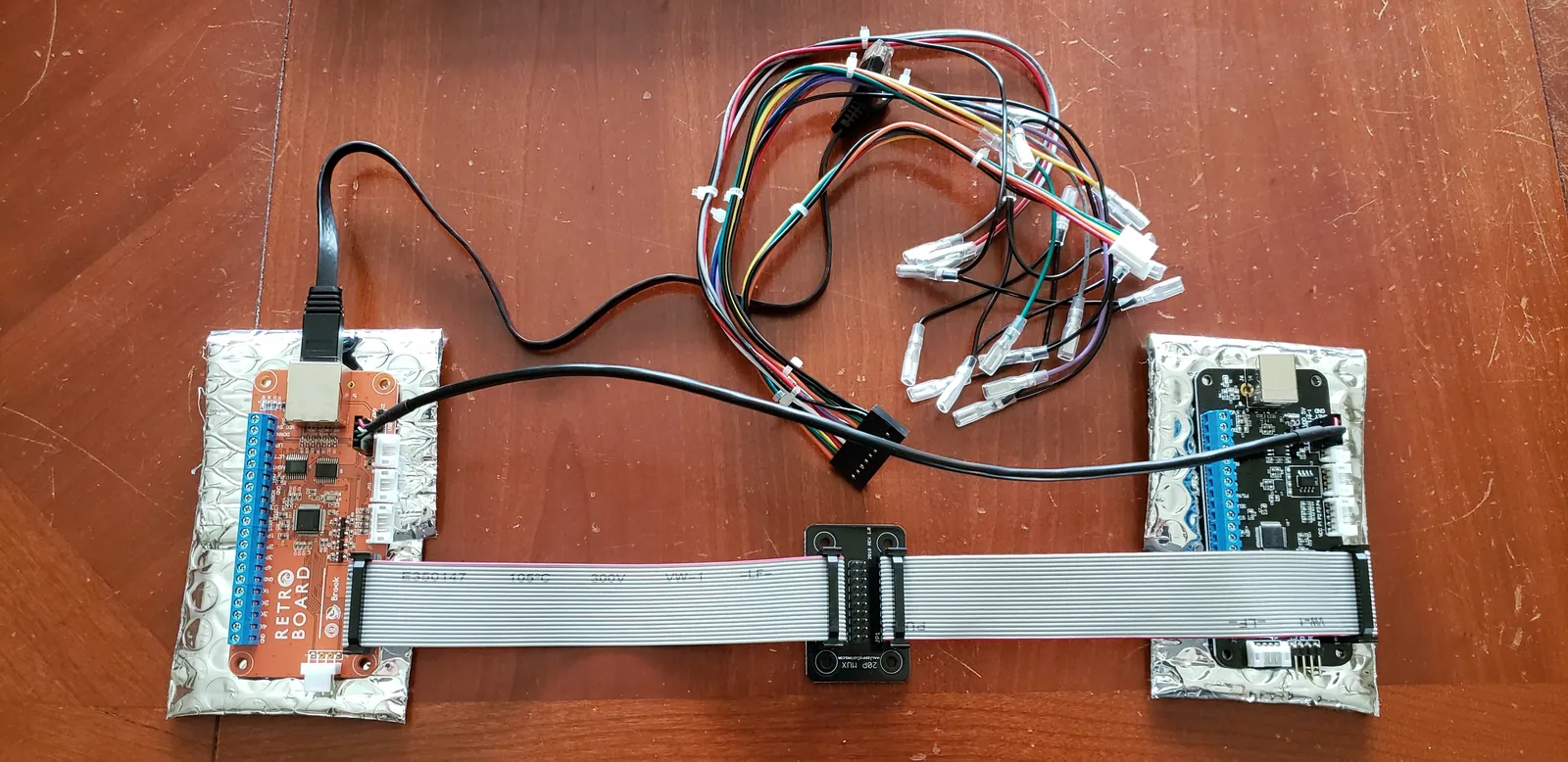
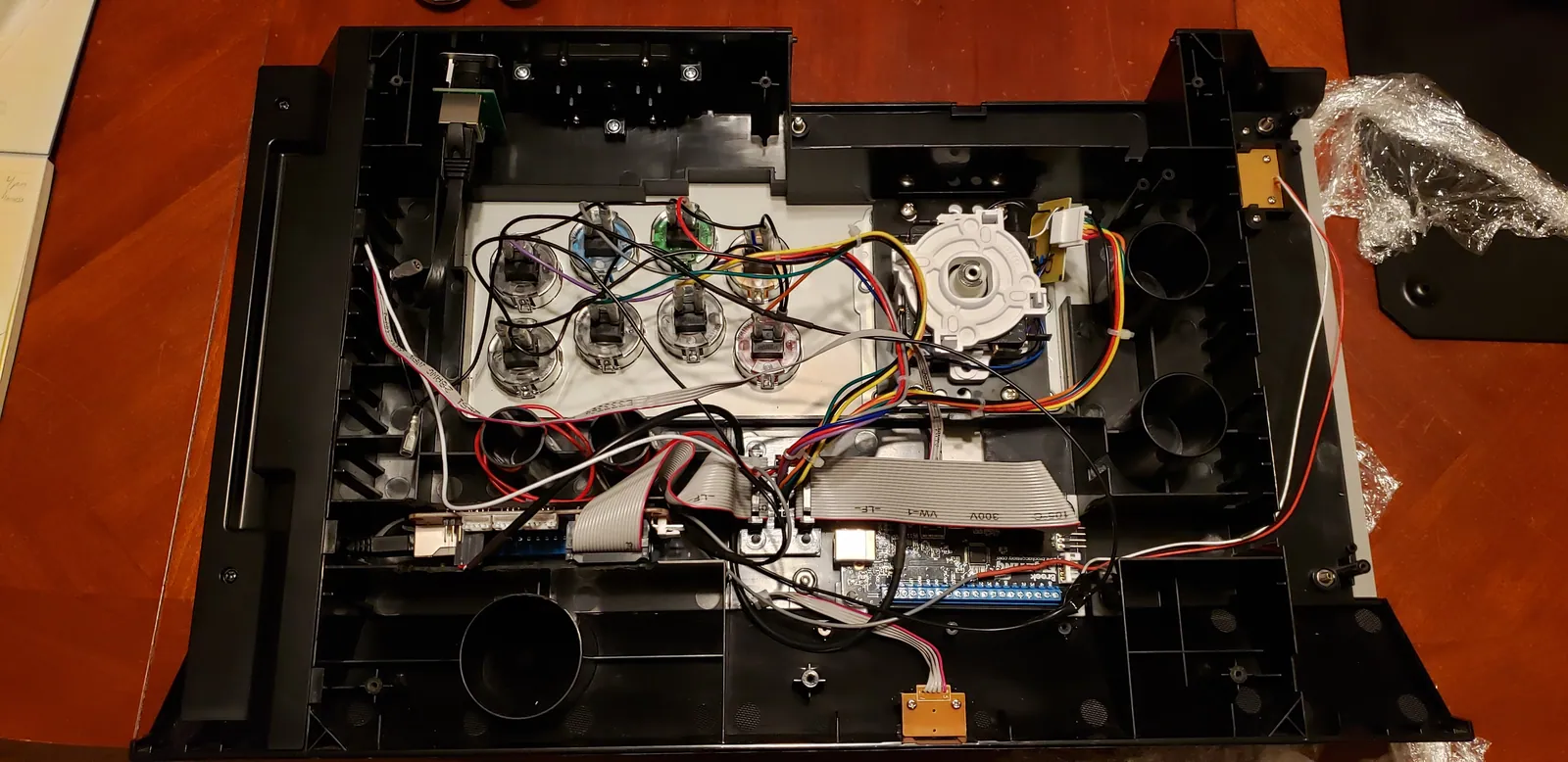
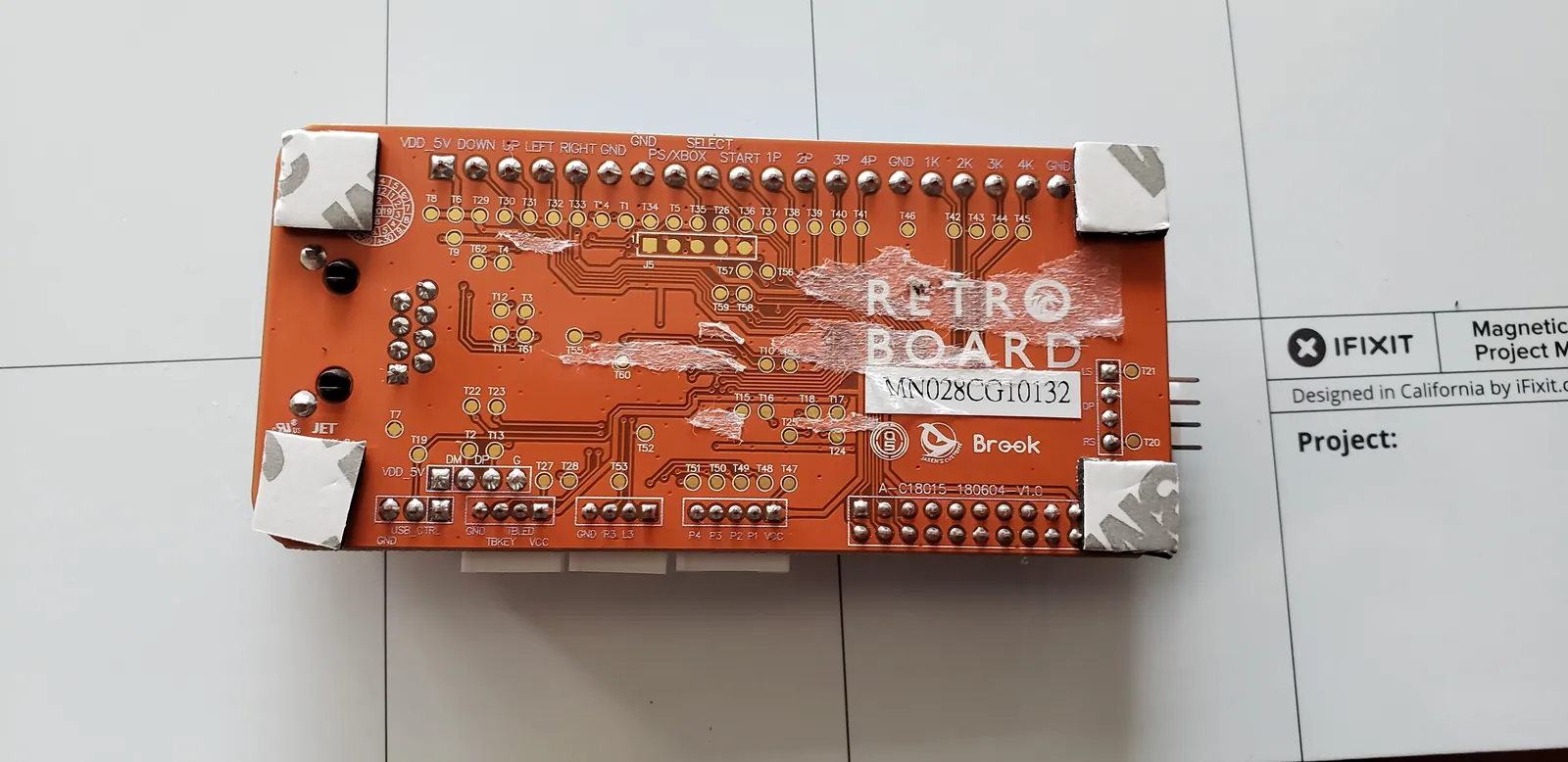
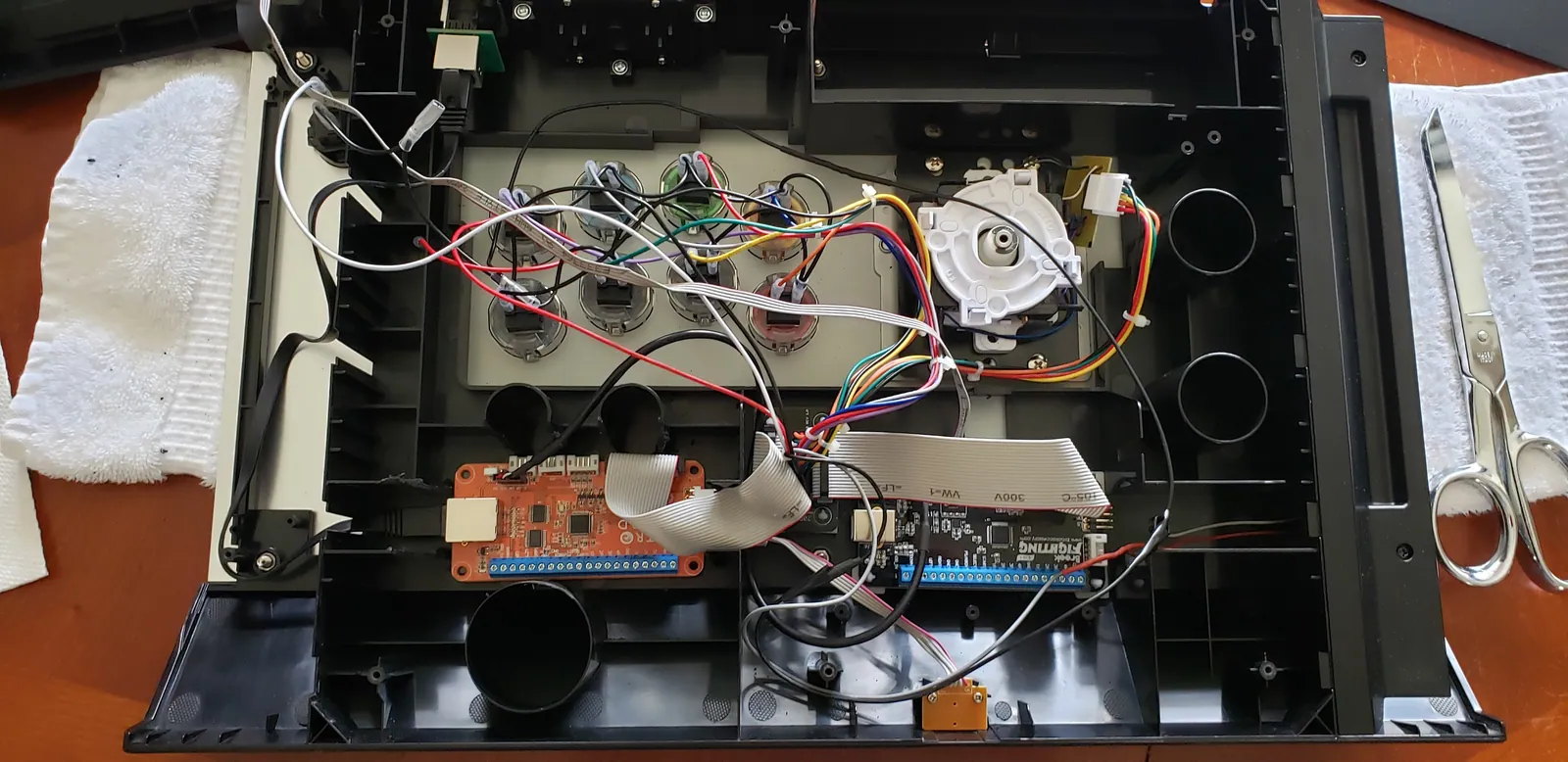
  3. First, I'm going to lay out the boards to figure out where I want them to sit. To the left is the Retro Board. This w...
  4. One negative aspect of this mod is that some of my current functionality is going to be lost due to the new PCBs not ...
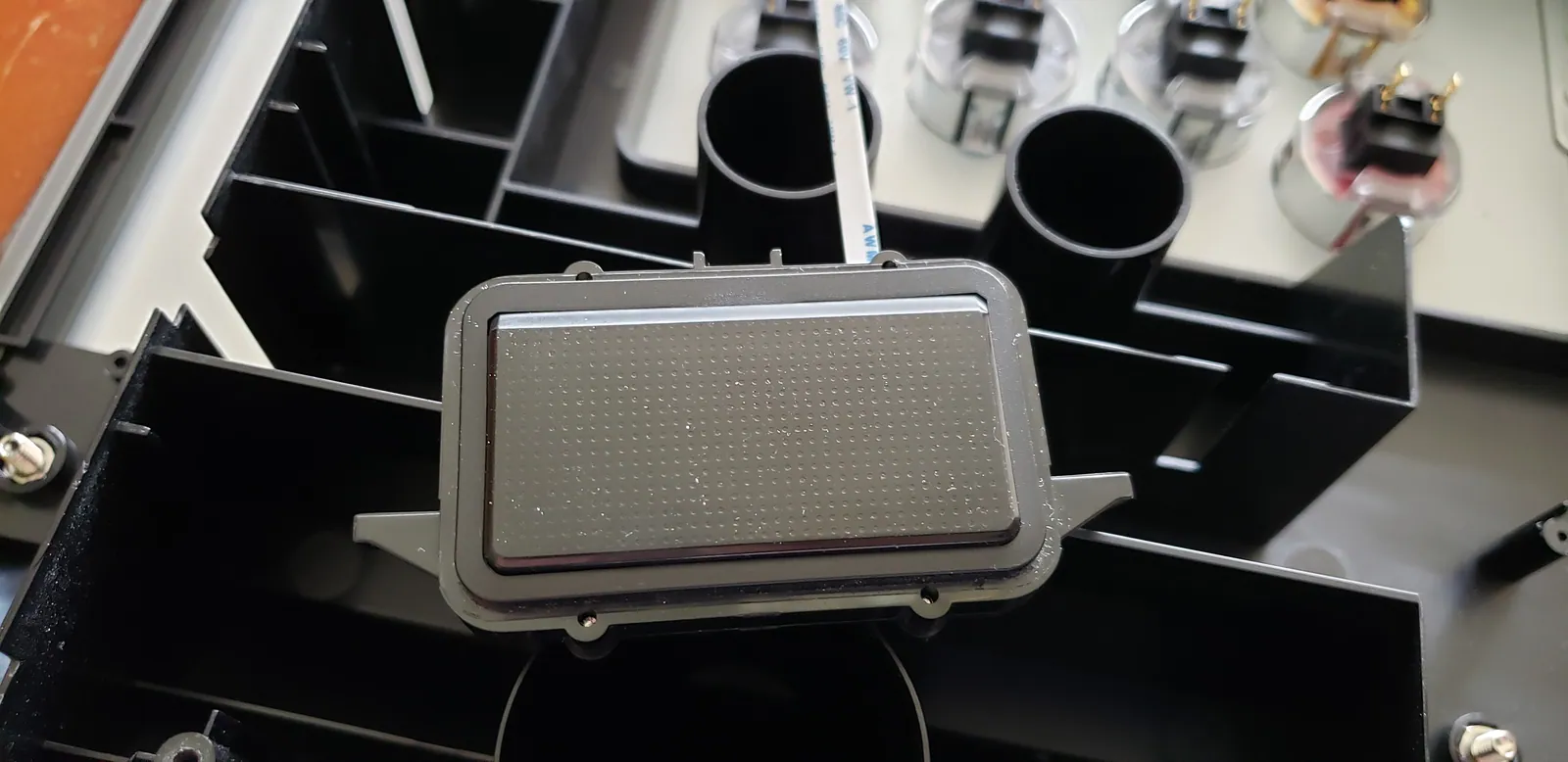
  5. This is the touch pad. This too will no longer work. The UFB will support the touch pad as a button but not as a PS4 ...
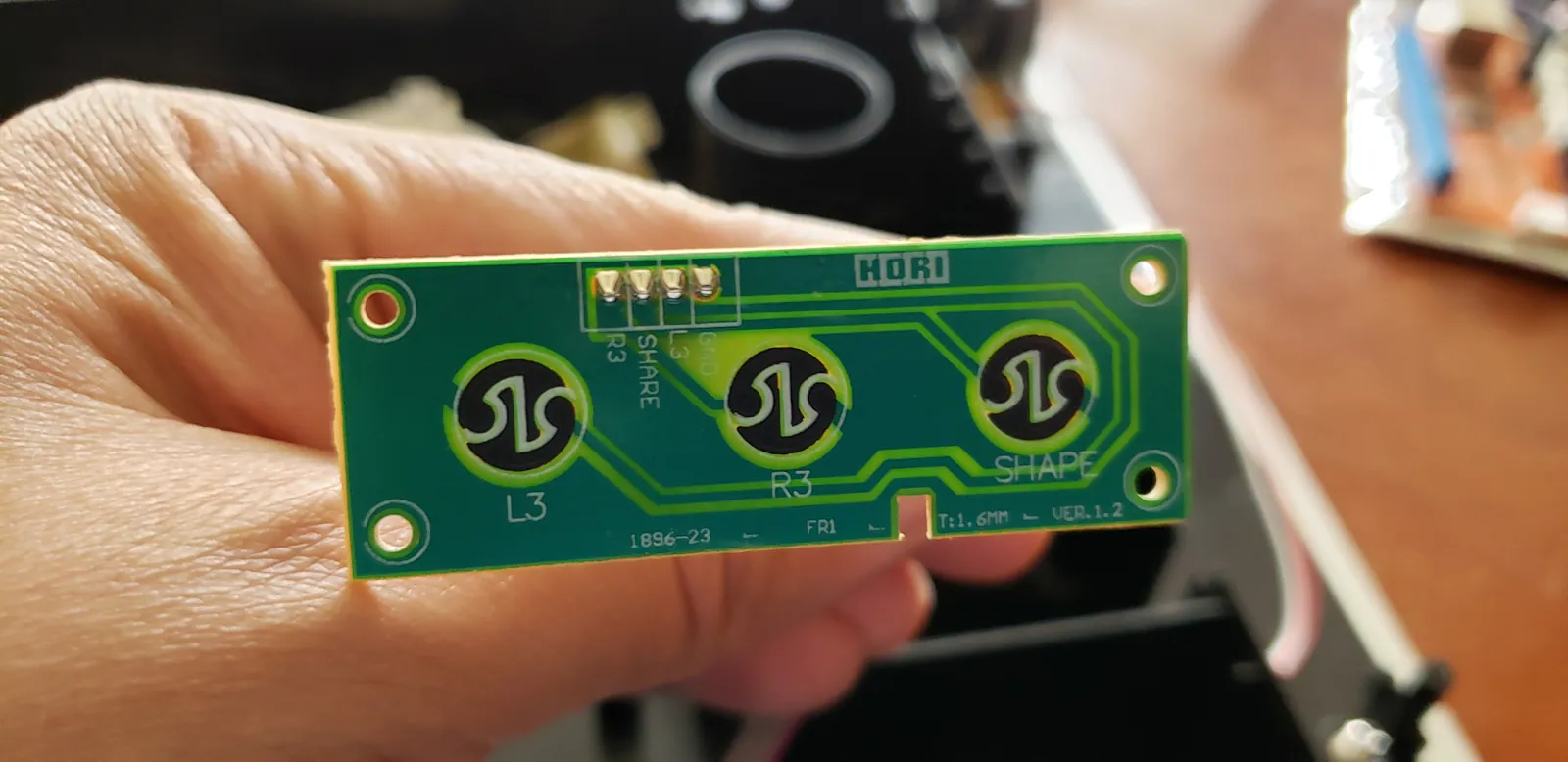
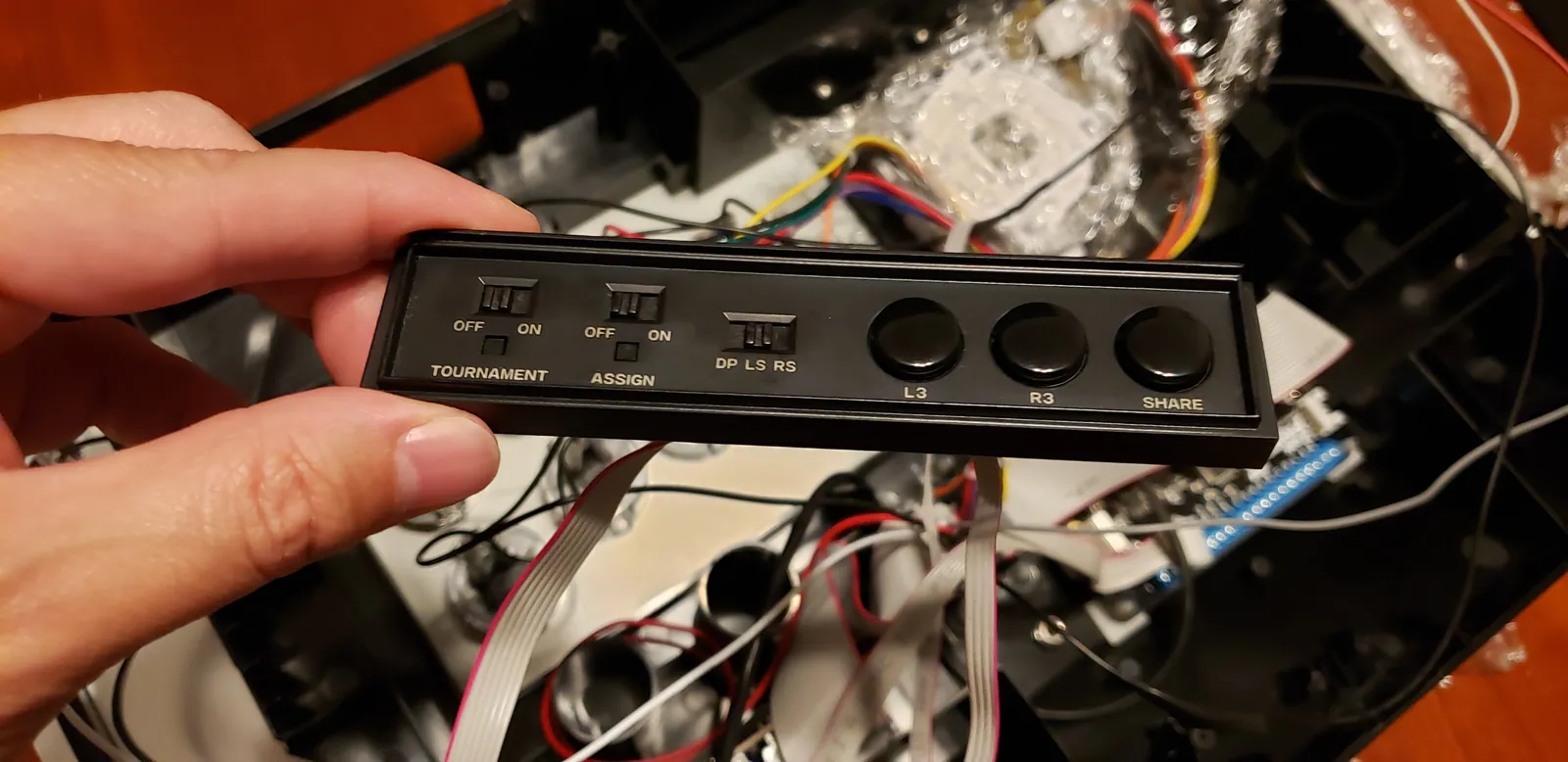
  6. These are the existing L3, R3, and Share buttons. They are wired in a way the UFB already expects; so, I'm going to l...
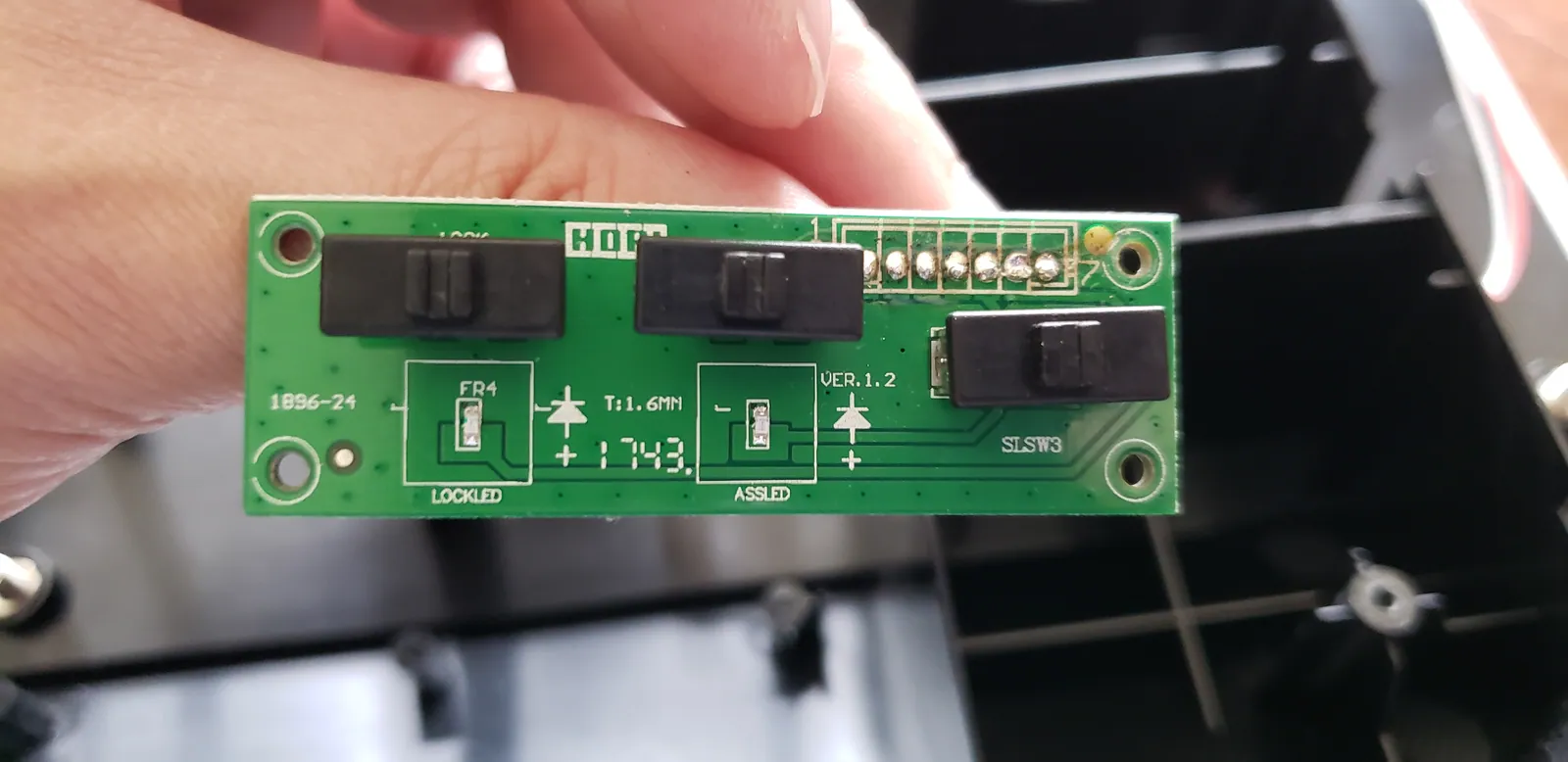
  7. The Tournament Mode and Assign switches will no longer work. The DP/LS/RS switch will, though. However, it'll need so...
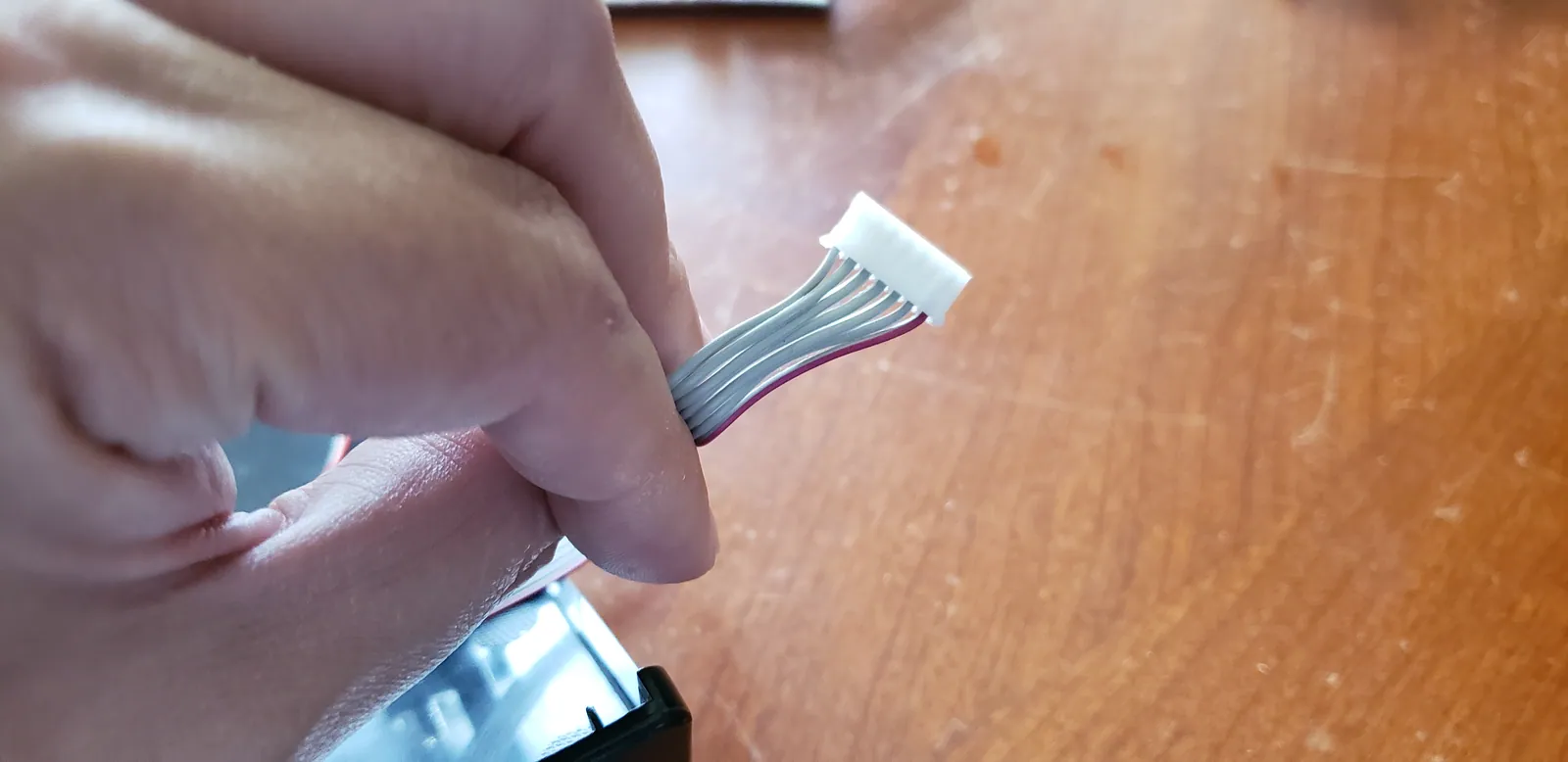
  8. I'm going to need to cut this header off and use only the wires for the DP/LS/RS switch.
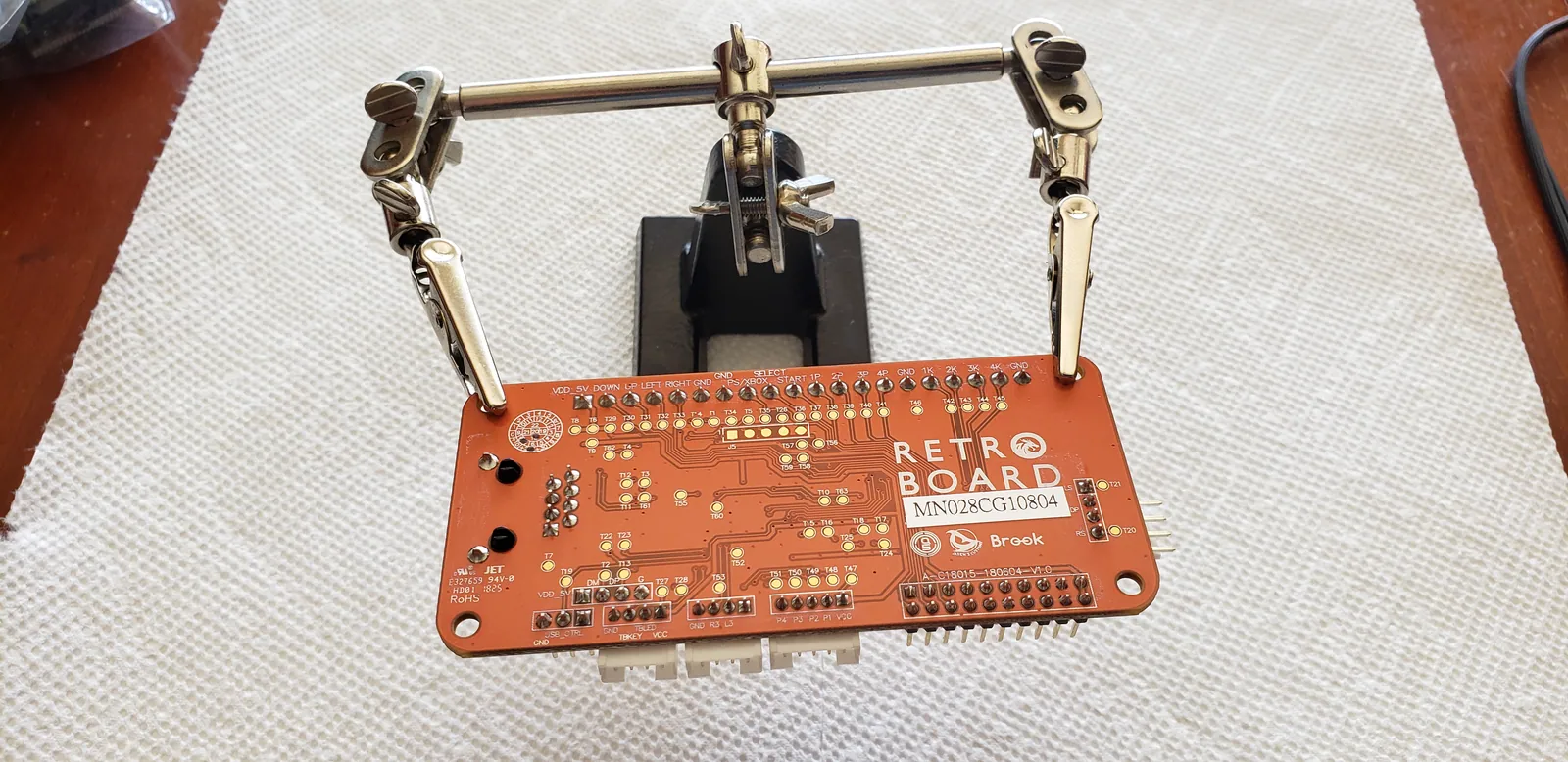
  9. I had two Retro Boards, both with pre-soldered headers but only one headerless UFB. So, I decided to desolder the hea...
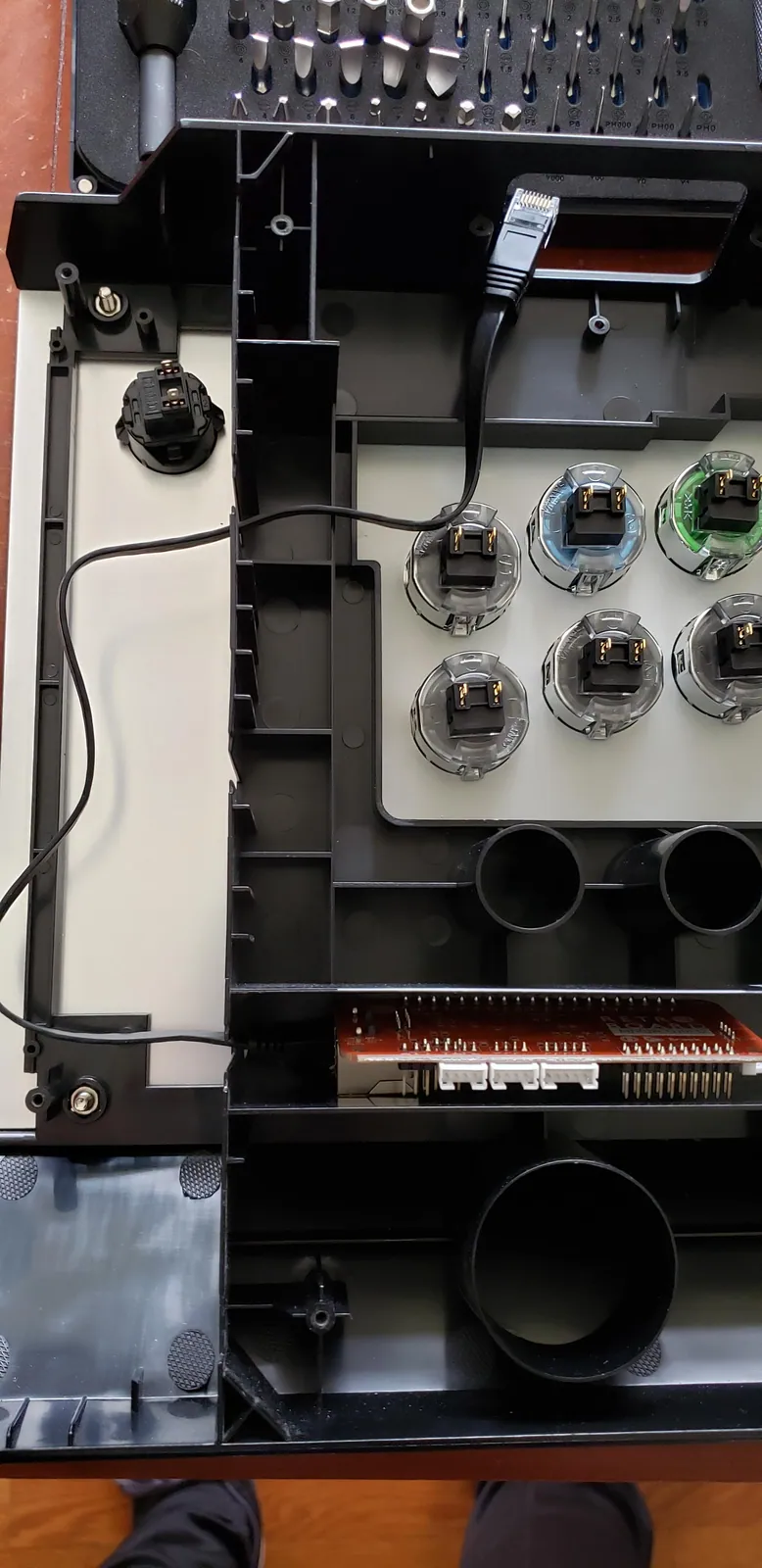
  10. This is the layout of the main wiring. This is just a check to make sure everything fits and has clearance. Notice th...
  11. I'm going to use the existing wire guides to feed this ethernet cable through. I found a really nice flat cable that ...
  12. Alright. Time to start cutting up the stick body.
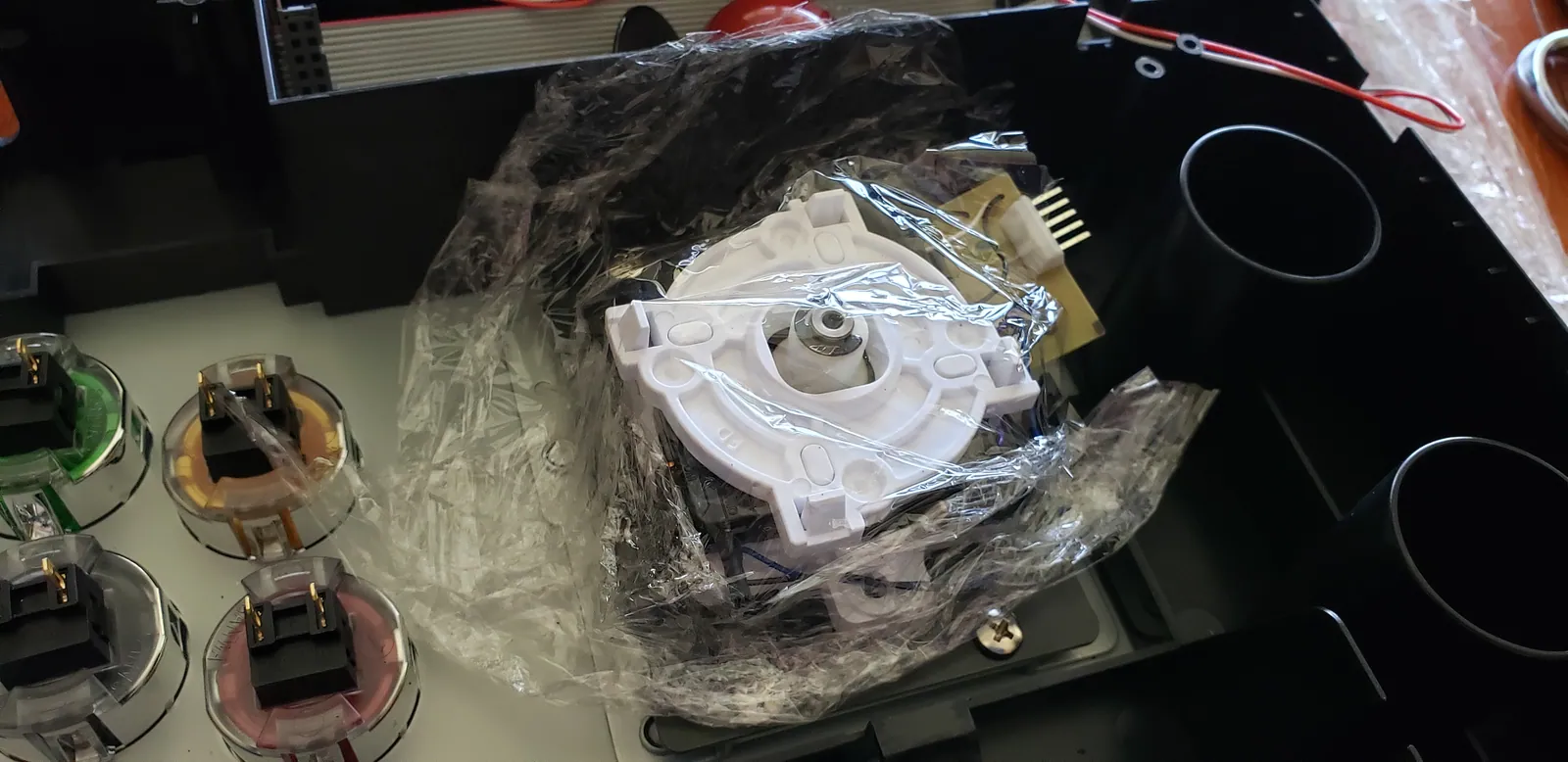
  13. I like to put a piece of plastic wrap over the lever just to prevent any plastic bits or anything from working its wa...
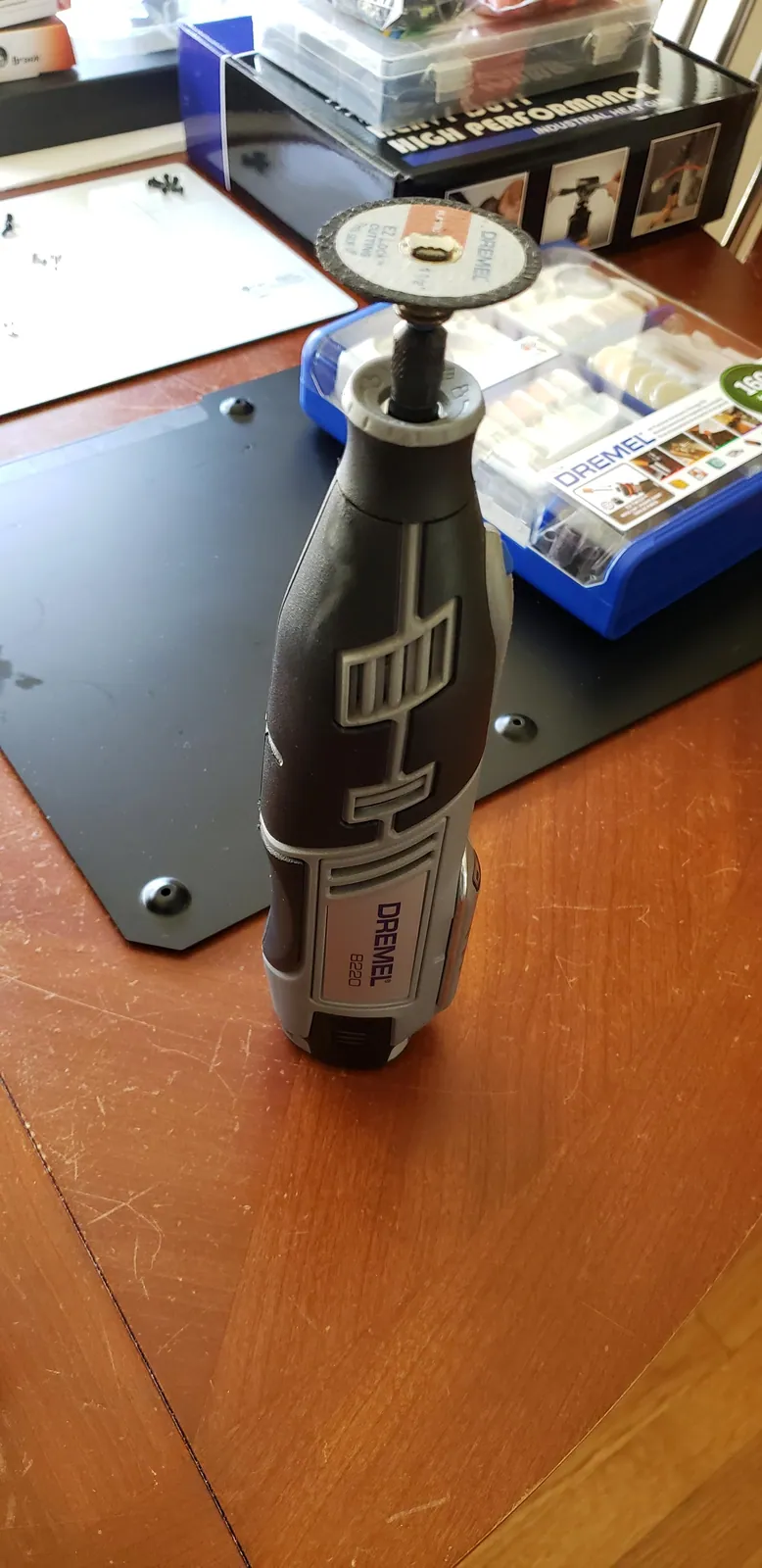
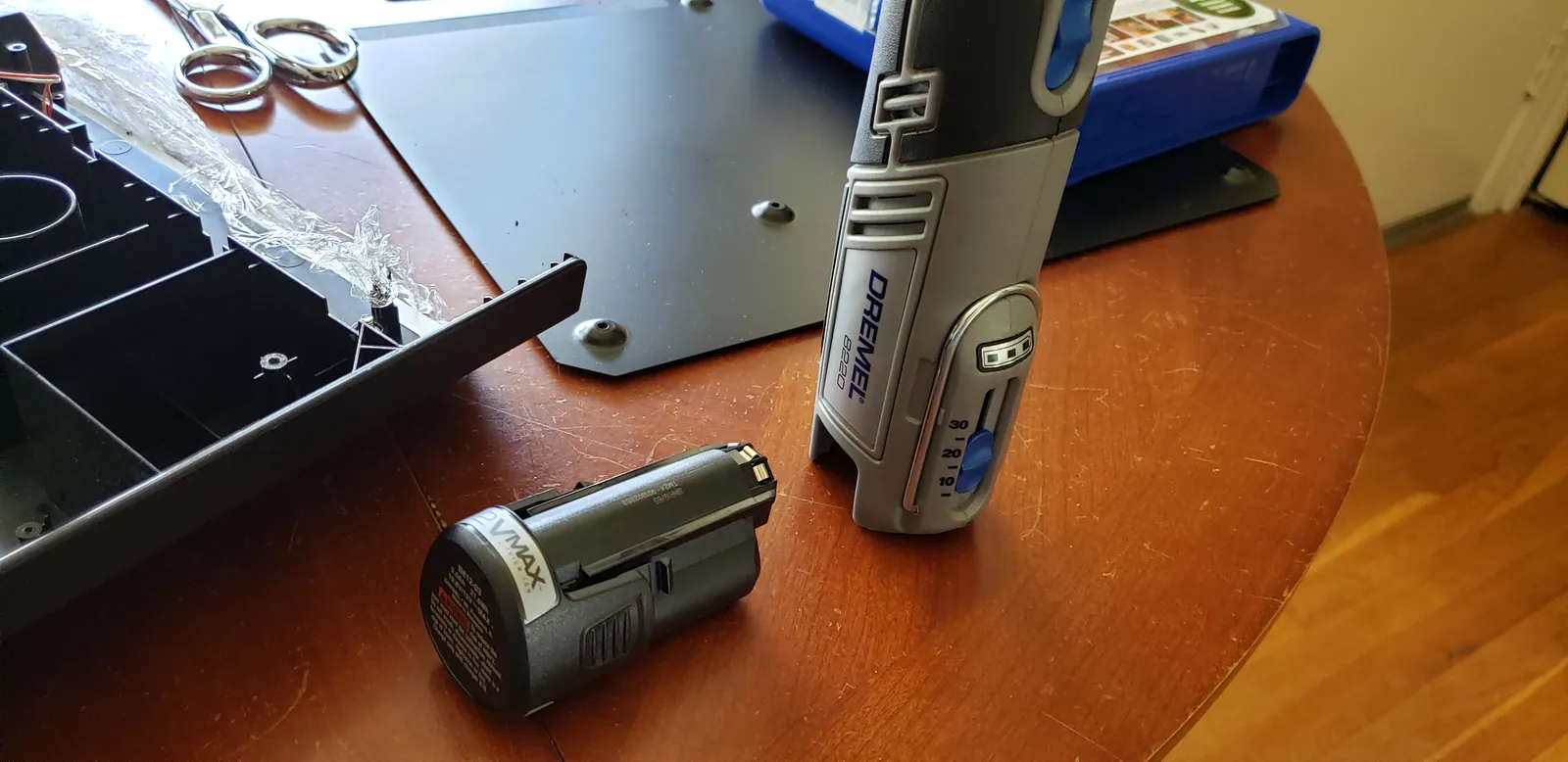
  14. I'm going to use my Dremel 8220 for this. First, I'll use a cutting bit to cut away large pieces. Then, I'll use a gr...
  15. Whenever I'm not using the rotary tool, I always remove the battery. Just to be safe.
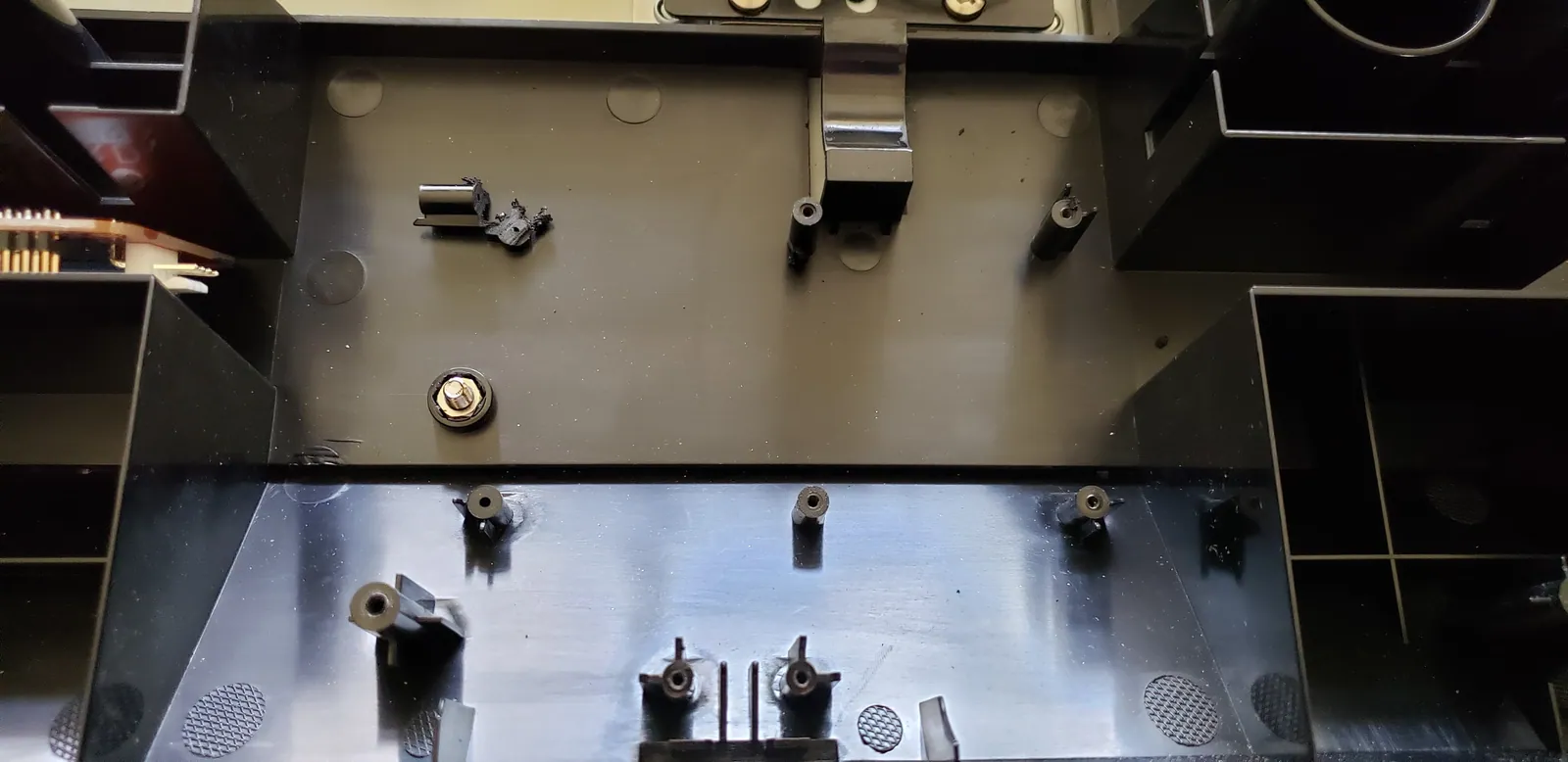
  16. Time to start cutting away these old mounts.
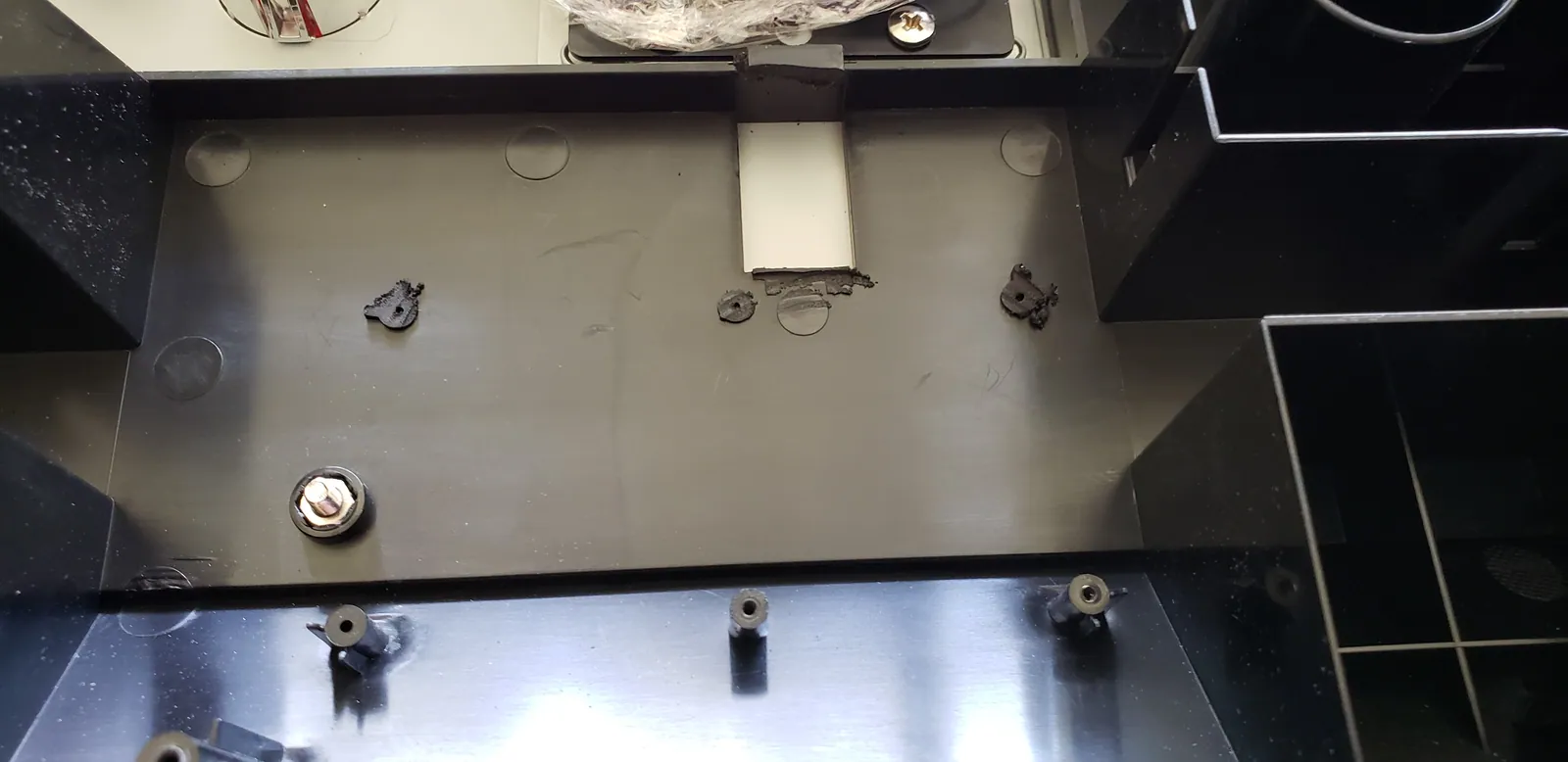
  17. Now, I need to grind these down.
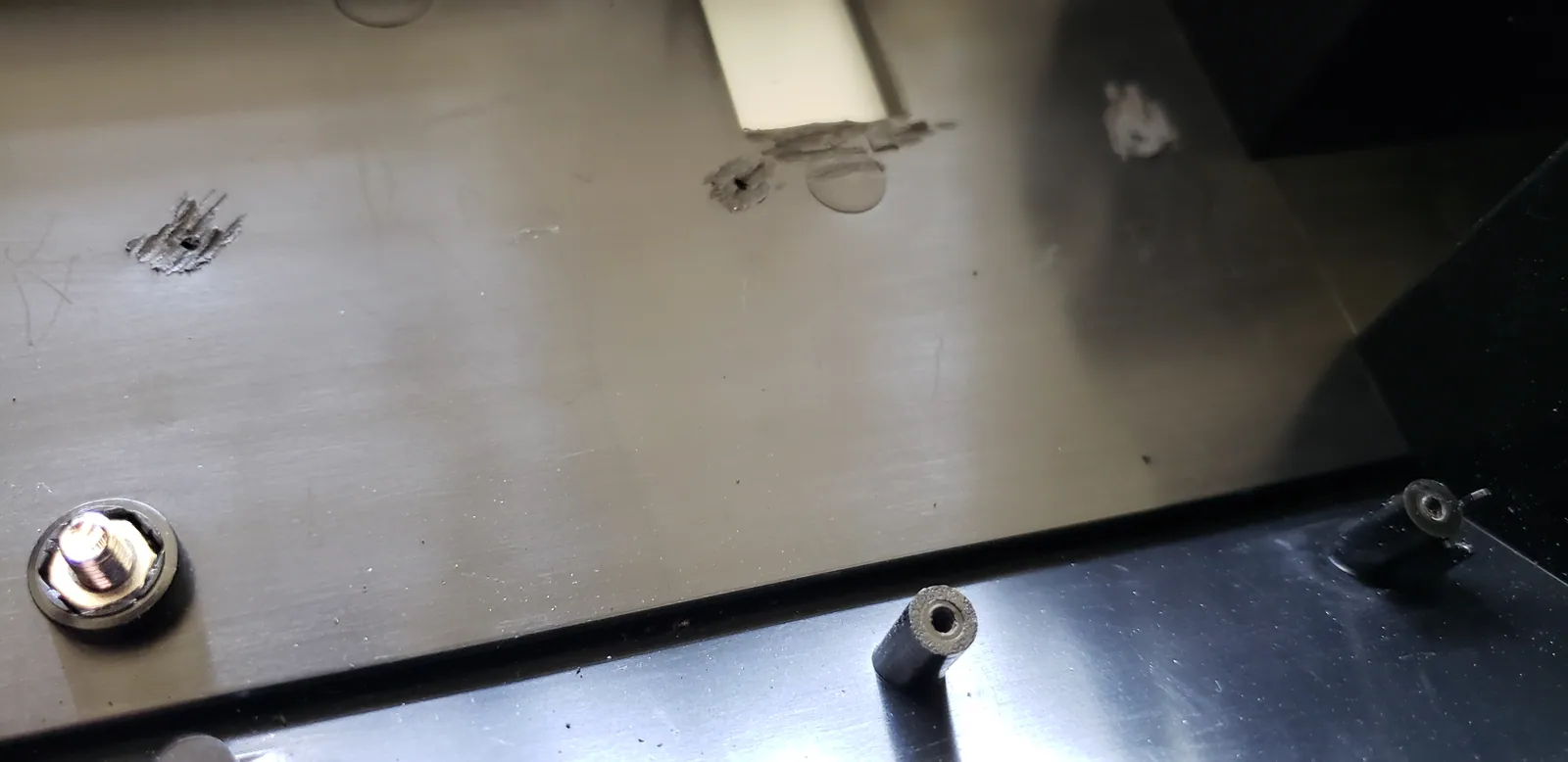
  18. Finally, buff these flat.
  19. Time to reinsert everything to make sure things lay flat and nothing else is in the way.
  20. Mounting the boards and connecting the main wiring.
  21. There are plenty of channels to route the various cables.
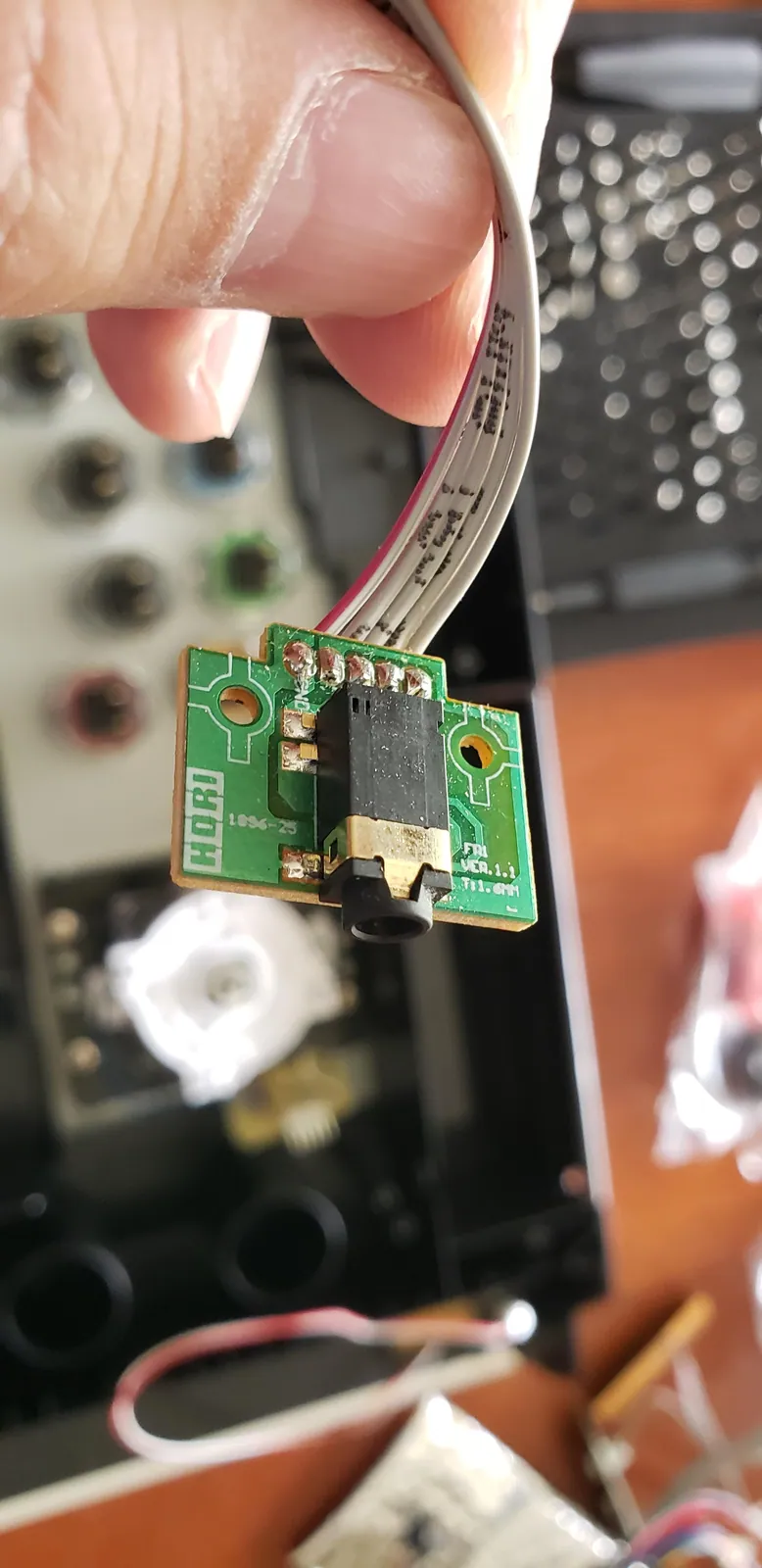
  22. This is the existing PS button. This needs to go in to my existing wire harness. So, I'm going to cut this header off...
  23. Hori Fighting Edge RB+UFB Mod photo
  24. I cut the quick-connect off of this wire from the splitter harness.
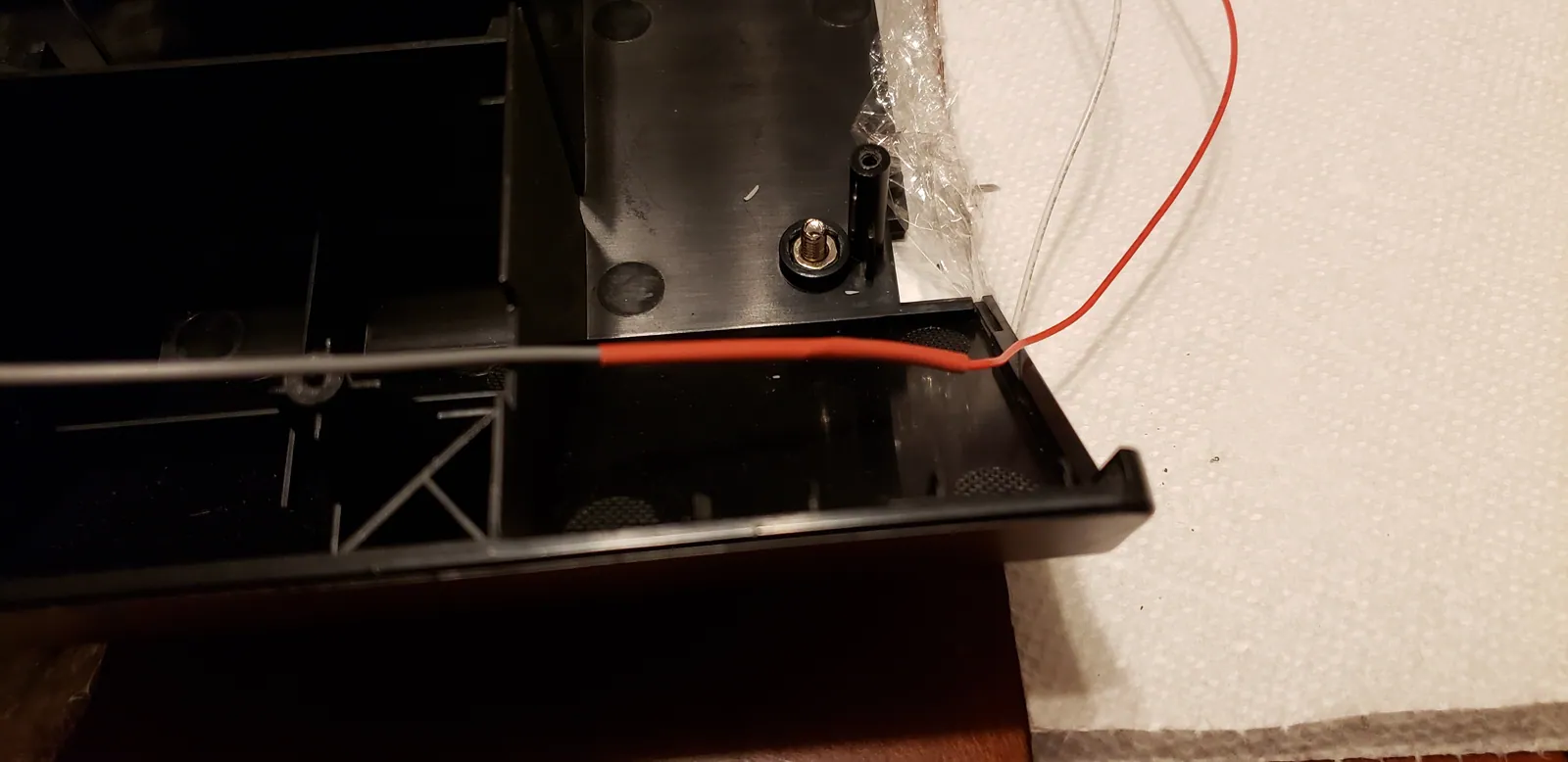
  25. This red sleeve is heat shrink. After I solder the wires together, I'll slide the heat shrink over the joint and appl...
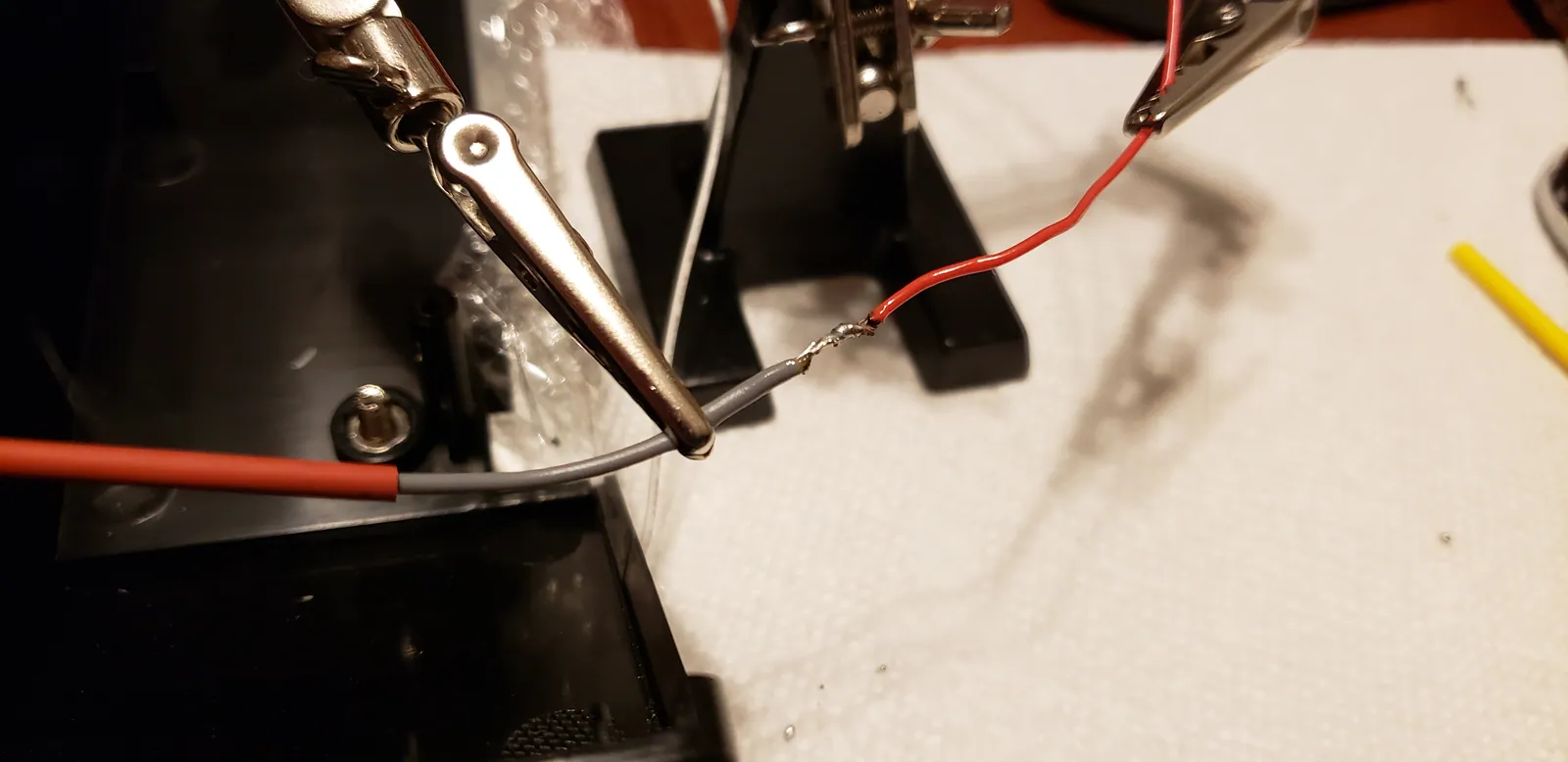
  26. I splay the strands from both wires out, mesh them together, and then twist.
  27. Then, I solder them together.
  28. ...and apply the heat shrink.
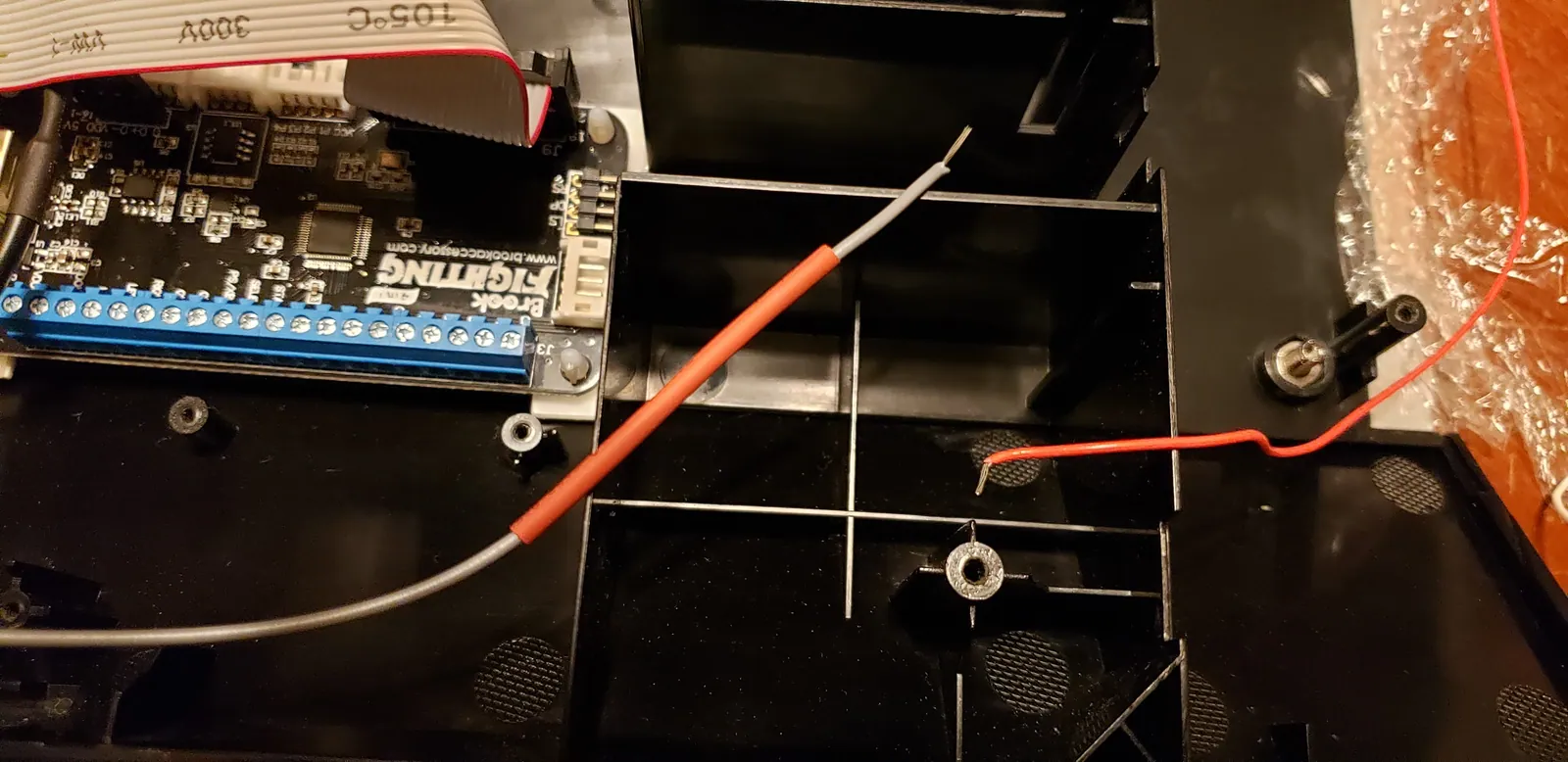
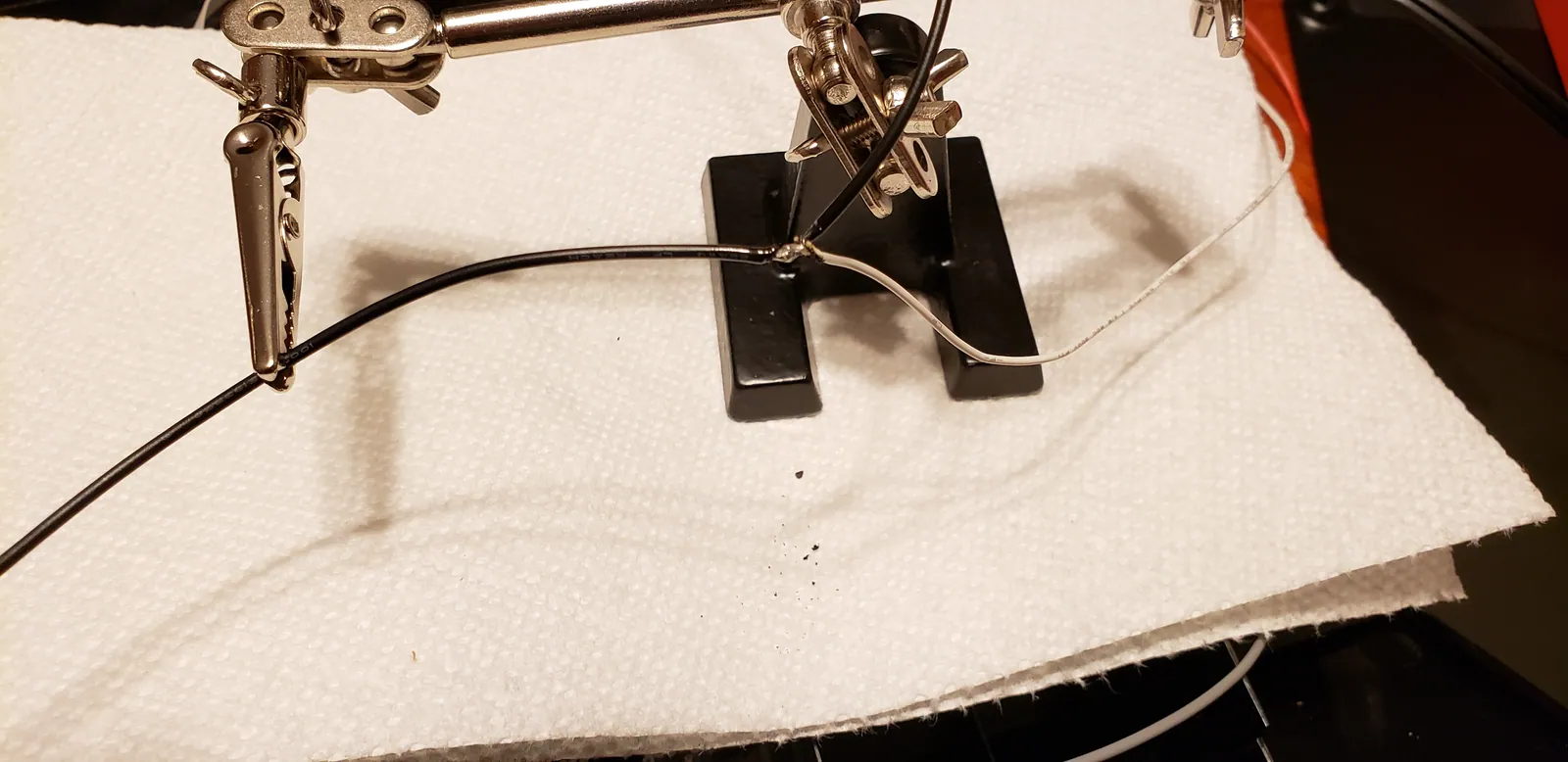
  29. That's one PS Button wire. I still need to connect ground. Unfortunately, the ground wiring from my existing harness ...
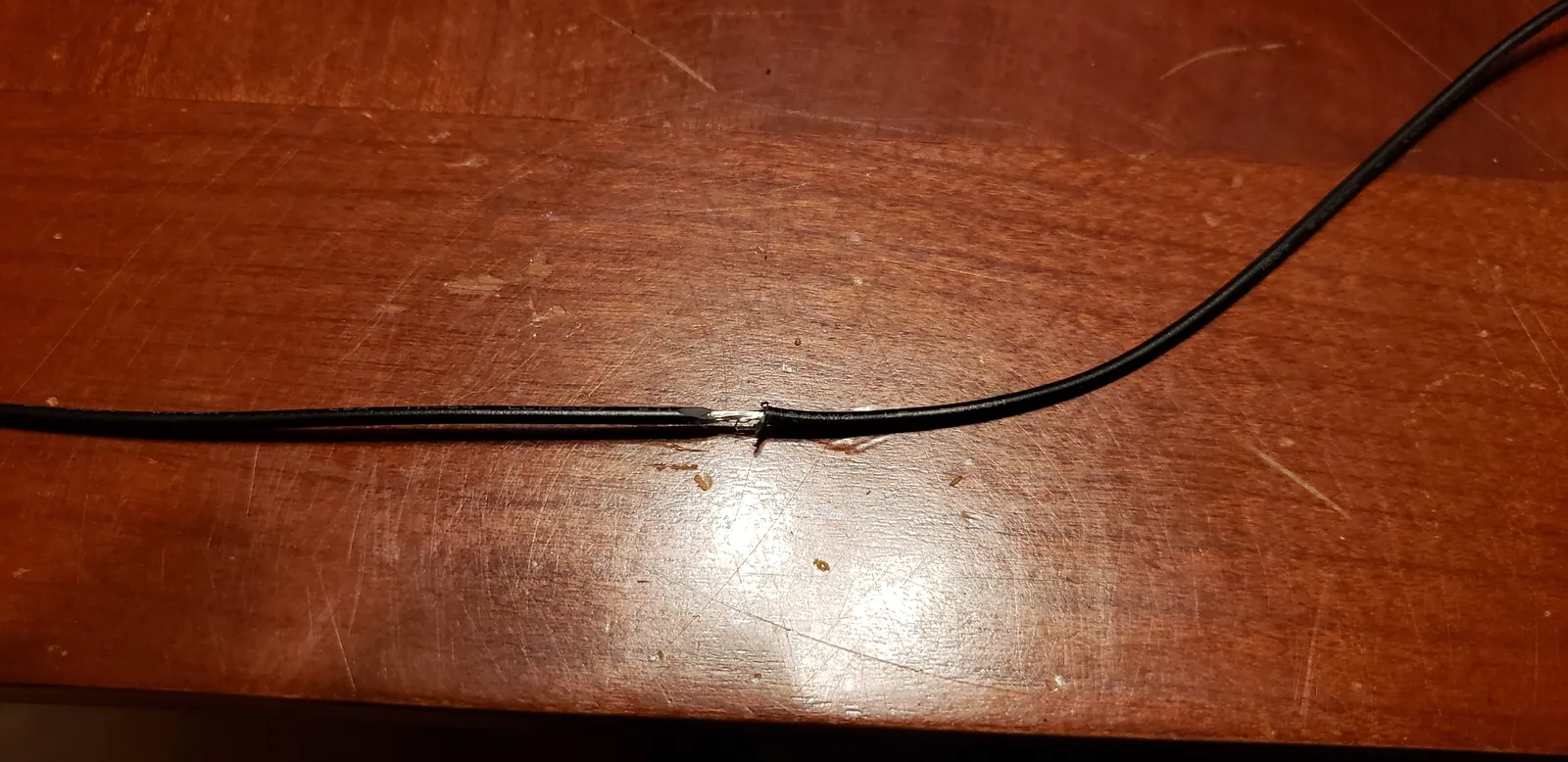
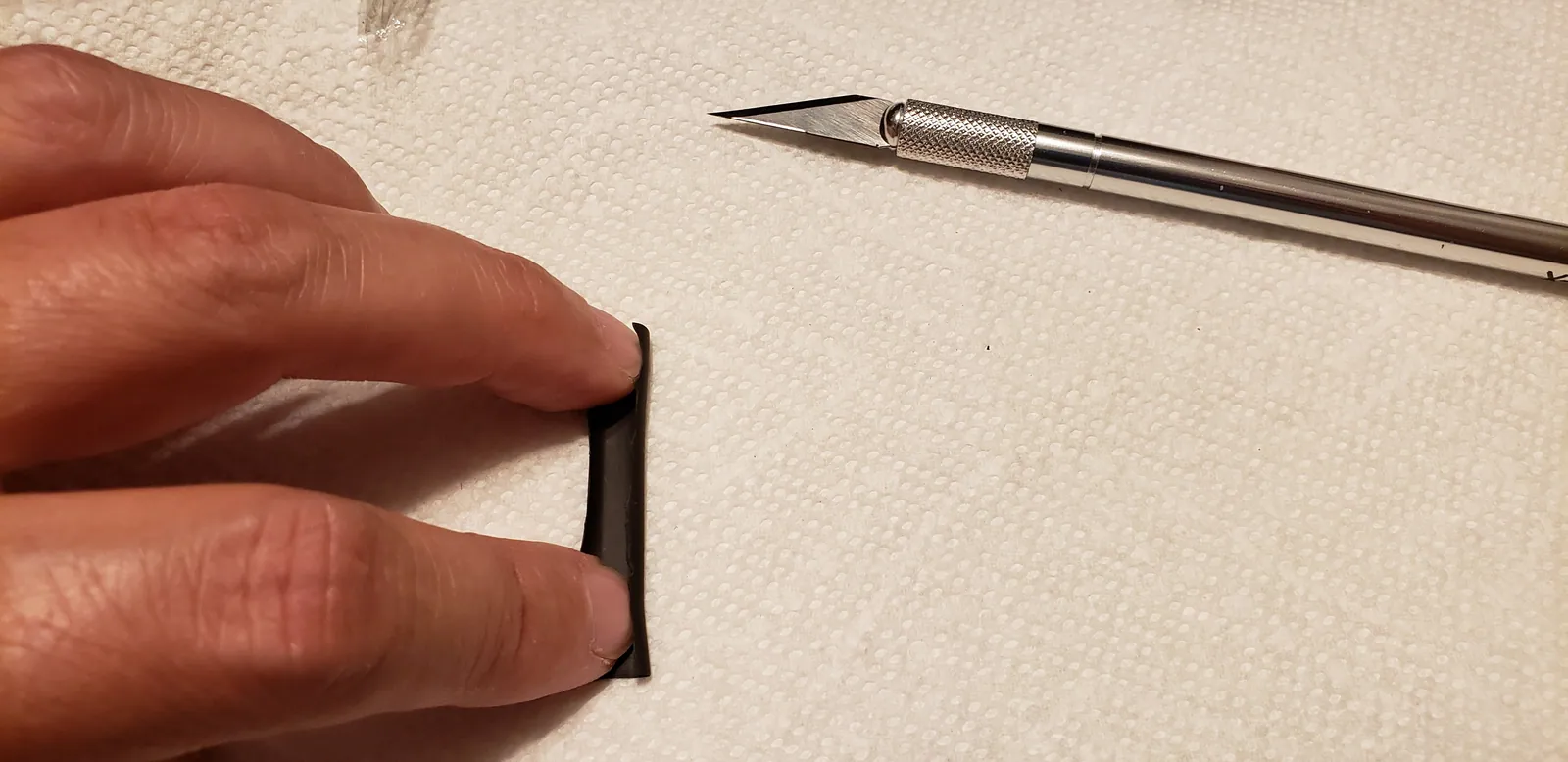
  30. I forgot to add heat shrink to my ground extension but it's not a problem. You can just cut one side of the sleeve op...
  31. Here's where I soldered the PS Share button to the ground daisy-chain.
  32. I'm going to leave this in place even though the Tournament and Assign switches will no longer work.
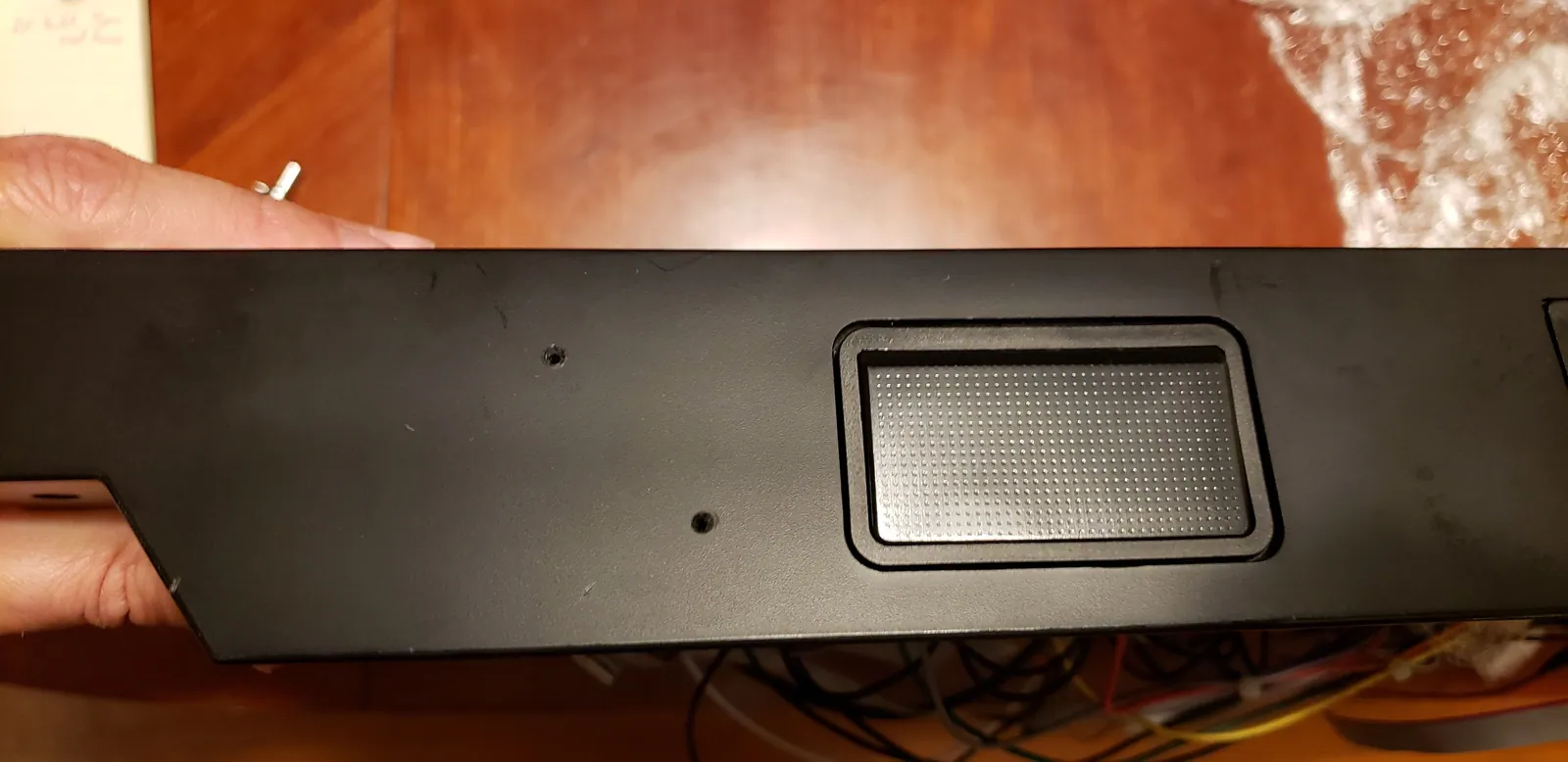
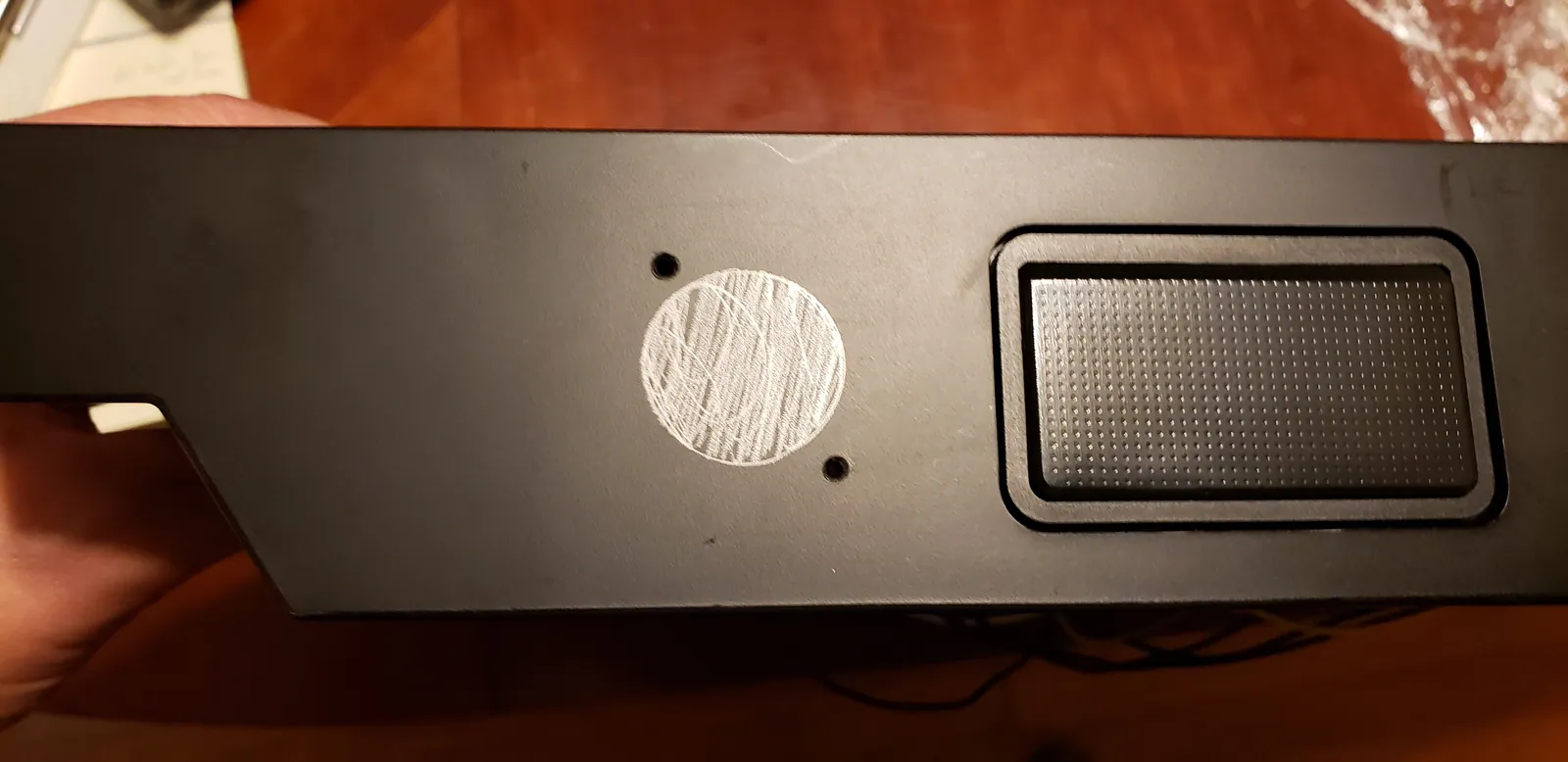
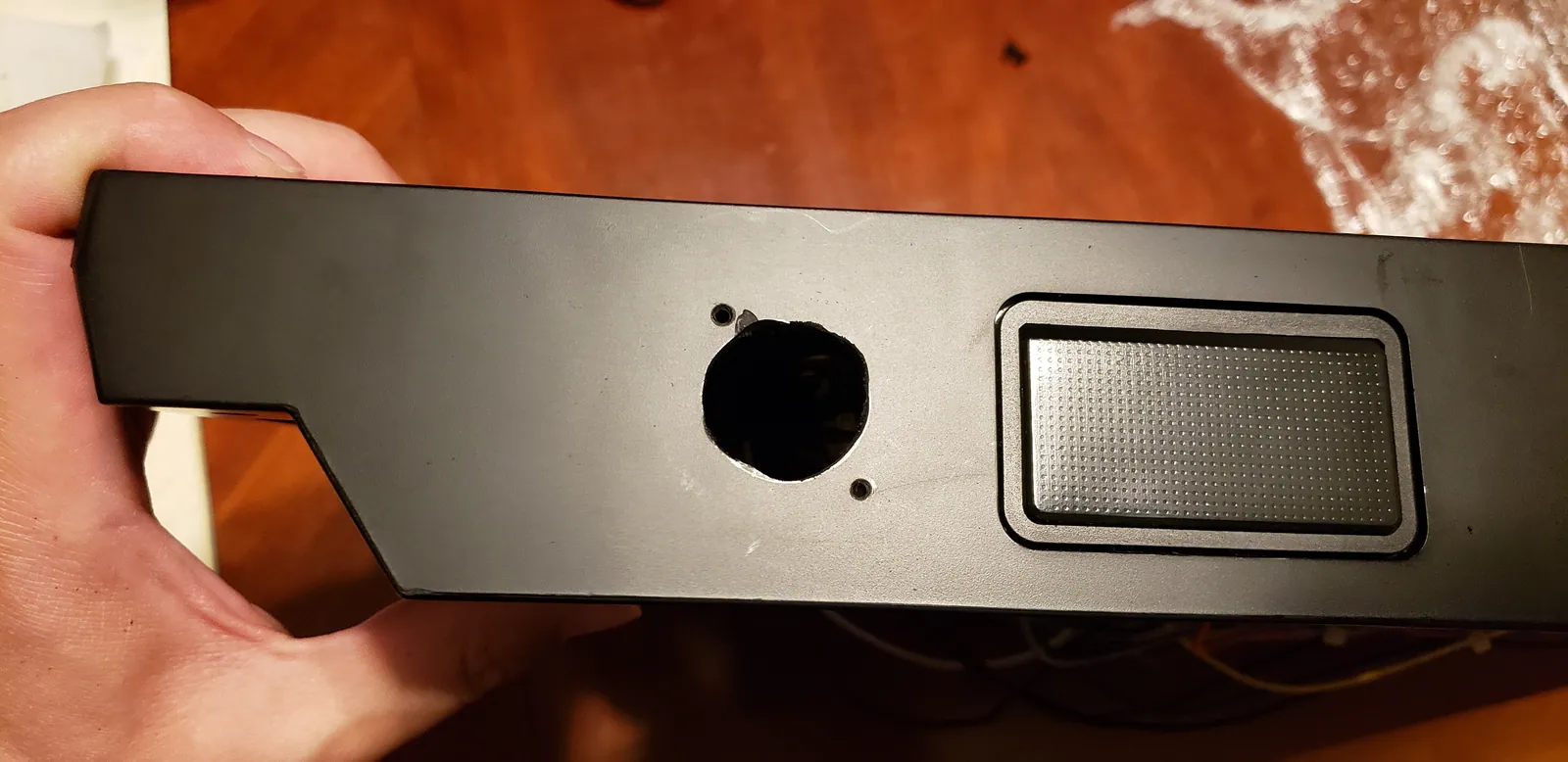
  33. Next, it's time to add an RJ-45 port for the cable to connect to. I drilled two screw holes to prevent chipping.
  34. Next, time to cut out the hole for the RJ-45 port itself.
  35. Hori Fighting Edge RB+UFB Mod photo
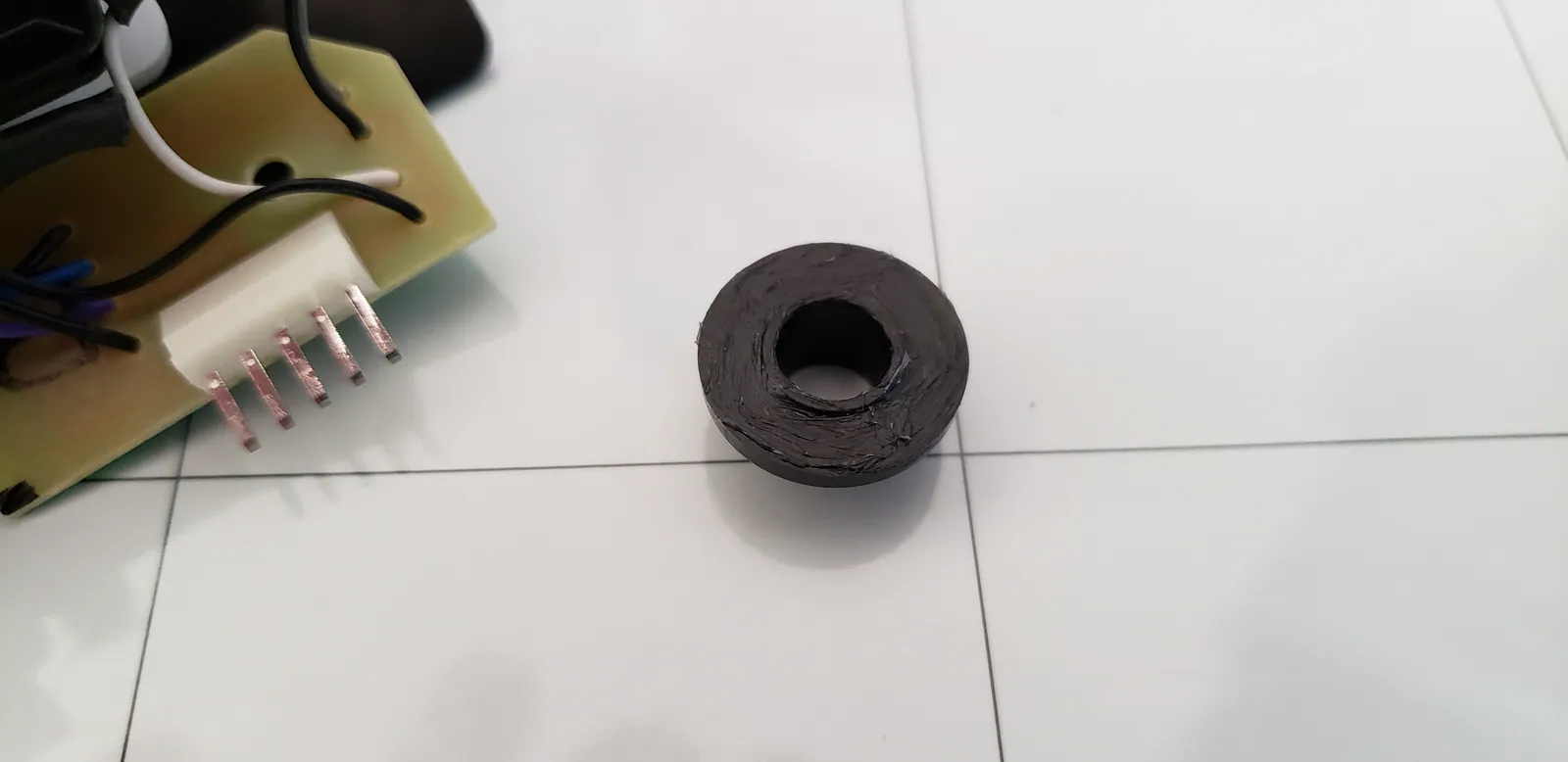
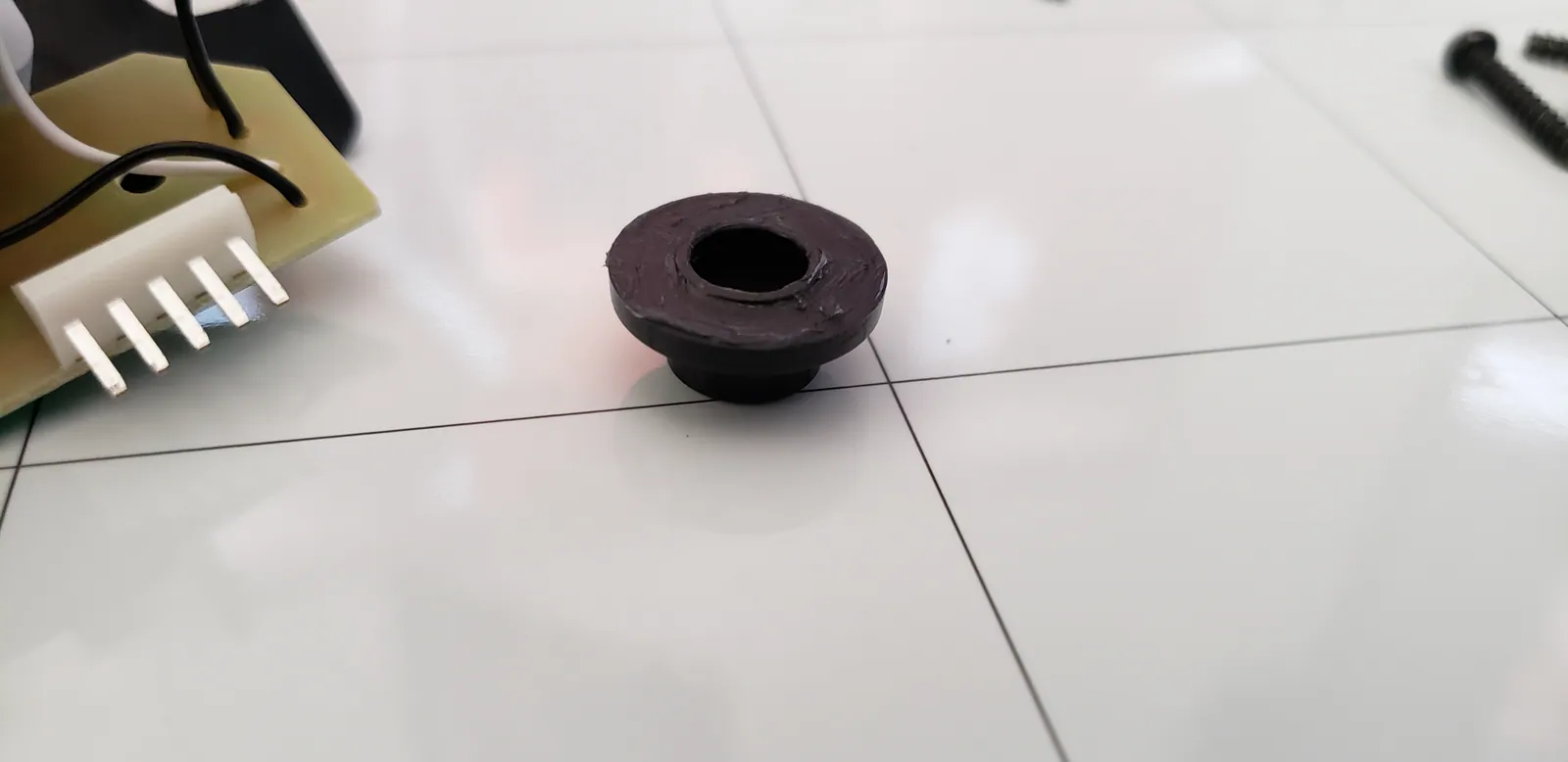
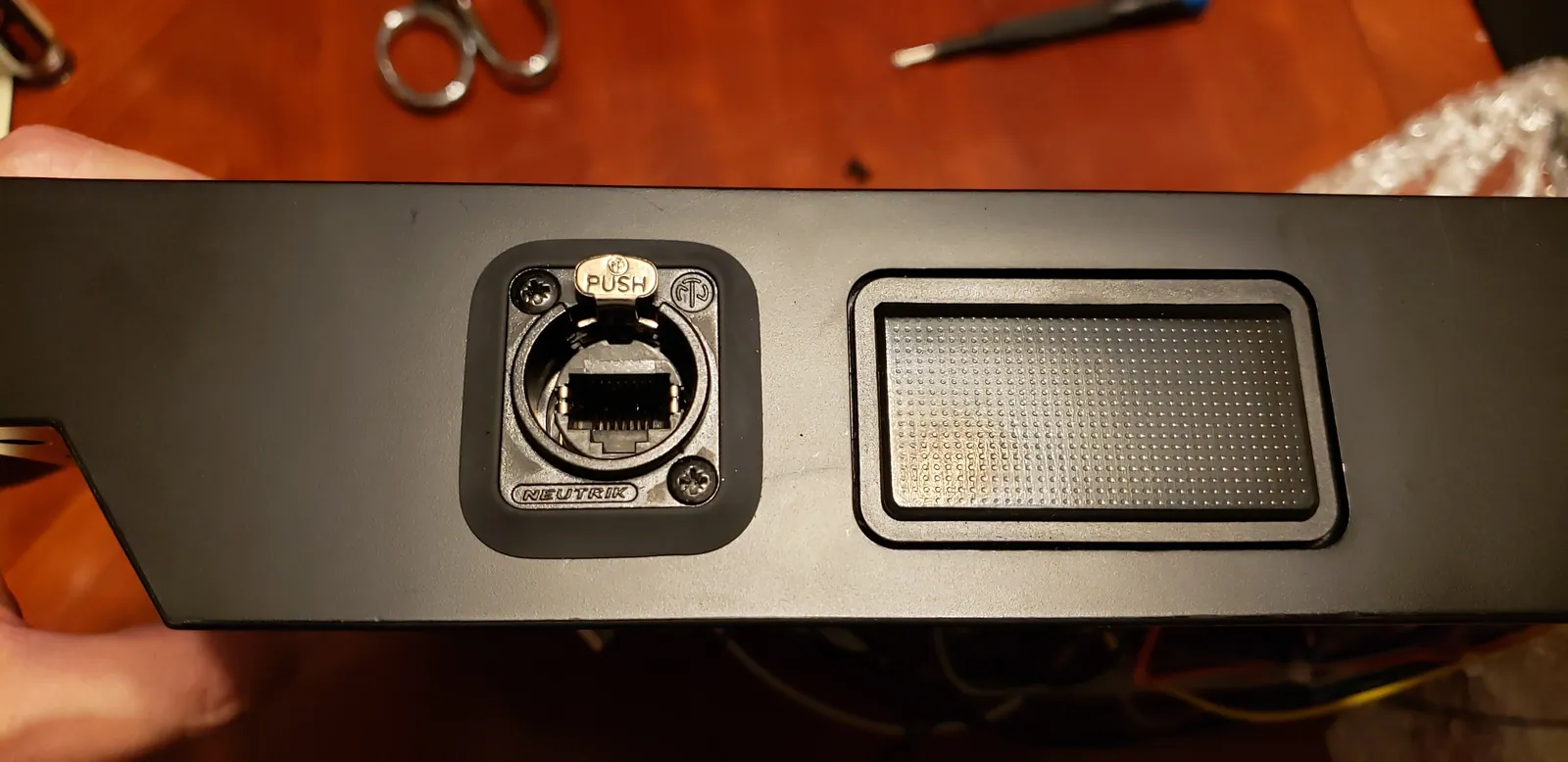
  36. I added a nice looking gasket to my Neutrik EtherCon panel mount. It supports both standard RJ-45 connectors as well ...
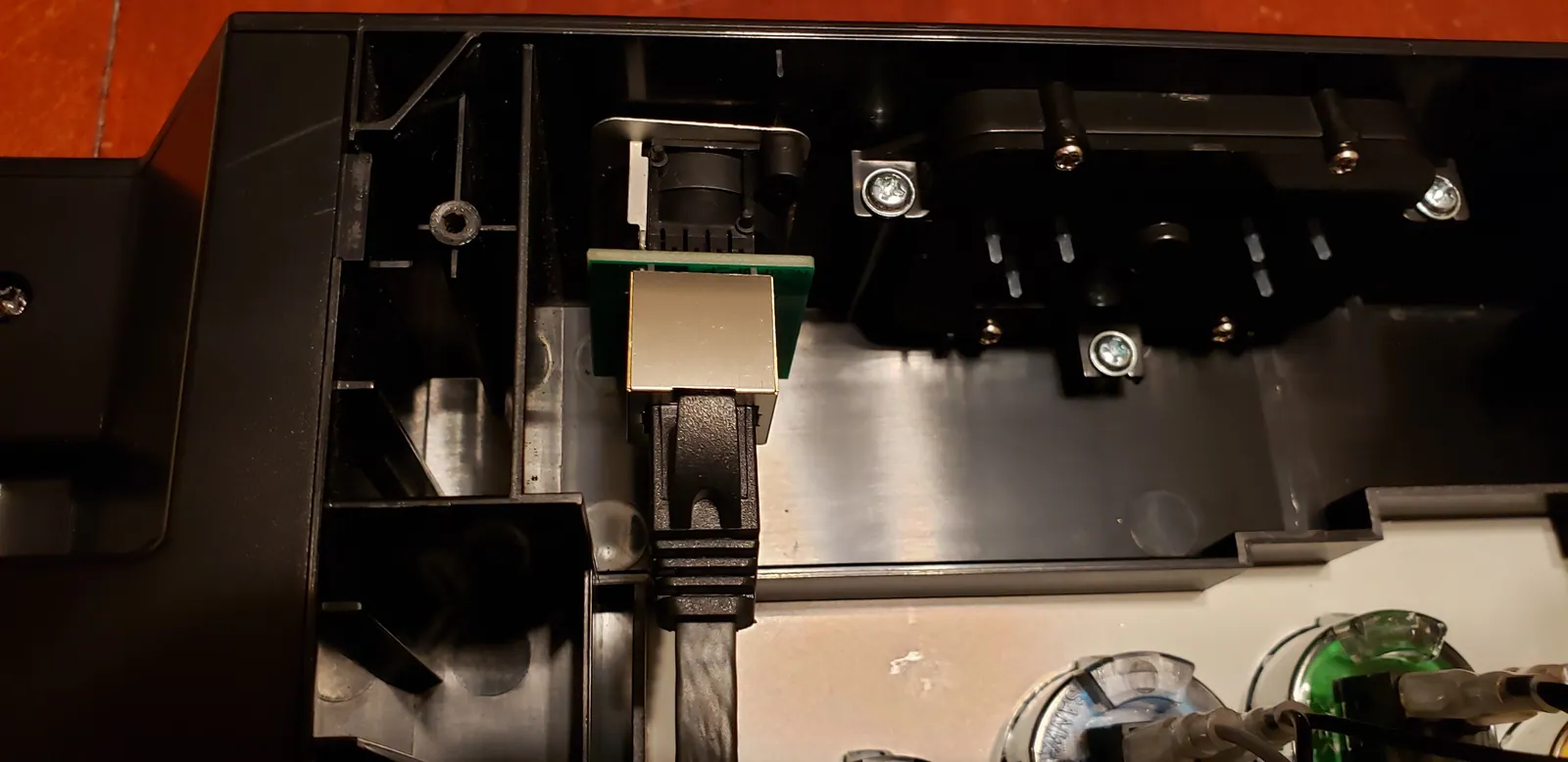
  37. The Retro Board connects to the Neutrik port in the rear.
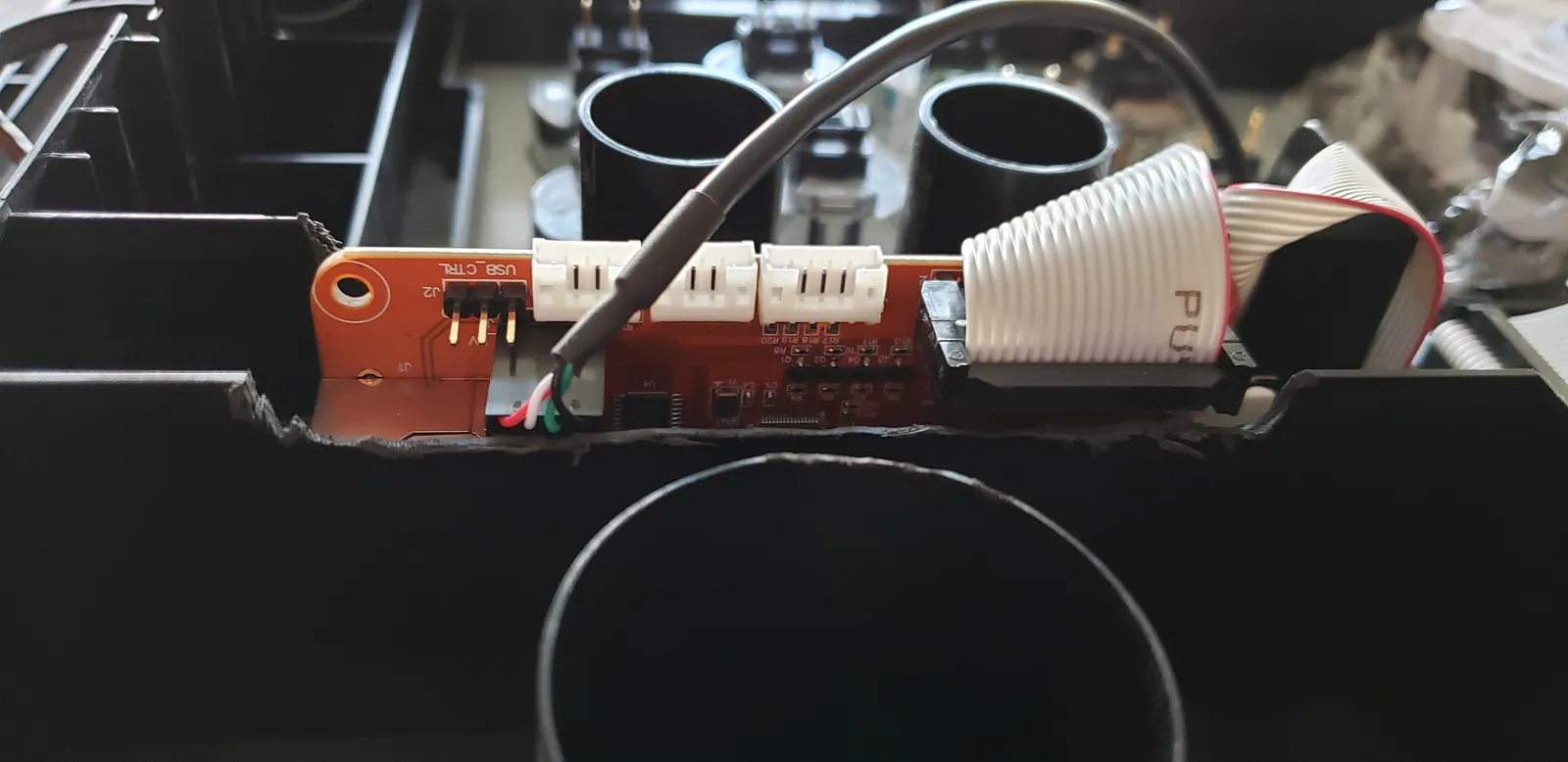
  38. I had to cut out a little space for these headers.
  39. Final inspection! This revealed that standing the Retro Board vertically was about a millimeter too high when I tried...
  40. Originally, I was mounting the Retro Board with 3M mounting tape across the entire back. Now, I'm just going to use f...
  41. After cutting out a spot for it, I was able to lay the Retro Board flat. Mod complete!